

 Store
StoreHalf Light Demo Steam-Diagramme & Statistiken
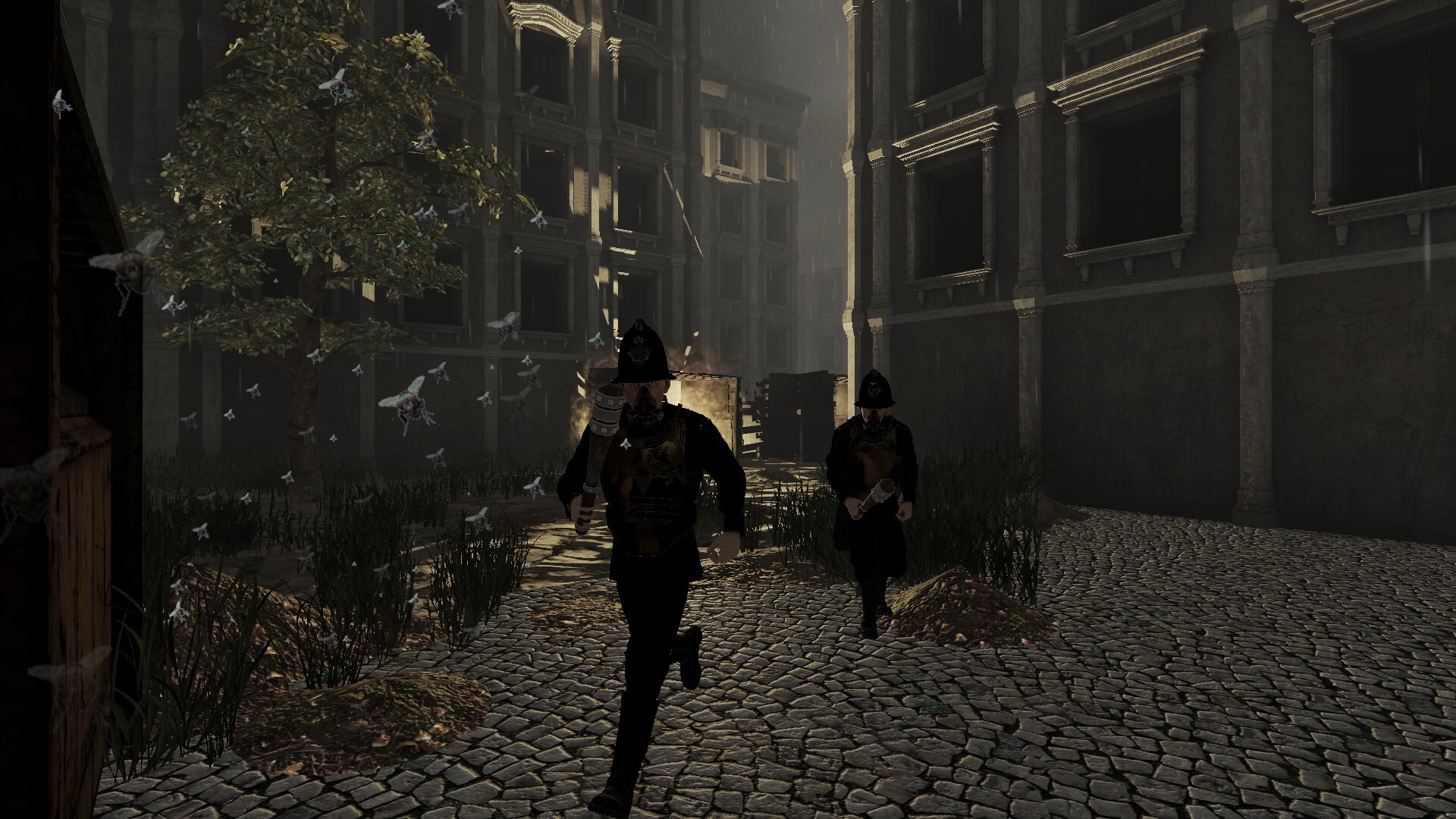
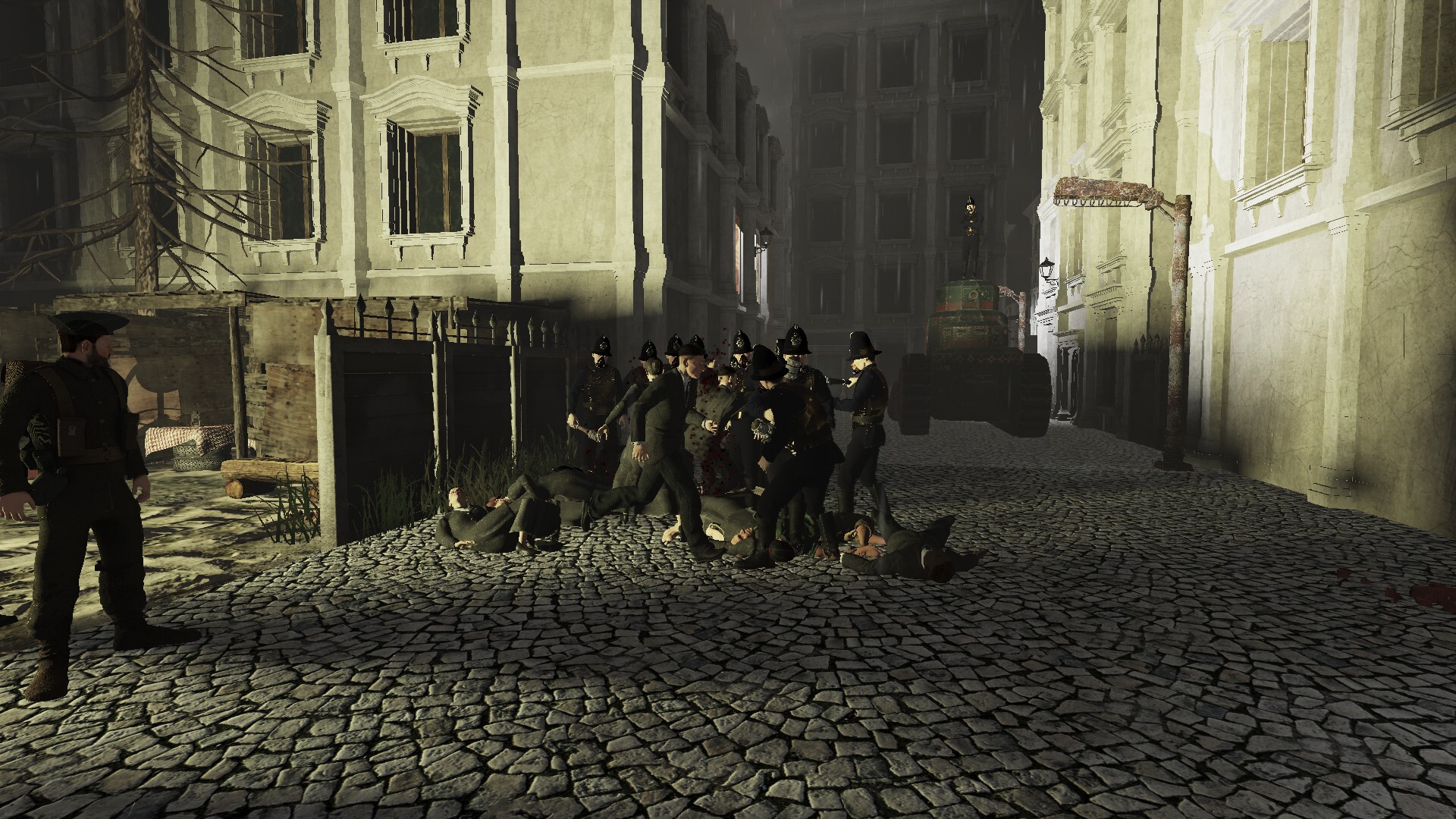
Half Light - Shadows of the Future begins as the world is being reshaped by fear and control. The shanties— once places of survival—are been dismantled, people uprooted and herded toward the Sanctuaries. Officially, these are safe havens; the truth is some much darker.
| App-ID | 4064770 |
| App-Typ | DEMO |
| Entwickler | JimJams Games, DEEZL, Link Campus University |
| Herausgeber | JimJams Games |
| Kategorien | Einzelspieler, Spieldemo |
| Datum der Veröffentlichung | 11 Okt, 2025 |
| Plattformen | Windows |
0 Gesamtbewertungen
0 Positive Bewertungen
0 Negative Bewertungen
Negativ Bewertung
Half Light Demo hat insgesamt 0 Bewertungen erhalten, davon 0 positive und 0 negative Bewertungen, was zu einer Gesamtbewertung von „Negativ“ führt.
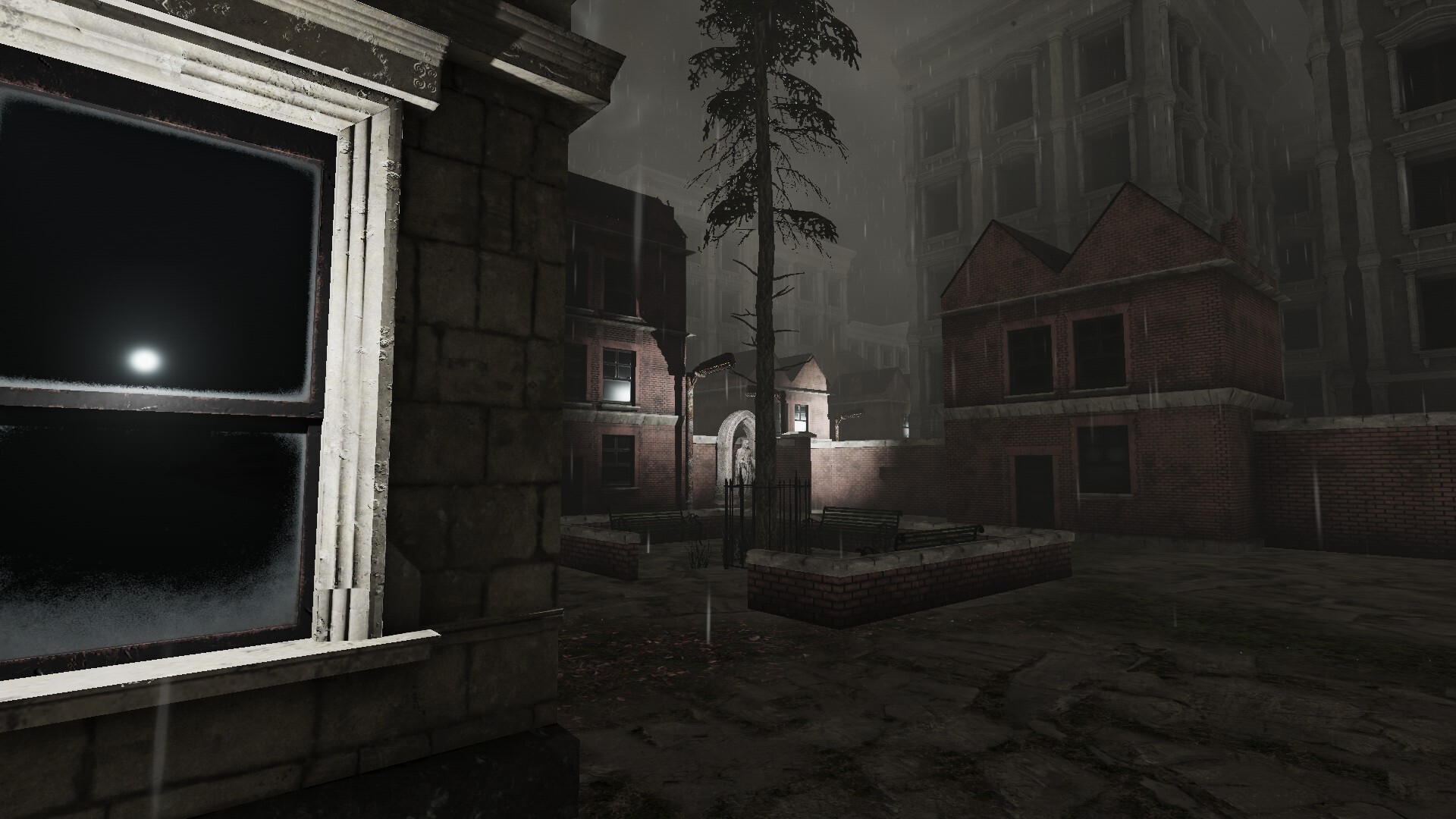
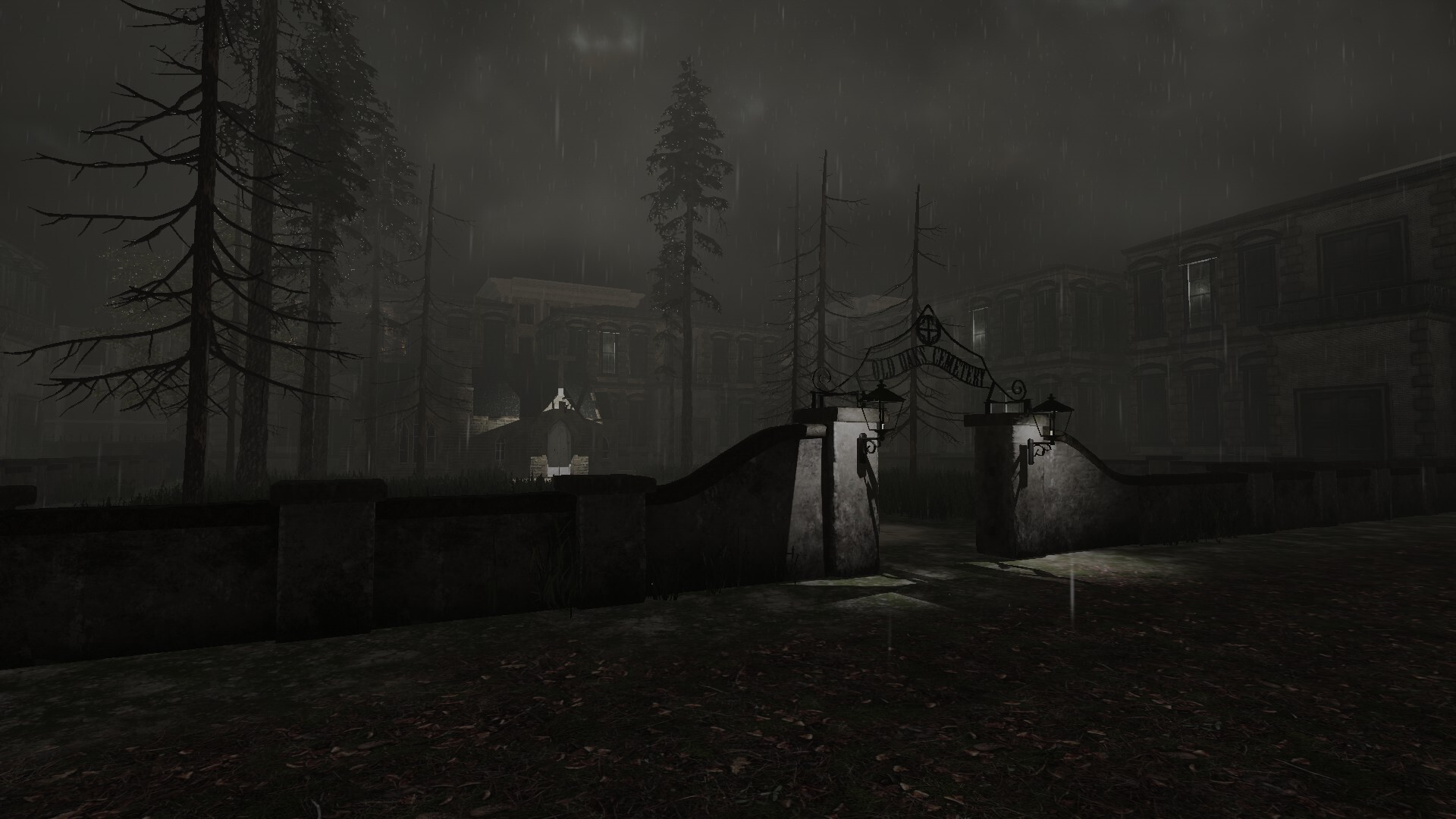
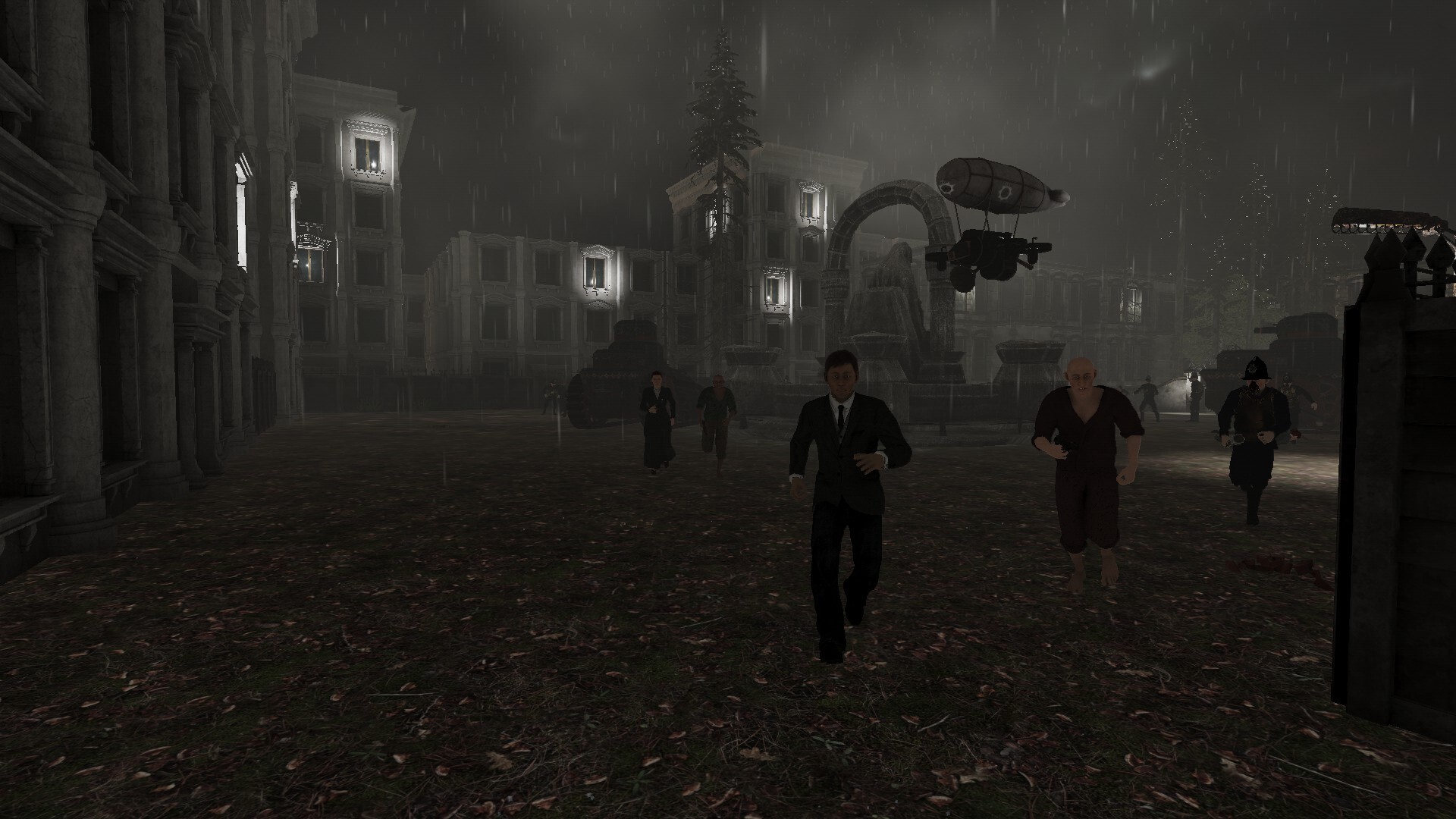
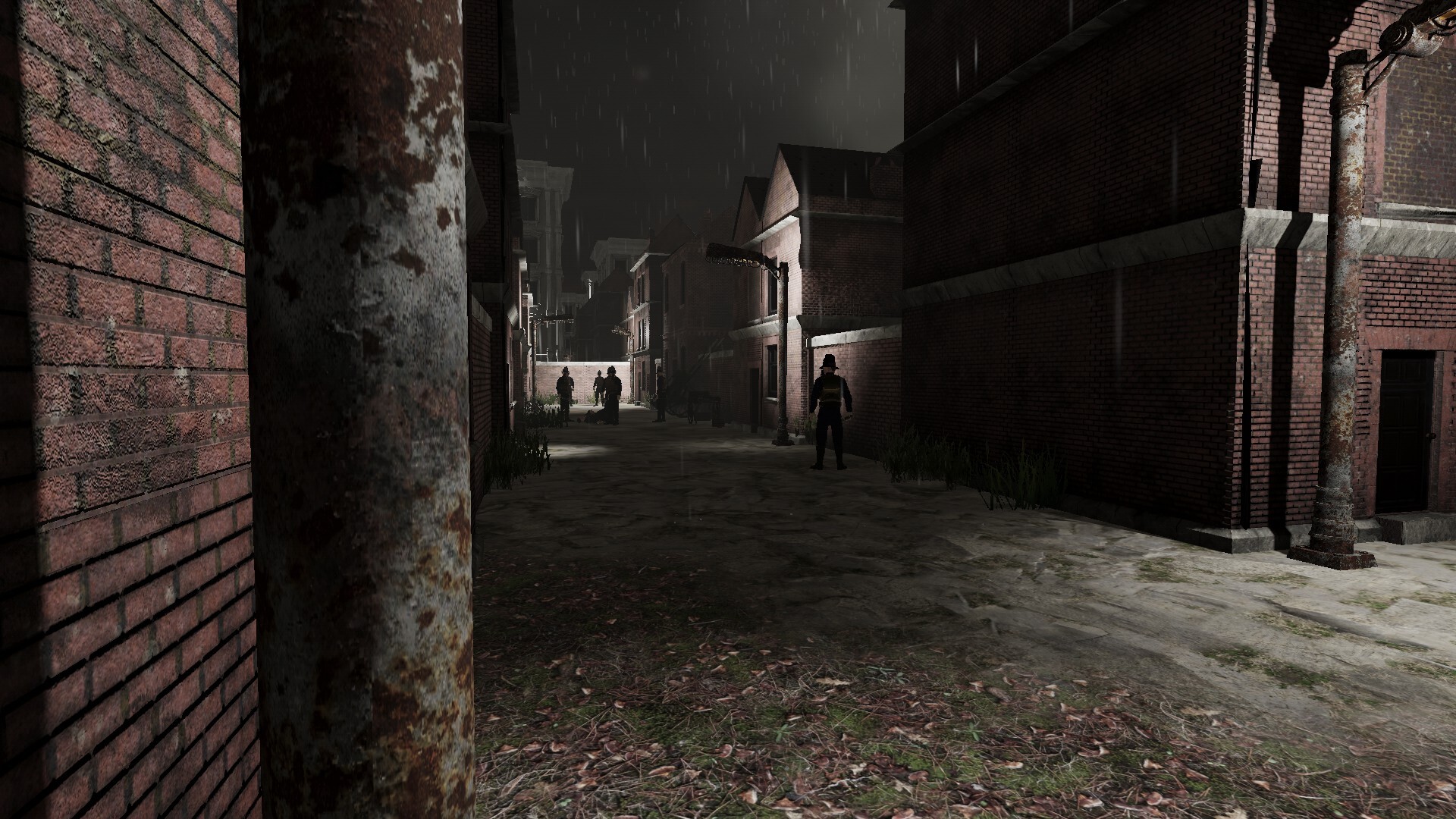
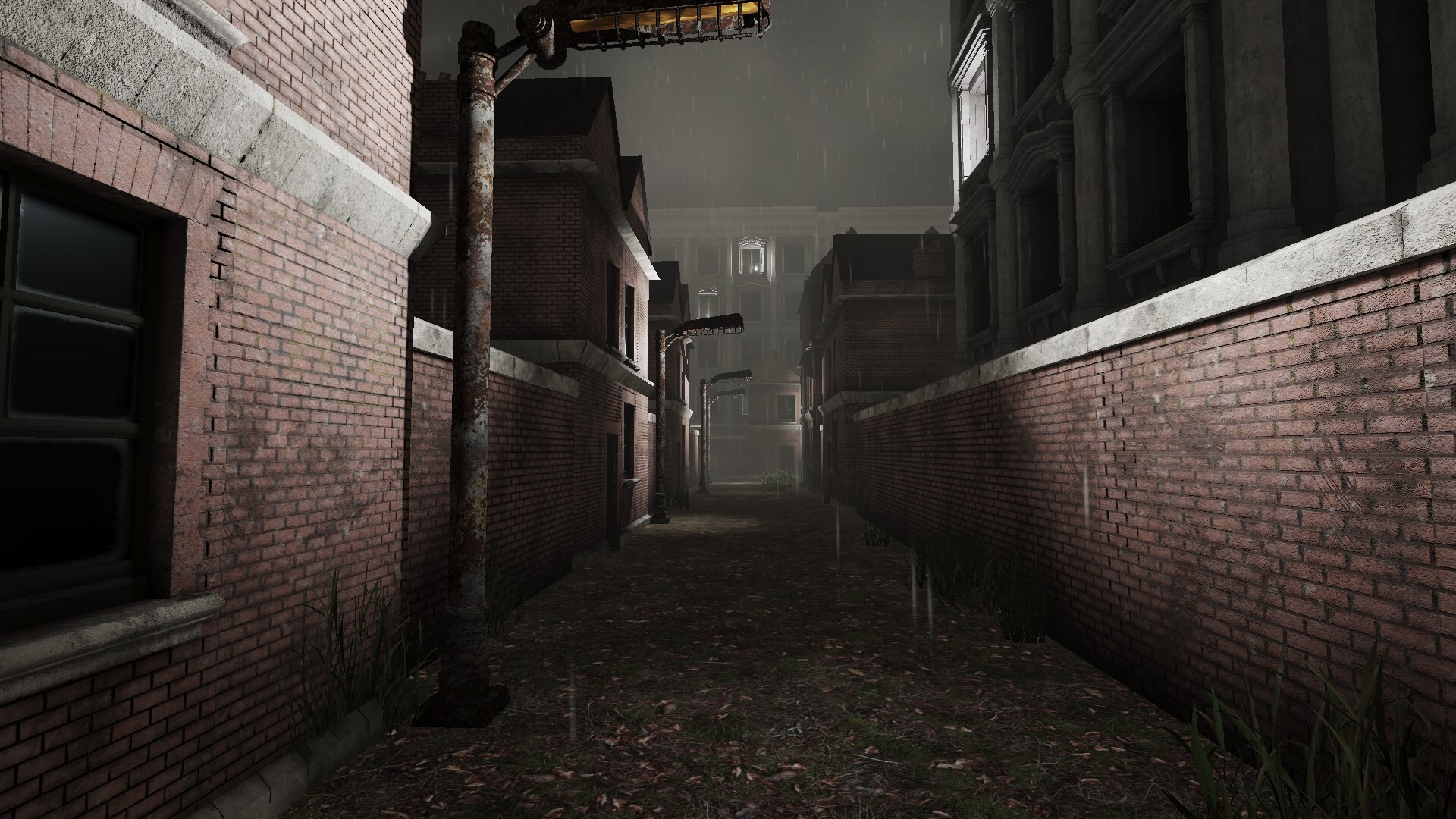
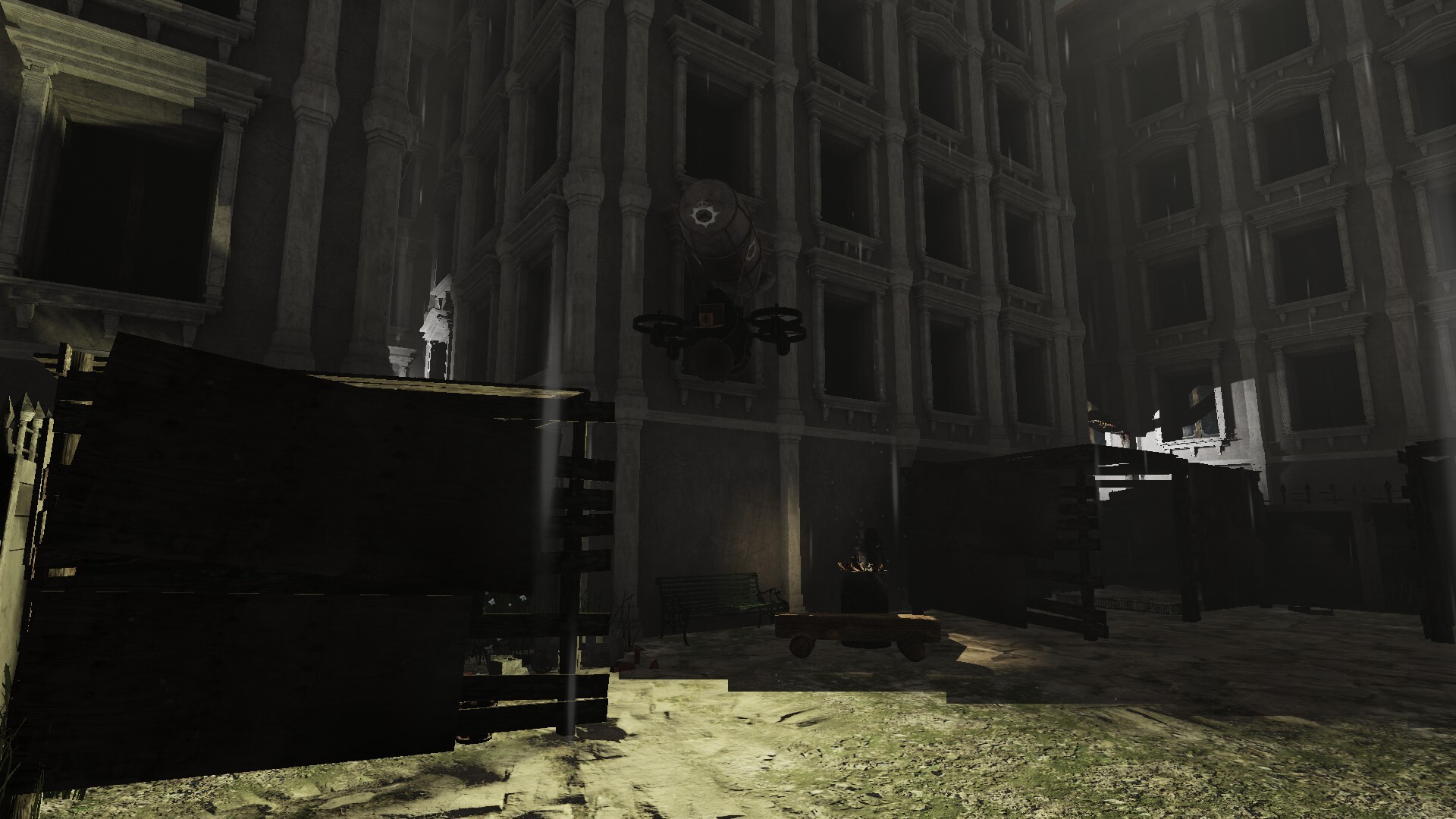
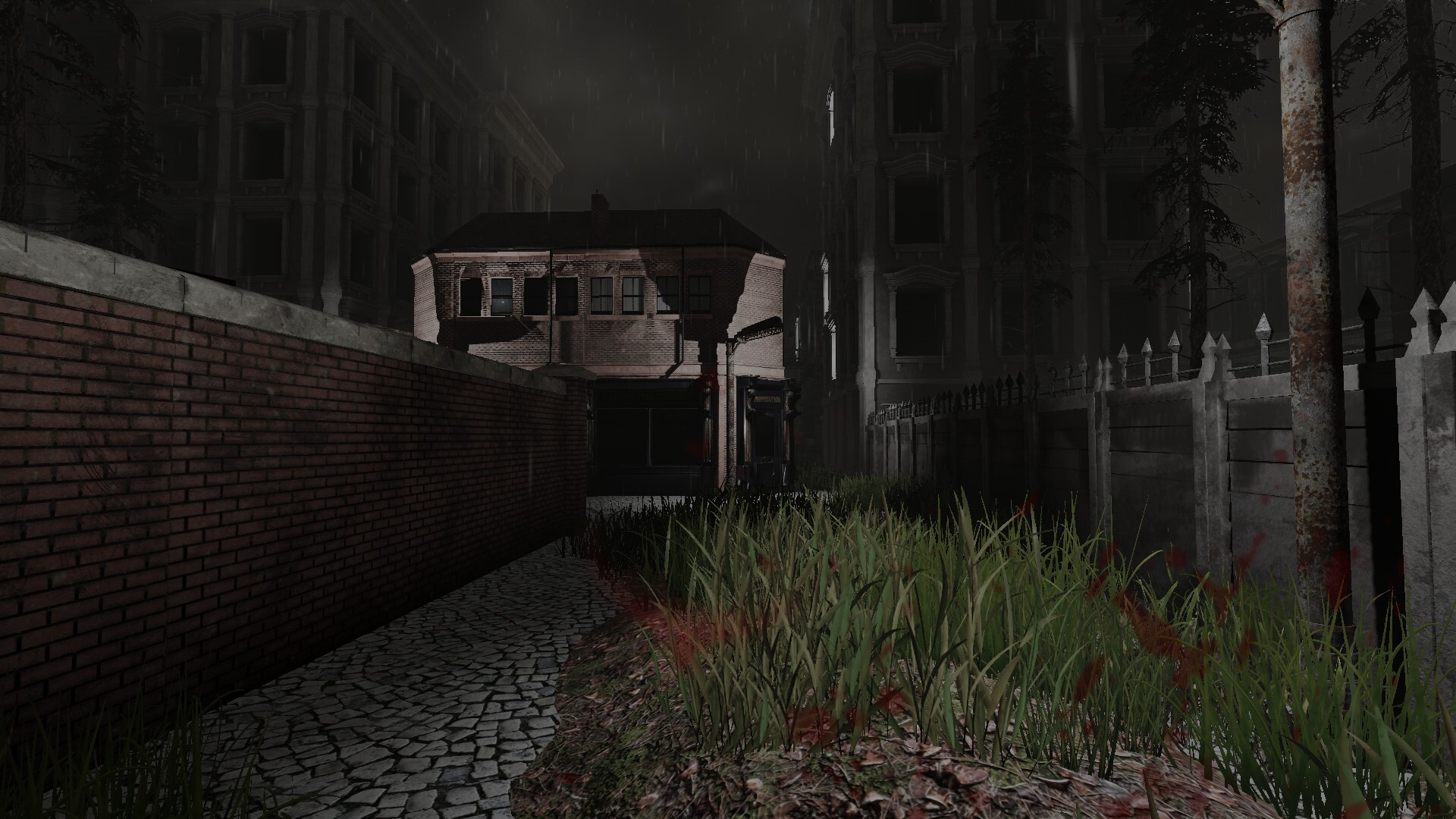
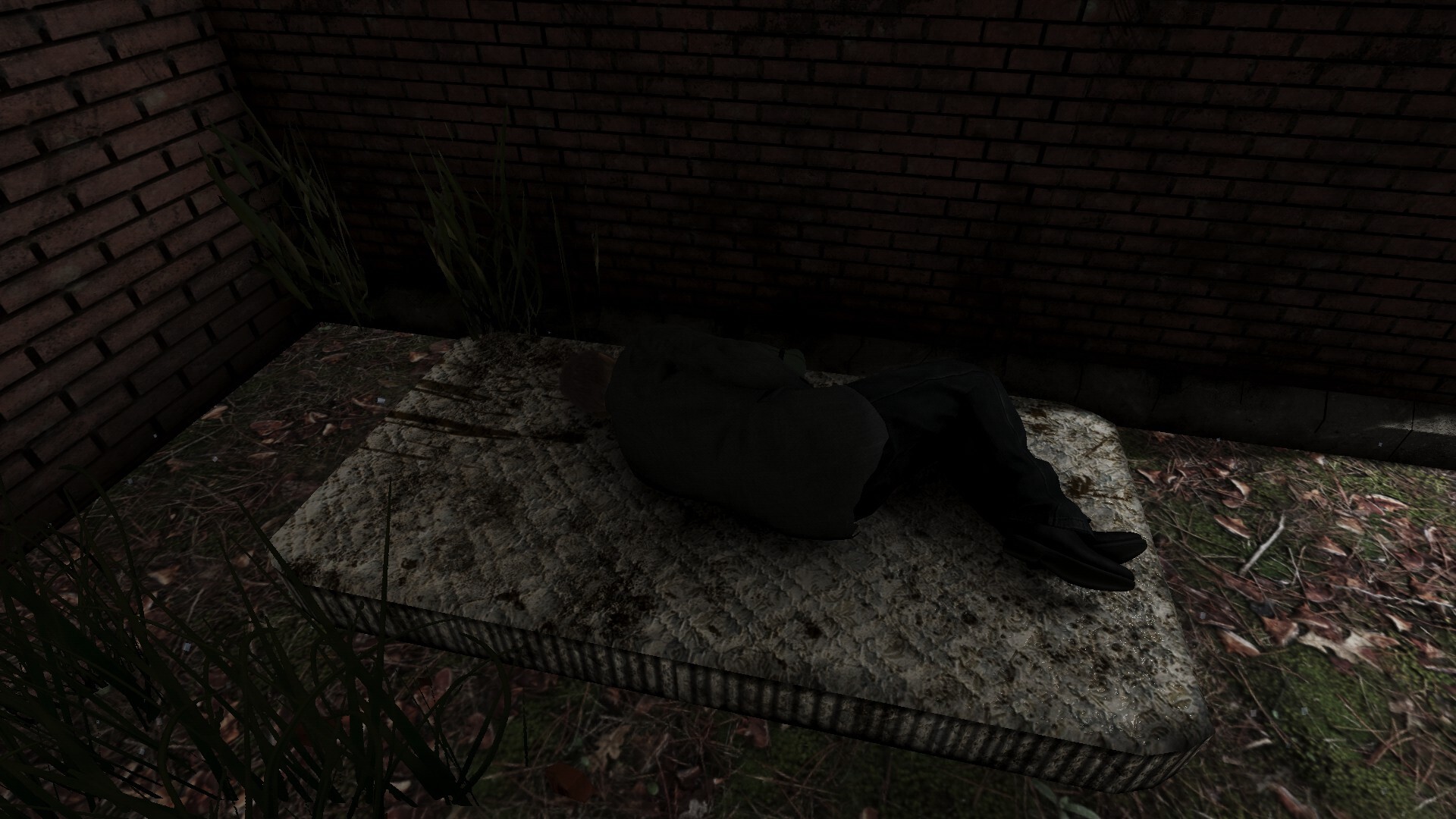
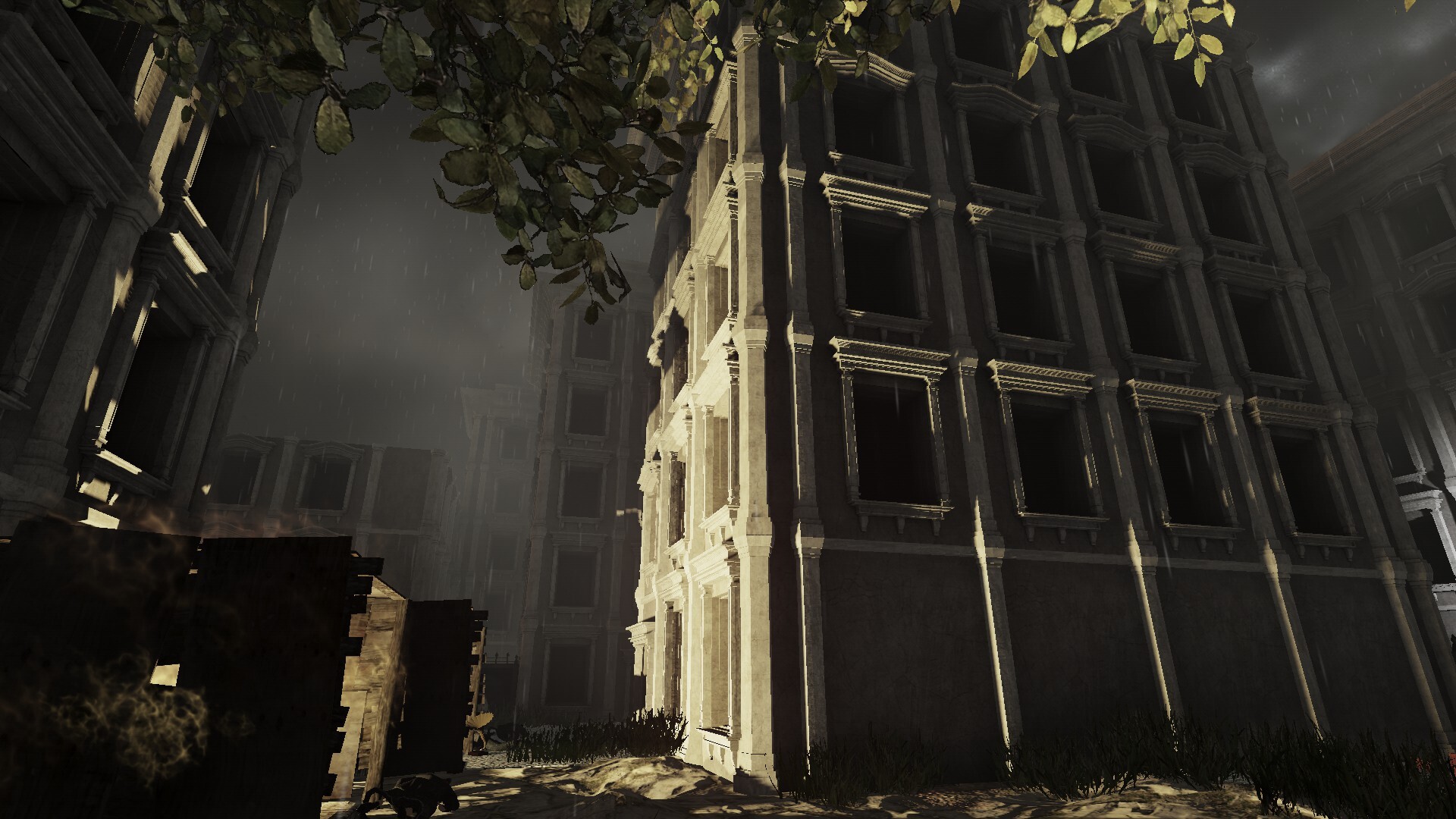
Half Light Demo Screenshots
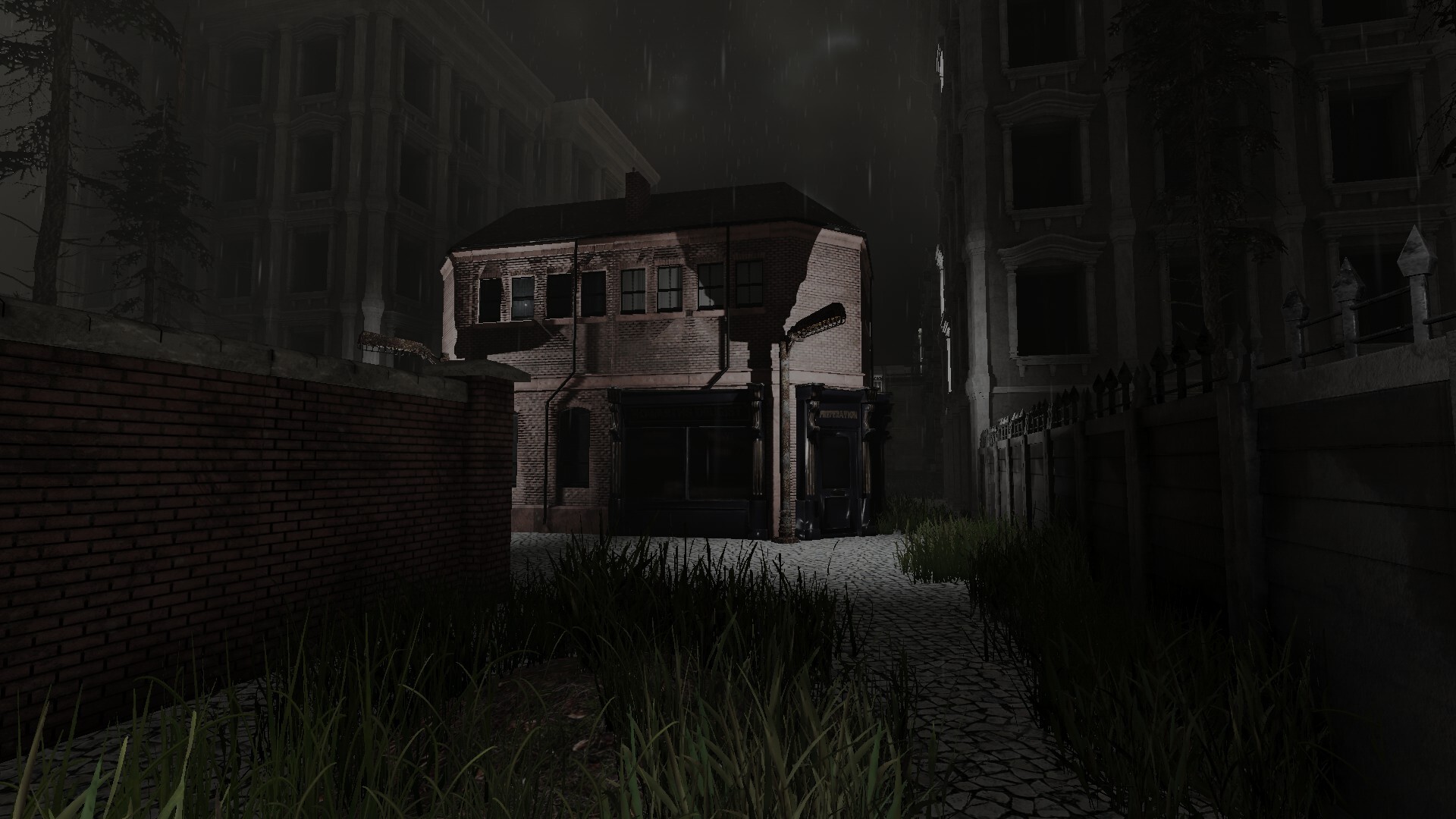
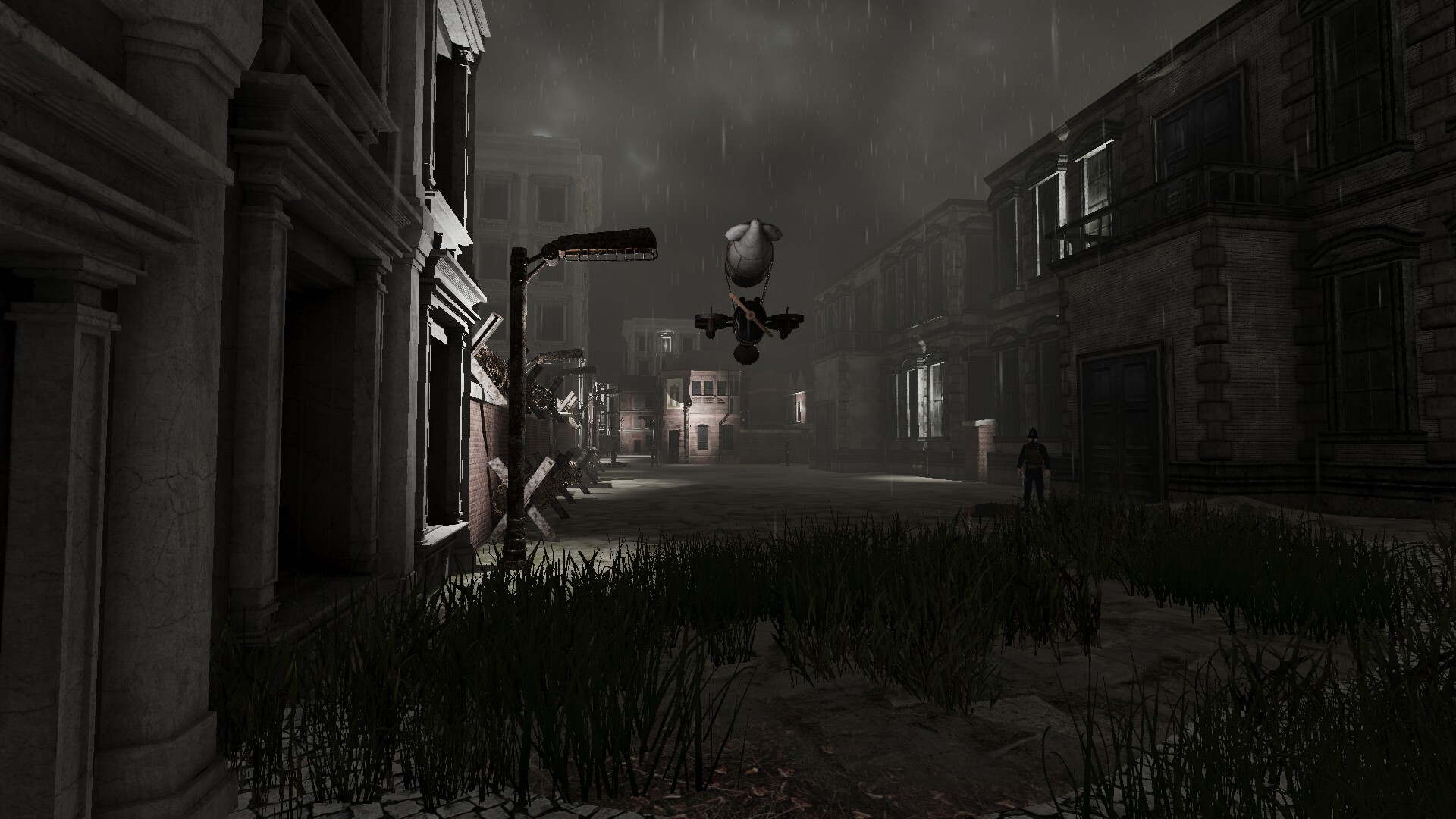
Sehen Sie sich die Screenshot-Galerie von Half Light Demo an. Diese Bilder zeigen wichtige Momente und die Grafik des Spiels.
Half Light Demo Minimal PC Systemanforderungen
Minimum:- Requires a 64-bit processor and operating system
- OS: Windows 10 or newer (64-bit versions only)
- Processor: Intel Core i5-7400 | AMD Opteron 4274 HE, or better.
- Memory: 16 GB RAM
- Graphics: NVIDIA GeForce GTX 970 | AMD Radeon R9 Fury, with 4 GB VRAM, or better
- DirectX: Version 11
- Storage: 5 GB available space
- Sound Card: DirectX Compatible Sound Card with latest drivers
- Additional Notes: Windows-compatible keyboard and mouse
Half Light Demo Empfohlen PC Systemanforderungen
Recommended:- Requires a 64-bit processor and operating system
- OS: Windows 10 or newer (64-bit versions only)
- Processor: Intel i7-9700K | AMD 3700X, or better.
- Memory: 32 GB RAM
- Graphics: NVIDIA GeForce RTX 2070 | Radeon 5700 XT, with 8 GB VRAM, or better
- DirectX: Version 11
- Storage: 5 GB available space
- Sound Card: DirectX Compatible Sound Card with latest drivers
- Additional Notes: Windows-compatible keyboard and mouse
Half Light Demo hat spezifische Systemanforderungen, um ein reibungsloses Spielerlebnis zu gewährleisten. Die minimalen Einstellungen bieten eine grundlegende Leistung, während die empfohlenen Einstellungen für das beste Spielerlebnis optimiert sind. Überprüfen Sie die detaillierten Anforderungen, um sicherzustellen, dass Ihr System kompatibel ist, bevor Sie einen Kauf tätigen.