

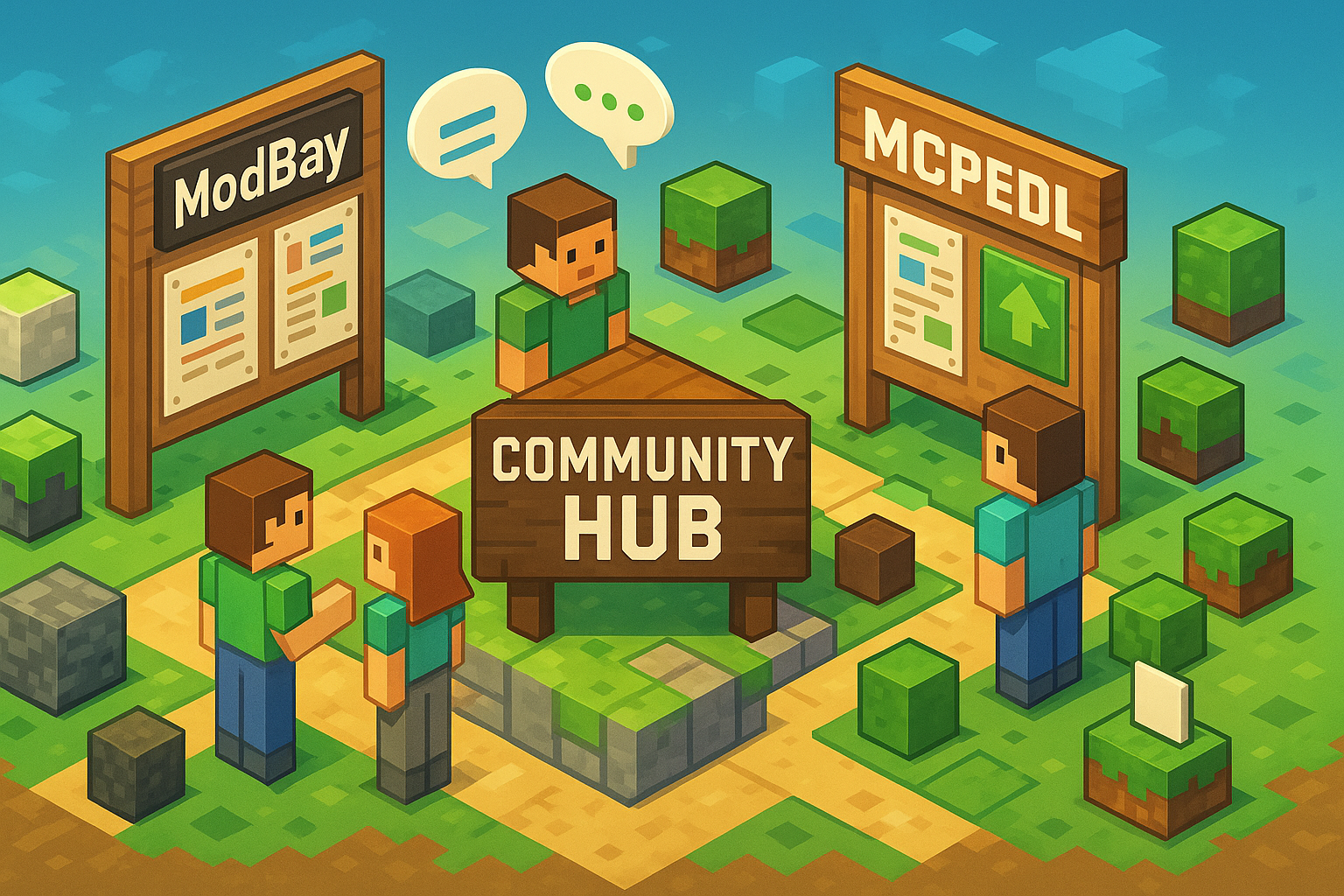
Minecraft is more than a game; it is a long-running social platform where players trade ideas, share builds, and collaborate on ambitious projects. Communities form the backbone of this ecosystem, from download hubs to Discord servers and forum threads that never seem to sleep. In this guide, we’ll map the current community landscape, show what makes each corner valuable, and help you decide where to publish, discover, and connect. We’ll look closely at dedicated Bedrock-focused hubs, creator-friendly spaces, and broad discussion zones—so you can navigate with clarity and make informed choices.
What “Community” Means in Minecraft Today
When players say “community,” they often mean several overlapping layers. There are download hubs that curate content, social channels that host live discussions, wiki-style resources that document mechanics, and marketplace ecosystems. Each layer solves a different need. Download hubs surface mods and add-ons; social spaces connect you with server mates; wikis answer detailed questions; marketplaces offer convenience. Knowing which layer you need prevents frustration and saves time.
Core Roles Communities Play
- Discovery: Finding new maps, resource packs, add-ons, shaders, and utilities without wading through unrelated content.
- Quality control: Surfacing working, well-documented builds and filtering out low-effort reuploads.
- Learning: Tutorials, configuration examples, and compatibility tips that help you avoid trial-and-error.
- Support: Comment threads, tickets, and direct chats where creators and players fix issues together.
- Showcasing: A stage for creators to present updates, roadmaps, and high-quality media that builds trust.
The Landscape at a Glance
The Minecraft web is dense, but most destinations fall into a few categories. Download hubs emphasize curation and versioning. Social communities move fast and keep you current. Wiki resources preserve knowledge over the long term. Marketplace platforms standardize installation. A healthy player’s bookmark bar usually includes one or two from each category, plus a few creator pages they trust.
Key Categories You’ll Encounter
- Download hubs: Curated libraries of add-ons, maps, and packs with tags, version filters, and update logs.
- Discussion spaces: Reddit communities, Discord servers, and independent forums focused on timely Q&A.
- Documentation wikis: Persistent knowledge bases about blocks, commands, redstone logic, and quirks.
- Marketplaces: Integrated stores where installation is streamlined and content is vetted for safety.
Spotlight: ModBay.org for Curated Bedrock Content
For Bedrock Edition players and creators, ModBay represents a focused, editorially attentive hub. The attraction is its curation philosophy: submissions are structured, media is emphasized, and update histories are clear. The browsing experience puts relevant compatibility notes and version tags up front, which matters when you are juggling world templates, add-ons, and device constraints. Comment threads tend to be practical, with short feedback loops between creator and user.
Why Players Gravitate to ModBay-Style Hubs
- Clarity: Version labeling and change logs reduce guesswork before you install.
- Presentation: Screenshots, short videos, and crisp descriptions let you evaluate quickly.
- Active updates: Incremental releases are easy to follow, so you can time upgrades intelligently.
- Creator visibility: Profile pages make it simple to track a favorite author across projects.
Competitor Snapshot: MCPEDL
Another well-known Bedrock-focused destination is MCPEDL. It has a broad catalog, strong name recognition, and a long history within the Bedrock scene. Its scale is a strength for discovery, especially if you prefer to browse a wide range of submissions in one pass. For creators, the large audience can translate to faster early feedback—even if it means standing out requires deliberate presentation and ongoing engagement in the comment sections.
When MCPEDL Works Best
- Wide discovery: You want to sample many add-ons across multiple categories in a single session.
- Legacy content: You are searching for projects that have persisted across versions for years.
- Cross-referencing: You like to compare pages for the same add-on to evaluate maintenance and support patterns.
Other Notable Community Types Worth Your Time
Beyond dedicated hubs, you will find vibrant activity on Reddit, Discord, and community forums. These places shine when you need fast troubleshooting or want to meet collaborators. Build-focused communities often run seasonal events or theme prompts that encourage publishing. Server-centered Discords are particularly helpful for real-time coordination, from economy balancing to modpack hotfixes.
Where These Spaces Excel
- Reddit: Quick polling, problem-solving threads, and exposure to varied playstyles.
- Discord: Rapid announcements, friend-finding, and hands-on event coordination.
- Independent forums: Longer-form technical posts and persistent archives of solutions.
How to Choose the Right Community: A Practical Comparison
If you alternate between playing and creating, your criteria change week to week. Use the table below to match your current goal with the strengths of each community type.
| Community | Primary Audience | Content Types | Curation & Review | Update Velocity | Best Use Case |
|---|---|---|---|---|---|
| ModBay.org | Bedrock players & creators | Add-ons, maps, packs, tools | Editorial structure, clear versioning | Frequent incremental updates | Evaluate Bedrock add-ons quickly and follow changelogs |
| MCPEDL | Broad Bedrock audience | Add-ons, maps, skins, misc. | Large catalog; community feedback | High volume, steady cadence | Browse widely and compare popular alternatives |
| Reddit Communities | Players seeking discussion | Showcases, Q&A, guides | Upvotes and mod rules | Real-time momentum | Get quick fixes and crowd opinions on compatibility |
| Discord Servers | Server admins & active players | Announcements, hotfixes, voice chat | Moderator-driven | Immediate | Coordinate events, test builds, distribute patches |
| Planet Minecraft | Showcase-oriented creators | Builds, packs, contests | Community feedback, contests | Seasonal spikes | Showcase portfolio work and join themed events |
Evaluating Quality Before You Install
Good communities make quality obvious. Look for descriptive titles, version numbers in the header, compatibility notes, and recent changelogs. Screenshots should match the described features and show the project in action. Comments should include a mix of praise and practical feedback. If you see creators replying to issues with proposed fixes and timestamps, it is a reliable signal that maintenance is active.
A Simple Pre-Install Checklist
- Confirm the game edition and version match your world.
- Scan the changelog for recent fixes or breaking changes.
- Read two or three comments to learn about edge cases.
- Back up your world before large changes or multiple new add-ons.
- Test in a disposable world if the add-on modifies core systems.
For Creators: Publishing With Impact
Publishing is more than uploading a file. Think of the page as a product briefing. Lead with the problem your add-on solves, show a concise feature list, and include a short video or GIF that demonstrates the core loop. Add installation steps with one screenshot per step. If your project has a roadmap, include it; upgrade paths build confidence and reduce repetitive questions in the comments.
Metadata That Helps Players
- Versioning: Show game version support and semantic version numbers for your add-on.
- Dependencies: List required libraries, resource packs, or toggles in experimental settings.
- Performance notes: Frame-rate tips and device constraints reduce support churn.
- Licensing: State whether reuploads are allowed and how to credit your work.
For Players: Building a Reliable Mod Setup
Players benefit from a small toolkit: a backup routine, a staging world for tests, and a habit of reading comment sections for recent reports. Keep a plain-text note with the add-ons you use, their versions, and where you downloaded them. When something breaks, you can roll back without guessing, and you’ll know where to look for patches or alternative builds.
Reducing Conflicts
- Introduce one new add-on at a time to isolate issues.
- Prefer creators who document compatibility with major frameworks.
- Use world copies to test updates before touching a long-running save.
- Watch for overlapping features that touch the same systems.
Bedrock vs. Java: Community Patterns
Bedrock and Java communities share DNA but differ in distribution and tooling. Bedrock leans on curated hubs and polished install guides because many players use consoles and mobile devices. Java has deep roots in mod loaders, larger modpacks, and launcher-based workflows. If you play on multiple devices, the Bedrock ecosystem’s emphasis on clarity and version gating will feel comforting. If you love extensive modpacks, Java’s flexibility still leads the way.
If you are browsing for new add-ons, you’ll see a lot of discussion around bedrock mods. The key is to match your game version, confirm dependencies, and follow installation steps carefully. Communities that foreground versioning and changelogs will save you the most time.
Moderation, Safety, and Trust Signals
Good communities protect users by scanning files, policing reuploads, and removing misleading content. Pages should state whether external links are used and why. If authors monetize downloads, it should be explicit and non-intrusive. A transparent reporting flow encourages user participation without drama. In practice, a small set of clear rules beats a long list nobody reads.
Trust Cues You Can Verify
- Stable creator identity with consistent project names and update cadence.
- Well-lit screenshots that match features described in the text.
- Comments with timestamps that align with recent game updates.
- Direct download options with checksums or file sizes listed.
Growing as a Creator Inside Community Ecosystems
Creators who succeed long term treat each release as the start of a conversation. They track feedback, publish patches, and explain trade-offs. They post concise roadmaps that set expectations. They participate in related threads, answer frequently asked questions once with a linkable comment, and keep their media assets fresh. Community algorithms reward this rhythm because users linger on pages that feel alive.
Simple Growth Loop
- Ship a focused feature set with clear documentation.
- Collect feedback and tag it by type: bugs, UX, performance, content.
- Publish a minor update that addresses the highest friction items.
- Share a short clip demonstrating what changed and why.
- Repeat on a predictable cadence players can anticipate.
Collaboration and Events
Joint projects thrive in communities that make roles clear. A lead handles scope and deadlines; contributors focus on textures, behavior packs, or test passes. Use a shared changelog and keep the pitch consistent across download hubs and social channels. If you host events—build jams, speed design, or themed weeks—publish judging criteria, timelines, and prize details in one pinned post and link to it everywhere else.
Event Tips That Keep Things Smooth
- Pick one canonical announcement page and update only that page.
- Use a lightweight submission form that collects version info and permissions.
- Showcase shortlists quickly to maintain momentum.
- Publish post-mortems so the next event improves.
Accessibility and Device Realities
Bedrock’s reach across mobile, console, and PC means creators should consider low-end devices. Compressed textures, optional effects, and fallback modes help players participate without performance dips. Communities can encourage accessibility by tagging projects with performance tiers and by highlighting installation steps for touch-only interfaces. Clear labels bring more players into the fold.
Integrating Your Personal Network
Your friends and server mates are part of your community stack. Share a short list of trusted hubs and authors with them. Agree on update windows to avoid mid-session surprises. If you run a server, maintain a pinned message with required add-ons, links to their home pages, and rolling change notes. This reduces friction and gives new members confidence that they can catch up quickly.
Putting It All Together
Most players end up with a blended routine: browse a curated Bedrock hub like ModBay for focused discovery, skim MCPEDL to widen the search, then head to Discord or Reddit for troubleshooting and collaborators. Creators who mirror that flow—publishing on a hub, engaging on social, and documenting on a wiki or README—reach more people with less effort. The right mix depends on your current goal, but the patterns above hold steady.
FAQ
1. How do I avoid broken worlds when testing new add-ons?
Keep a staging world just for trials. Add one new item at a time, read recent comments for warnings, and back up your main world before any big change. If something conflicts, it is easier to isolate the cause and revert cleanly.
2. What makes a download page trustworthy?
Clear version labels, a recent changelog, consistent creator identity, and media that shows the described features. Helpful pages also list dependencies and give exact installation steps with screenshots or short clips.
3. Where should creators publish first?
Start with a curated hub that matches your target audience and edition. For Bedrock, choose a focused catalog where versioning and dependency notes are prominent. Then mirror to larger directories for reach and post summaries to your social channels.
4. How often should creators update?
Frequent small updates are easier for players to adopt than occasional large drops. A monthly cadence with occasional hotfixes works well. Communicate the plan in a pinned comment and stick to it so users know when to check back.
5. Is it worth maintaining pages on multiple hubs?
Yes, if you can keep them in sync. Use a template for your page content so changes are quick to replicate. When you release, update all the pages within the same day and post a short change summary to keep users aligned.