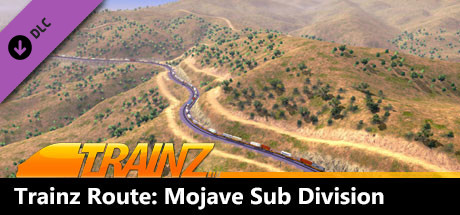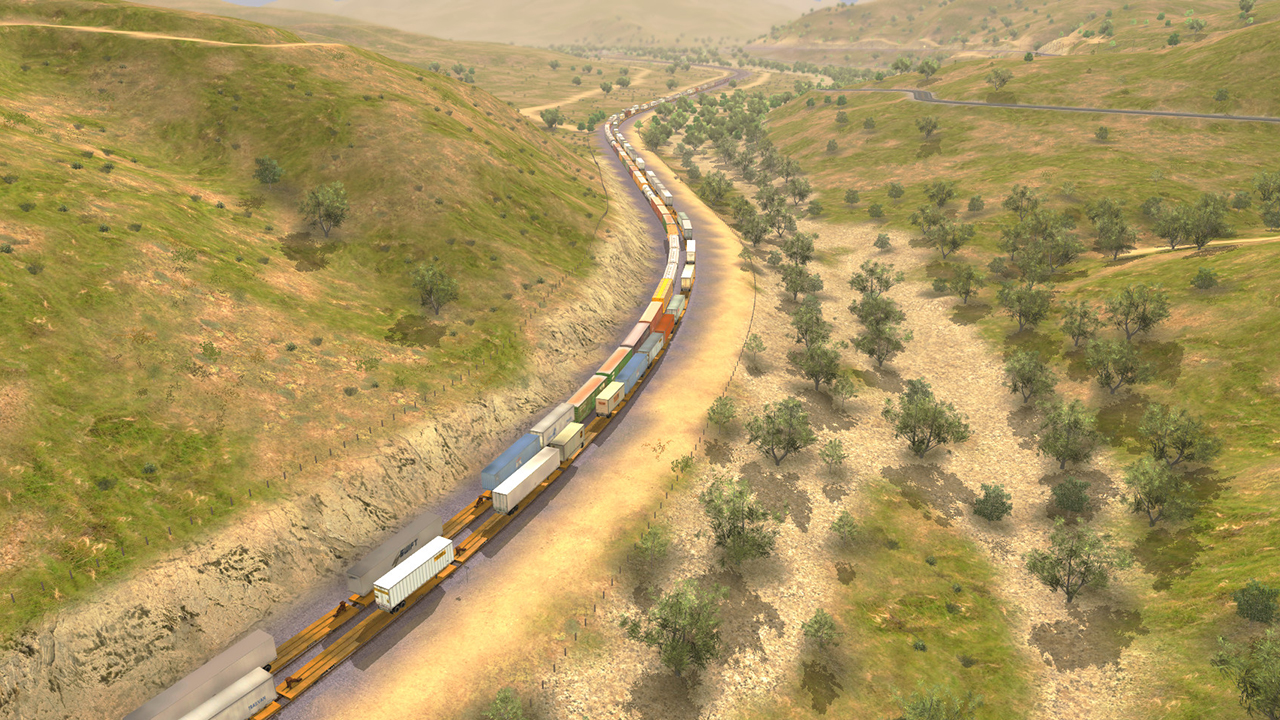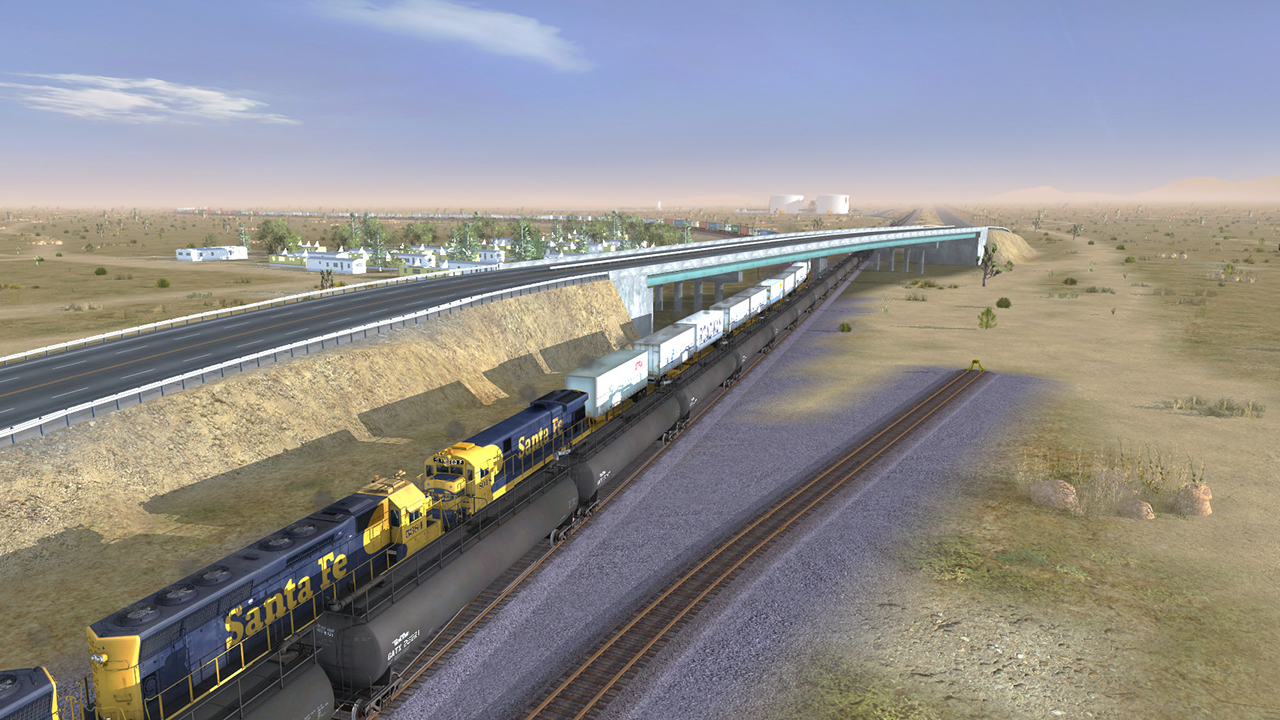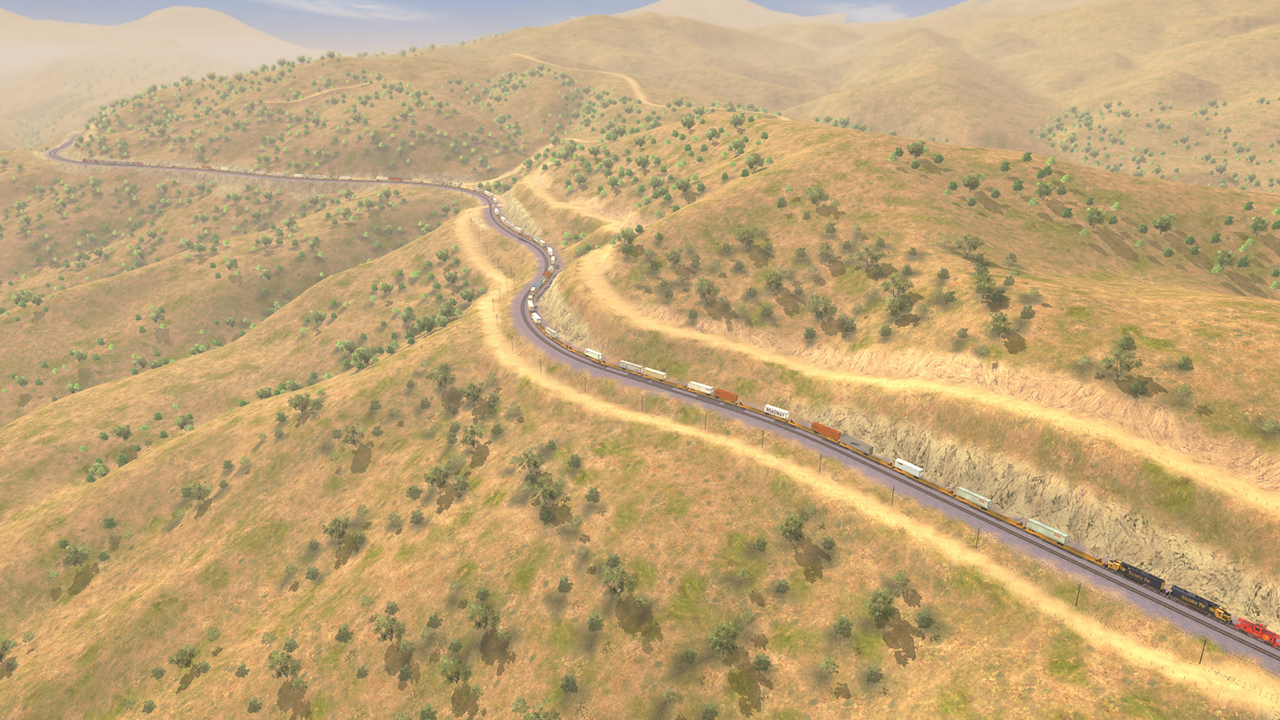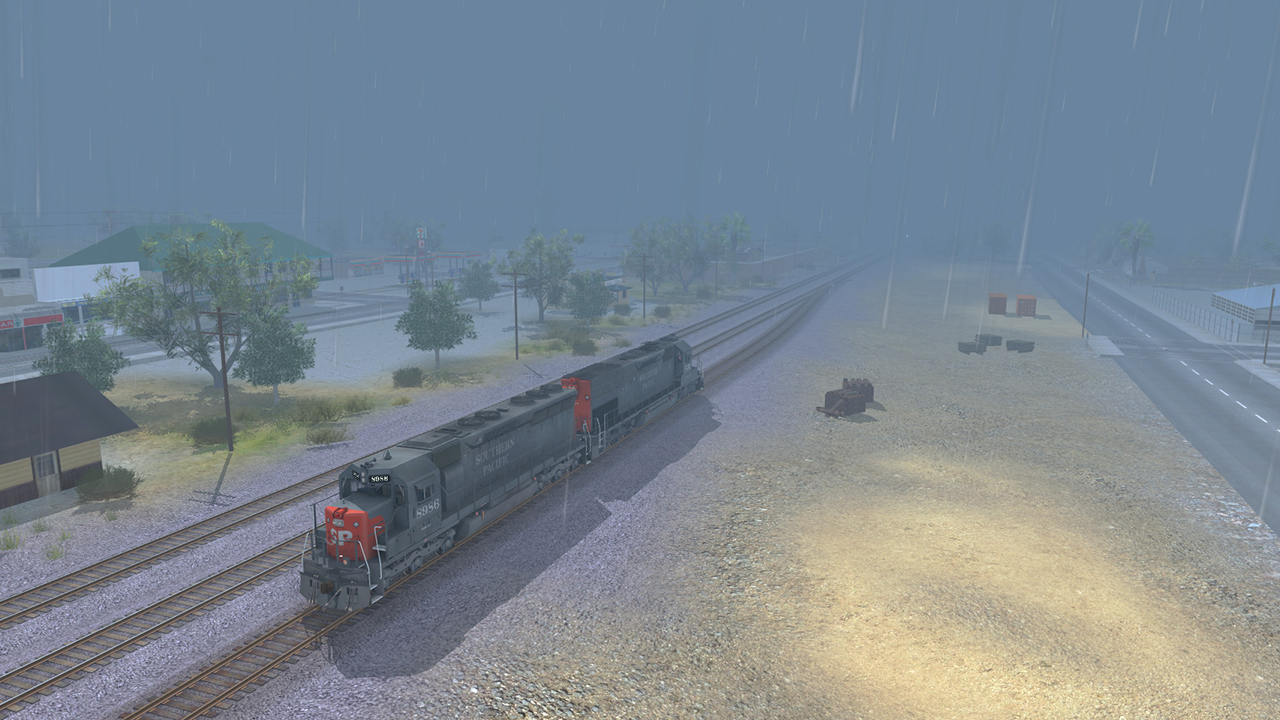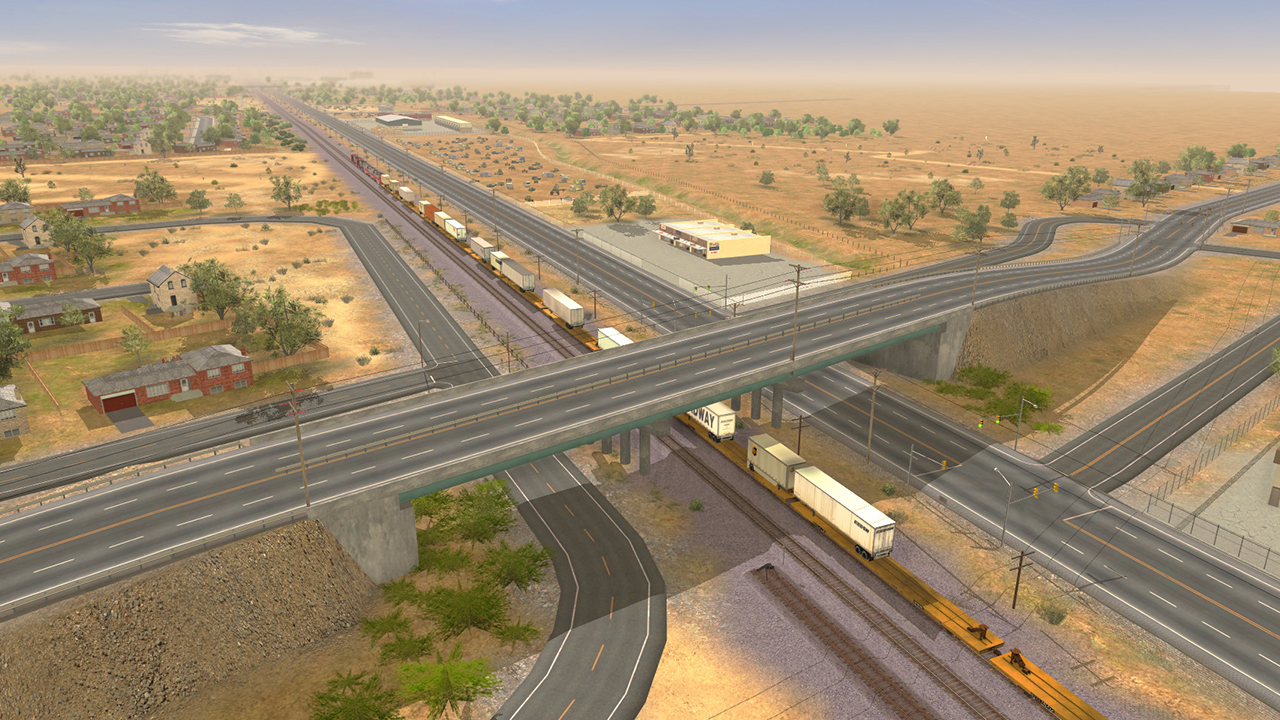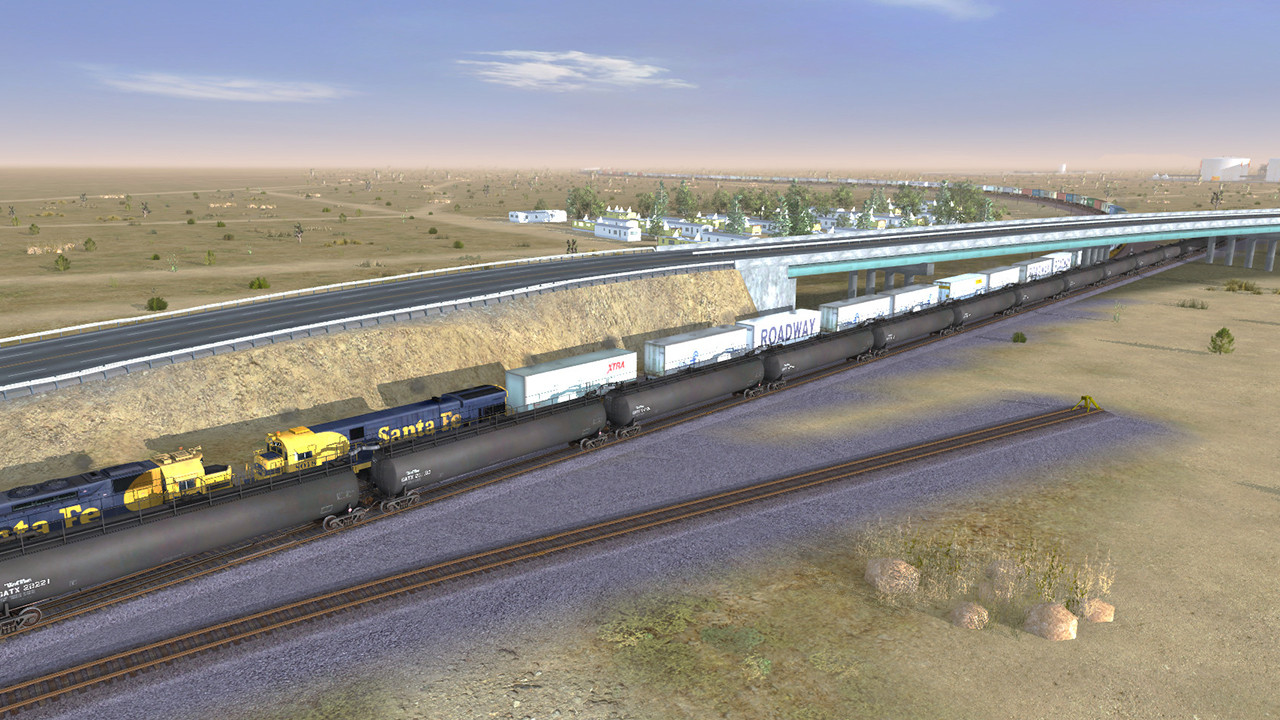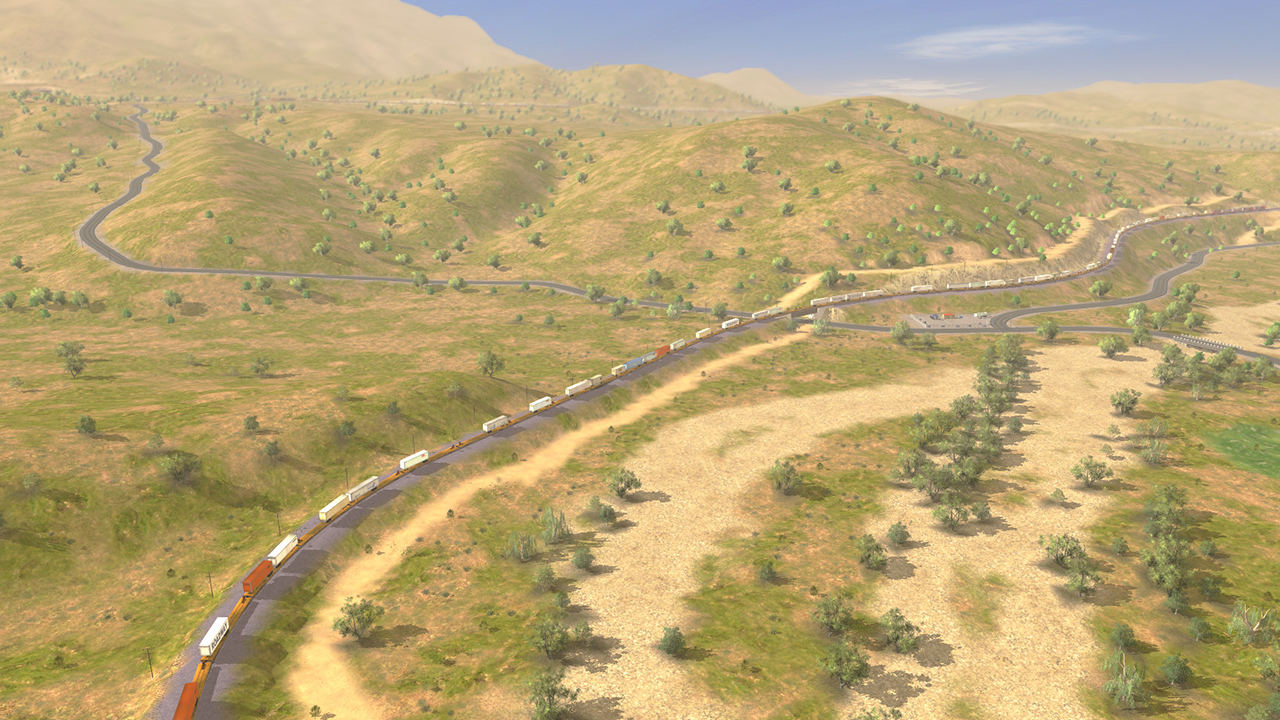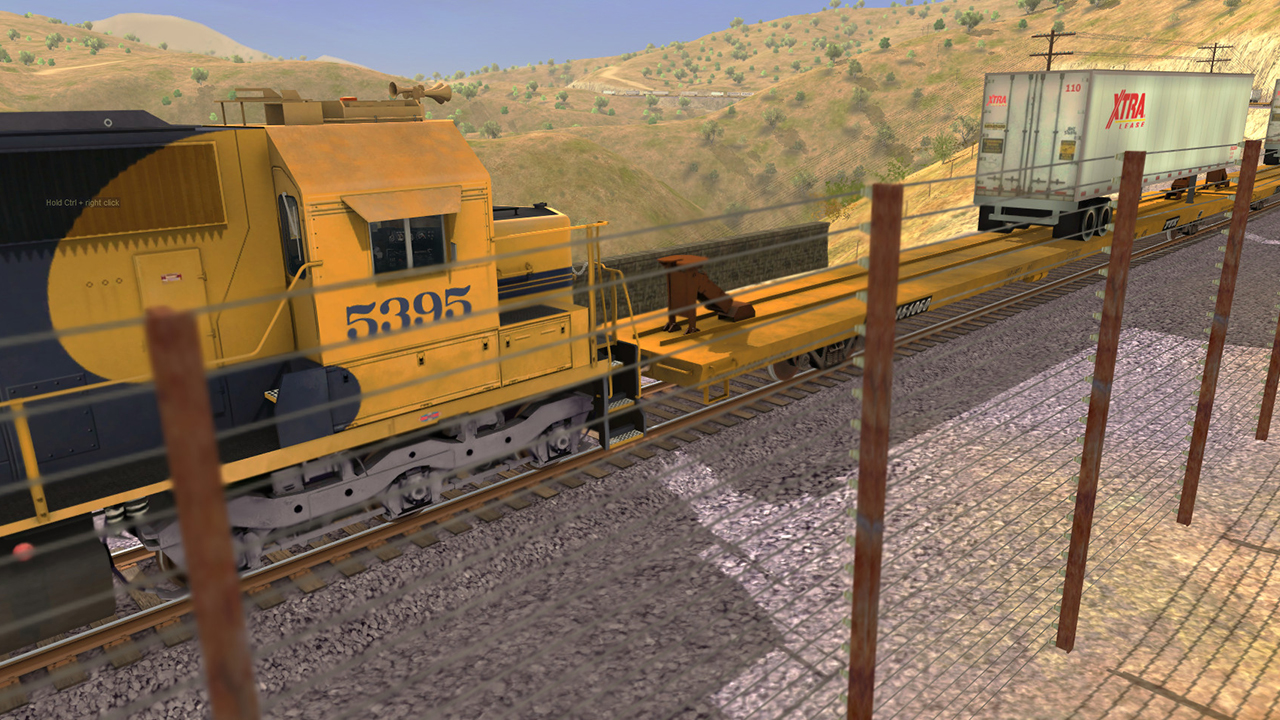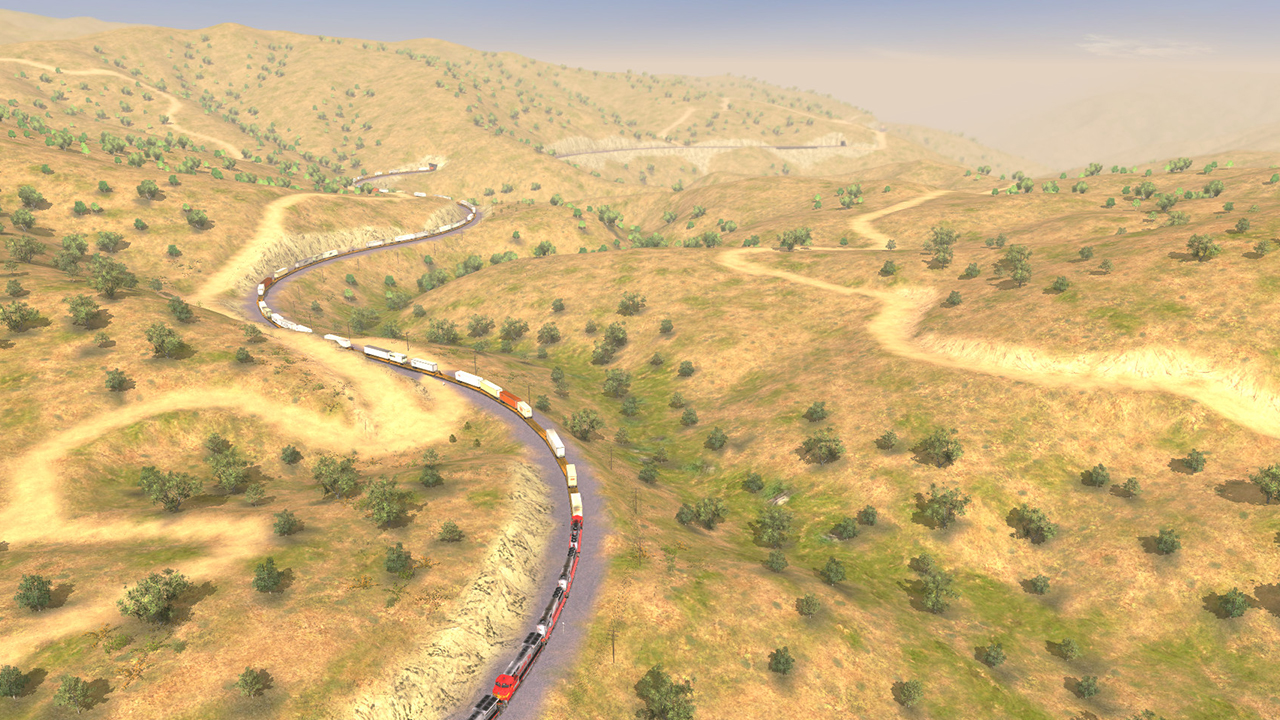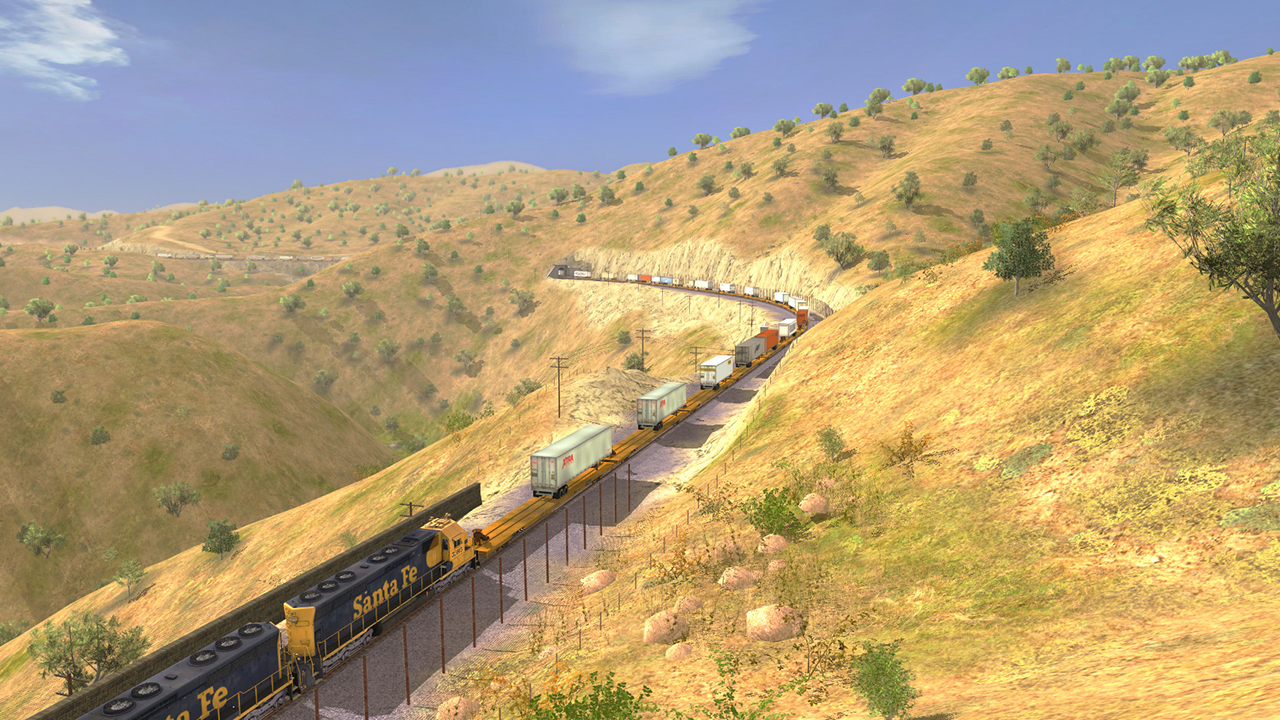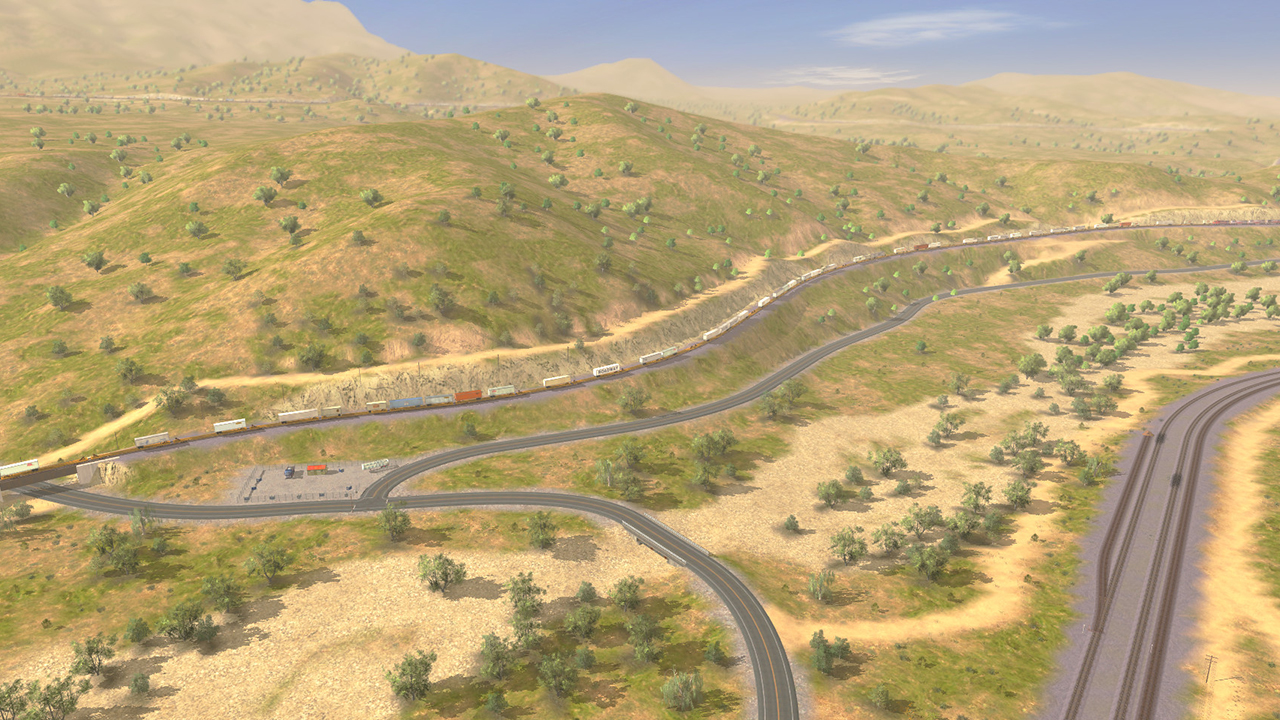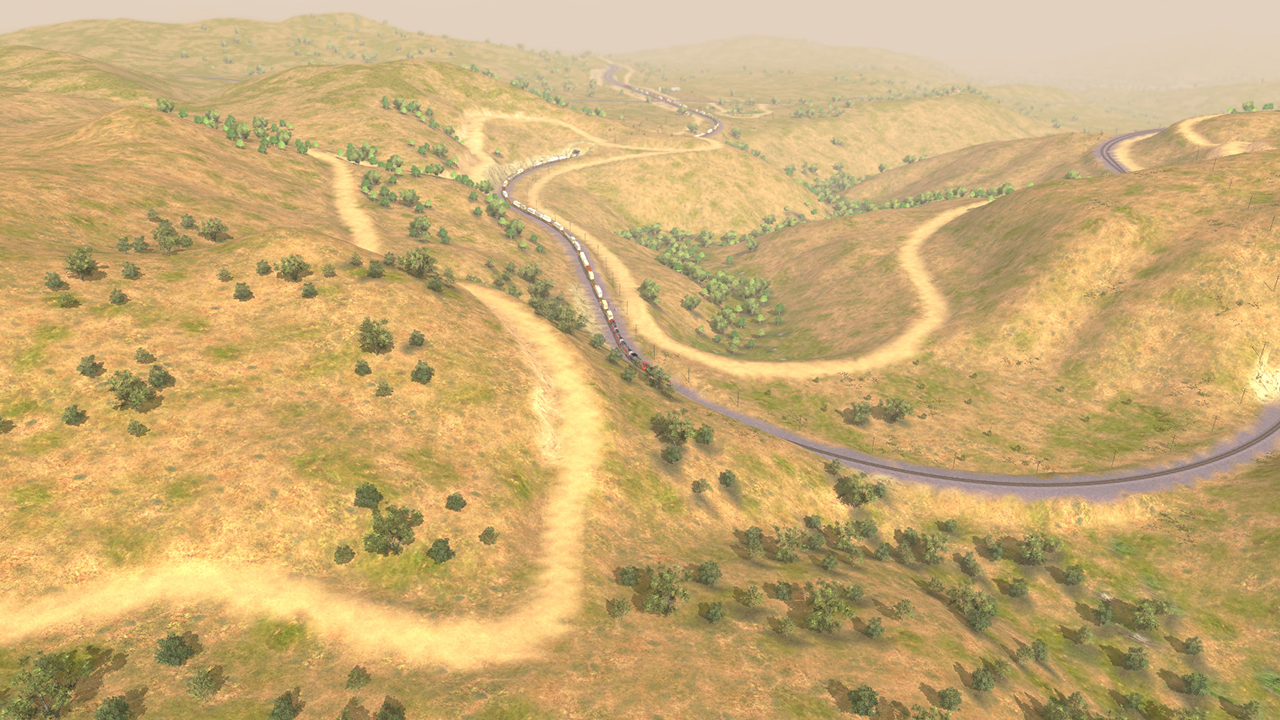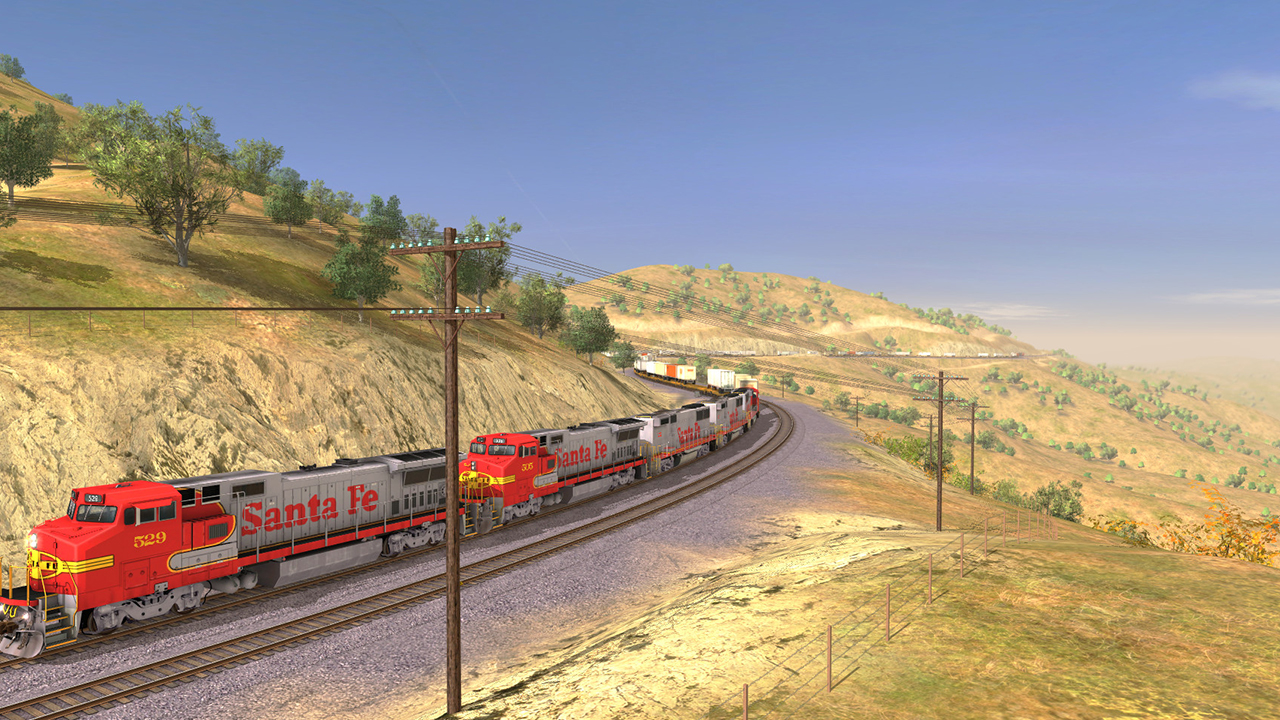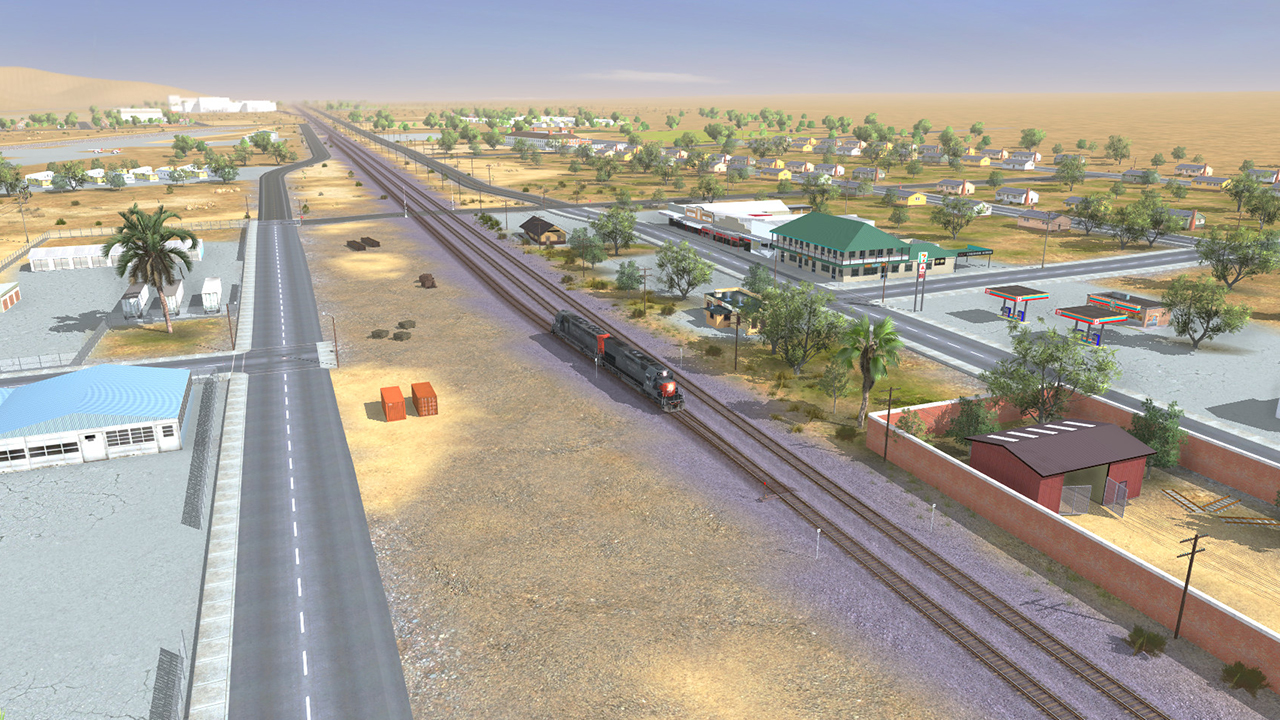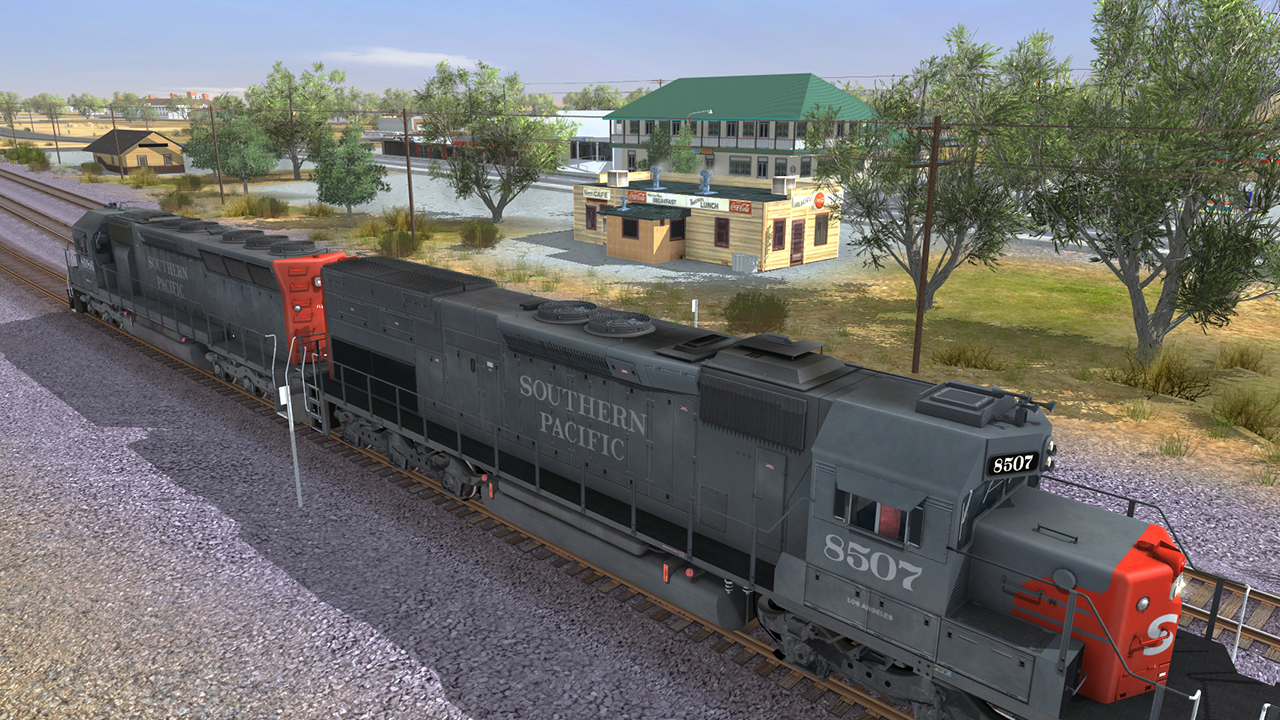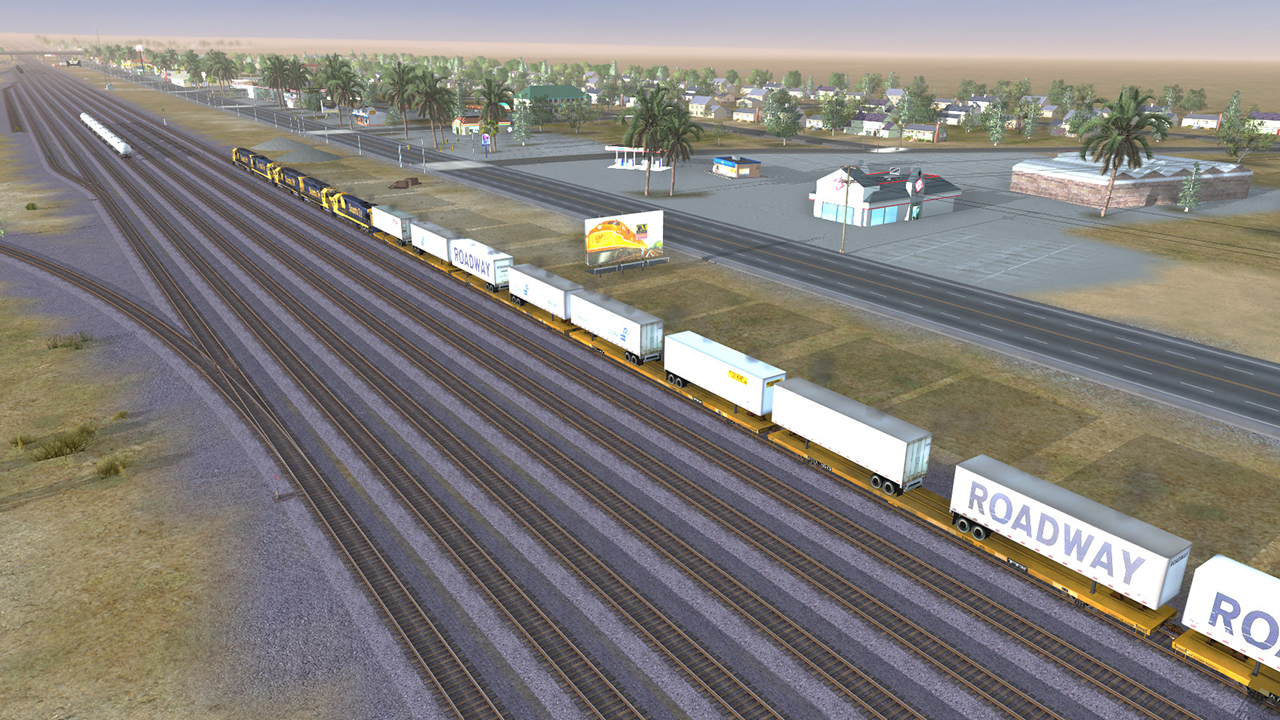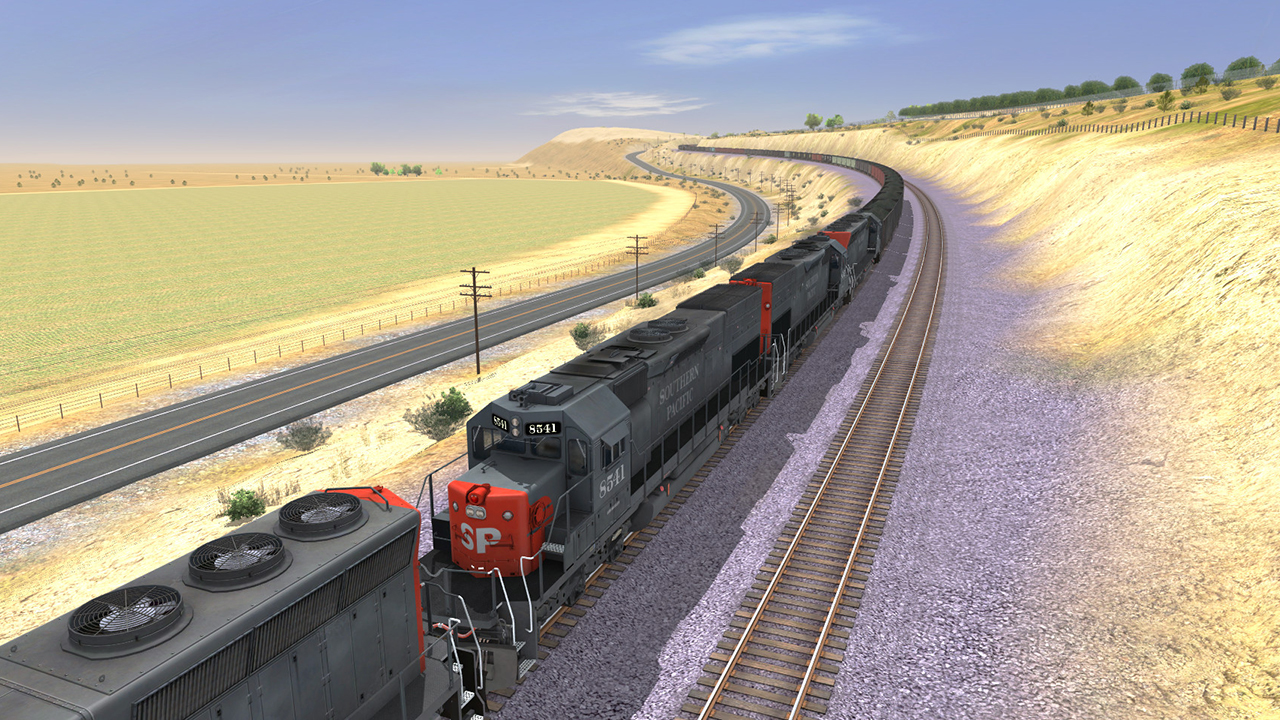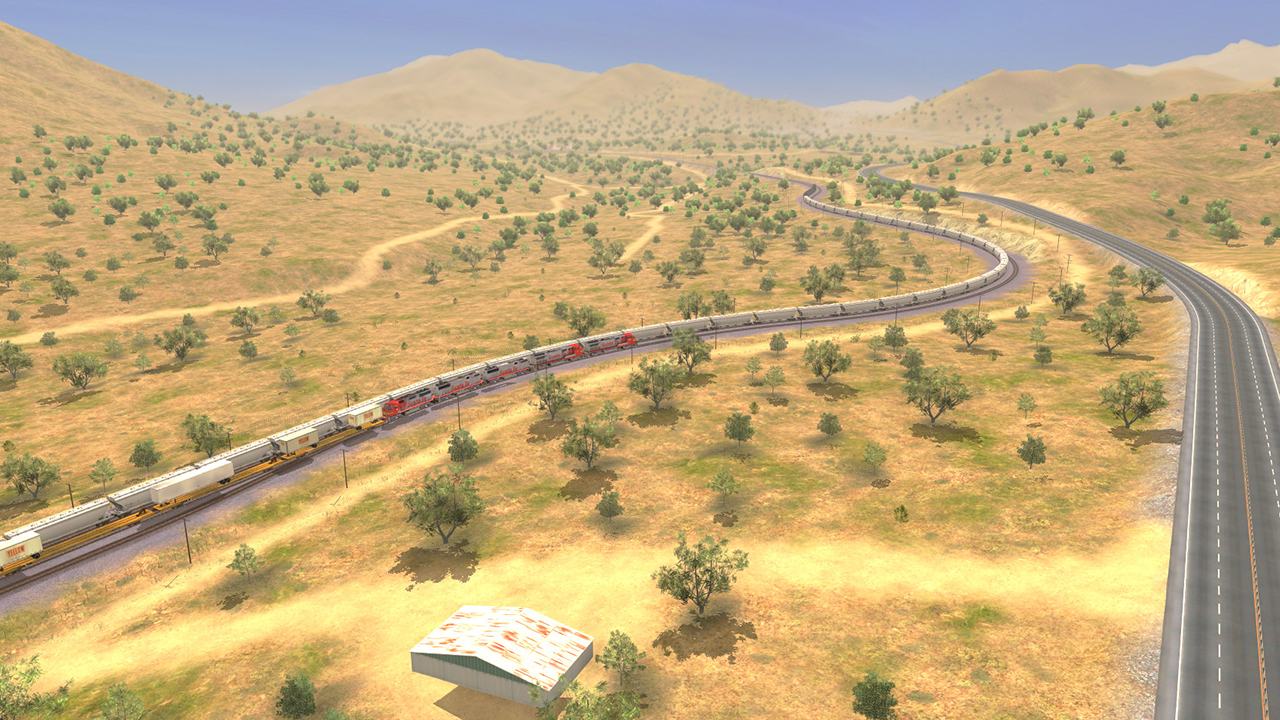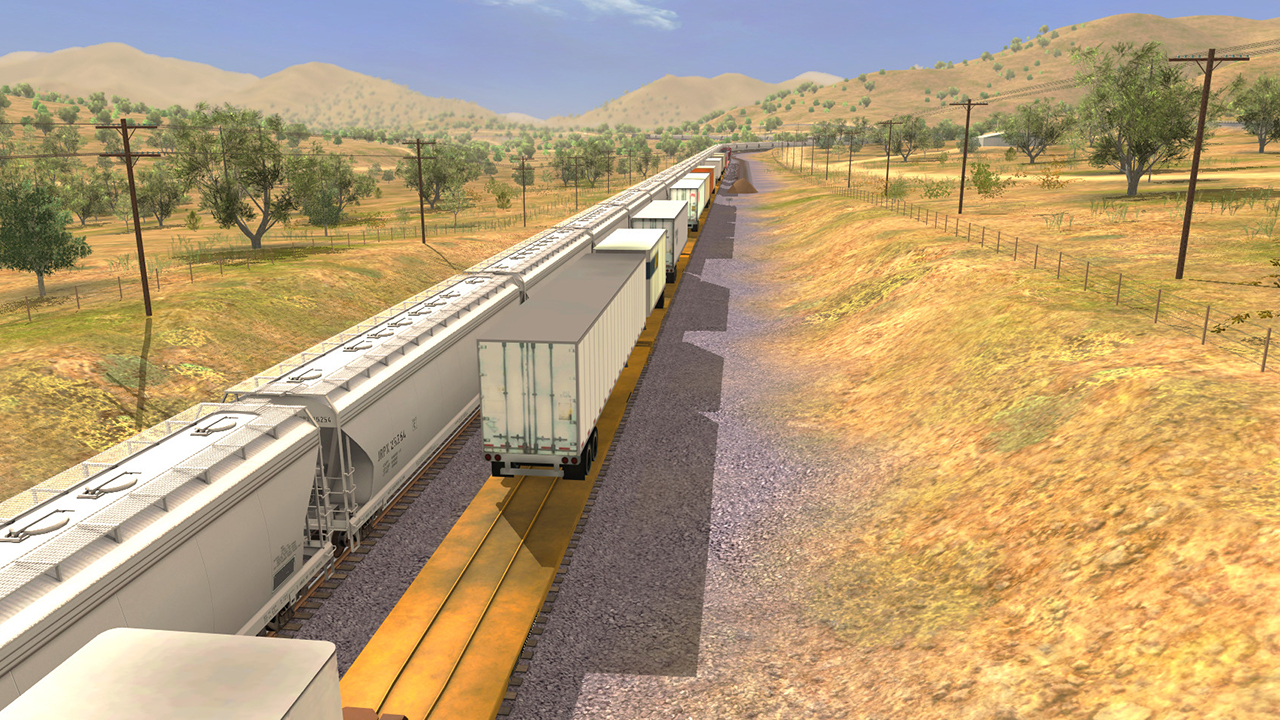
The Mojave Sub Division. Known for its rolling hills, drop off cliffs, and the famous Tehachapi Loop. This route is challenging with its constant grade changes, up to a ruling grade of 2.2%, but yet satisfying with its mixture of desert and mountainous scenery colors.
9 Total Reviews
6 Positive Reviews
3 Negative Reviews
Mixed Score
Trainz Route: Mojave Sub Division has garnered a total of 9 reviews, with 6 positive reviews and 3 negative reviews, resulting in a ‘Mixed’ overall score.
Reviews Chart
Chart above illustrates the trend of feedback for Trainz Route: Mojave Sub Division over time, showcasing the dynamic changes in player opinions as new updates and features have been introduced. This visual representation helps to understand the game's reception and how it has evolved.
Recent Steam Reviews
This section displays the 10 most recent Steam reviews for the game, showcasing a mix of player experiences and sentiments. Each review summary includes the total playtime along with the number of thumbs-up and thumbs-down reactions, clearly indicating the community's feedback
Playtime:
0 minutes
not showing up!!!
👍 : 0 |
😃 : 0
Negative
Playtime:
0 minutes
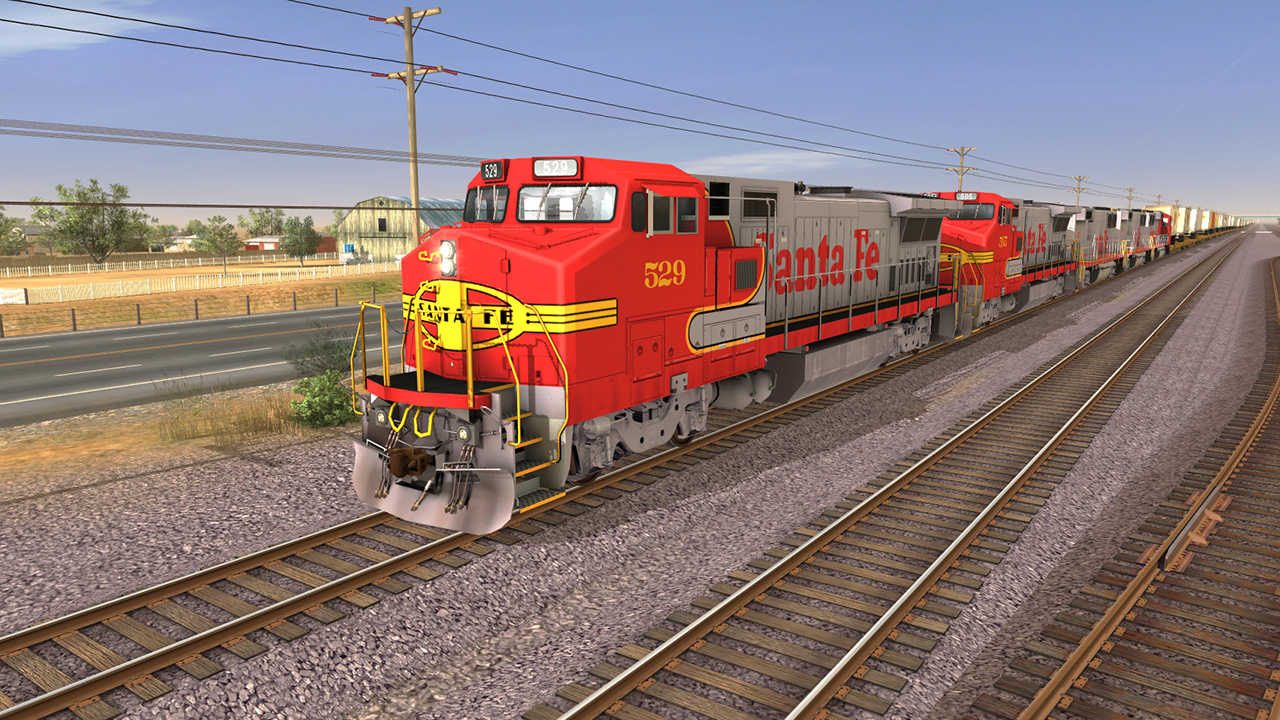
santa fe
👍 : 1 |
😃 : 3
Positive
Playtime:
0 minutes
nice
👍 : 0 |
😃 : 0
Positive
Playtime:
0 minutes
Great Addition to the game, sale price should be dropped.
👍 : 1 |
😃 : 0
Positive
Playtime:
0 minutes
now you can ride yer wagons in fallout new vegas fr fr fr this dlc be bussin
👍 : 2 |
😃 : 2
Positive
Playtime:
0 minutes
This route is a jittery mess with stuttering and FPS drops that slowly degrade into the teens.
I've spent days trying to to optimize my setting to obtain a smooth experience, but so far no luck. I've installed this on two machines to test. And results are similar.
I would not purchase this content. It is awash with performance issues with no fix in sight.
Laptop
i7-6700hq
32gig Ram
GTX 1070
Samsund SSD for the os
Samsung HDD 1tb for Apps
Game will only utilize 35% of my GPU, 50% of my CPU
Desk Top
i7-8700K
32 Gig Ram
GTX1080 Ti
WD SSD 2tb
Game will use 80% GPU, 35% CPU
Please note, they fixed it for Trainz19, but not Tane.
From the Dev.
Hi Squirrely418
I have just checked with our team, and it appears that they have managed to reproduce this issue. It appears that TRS19 may not have been perfectly handling some older data that was in this route.
This has been resolved internally, and this fix should appear in the next update for TRS19. As per the latest newsletter, this is currently in testing, so we don't currently have a fixed release date. However we are expecting it to be in the next few weeks at this stage, depending on testing.
REgards
👍 : 1 |
😃 : 0
Negative
Playtime:
0 minutes
I have several versions of this route on different simulators, with many hours driving over Tehachappi Pass. I found this version to be very good. The scenery is excellent and the feel of driving the route is just like the original MSTS, but with much better graphics. The cab detail is admittedly not of today's standard and the default driving mode was "simple" on the scenario I tested. But overall, definitely worth a purchase in the sales.
👍 : 5 |
😃 : 0
Positive
Playtime:
0 minutes
-Majove Review-
Just today, I treated myself and bought the Majove Sub, its one of my favorite routes with session from TS12.
Yes I own TS12, and yes I know I could have only payed $7 for it, but I decided to pay in full, just as support.
$25 for a route and sessions, some of you may think this is expensive, but in reality its not.
You get a entire route, plus 4 sessions, which are really fun to play. And you get 3 new locomotives, and a few new rolling stock pieces too, which they could charge $10-$15 a piece for.
This is a good deal for a US route.
👍 : 8 |
😃 : 0
Positive
Playtime:
0 minutes
This route comes from an old version of Trainz, and N3V didn't do a good job porting the content to TANE, again.
This means you will have trouble trying to play the route sessions, and since it's a big track, it will run with low FPS and stuttering, as the game engine is very poorly optimized.
Funny thing is that I got to buy Trainz 2019, and tried this route there too, before refunding the game. It's the same thing with low FPS and stuttering.
For a free roam experience, this is not really the best route around.
The landscape is what you would expect from a desert area, and despite the track having a good lenght, and interesting challenges in terms of elevation, there isn't much to see.
I got it initially because of the Santa Fe locomotives, but these ones are available in other DLC.
Don't waste your money in this one.
Below is my review for the main game. It's long, but fast read and has very relevant information:
https://steamcommunity.com/profiles/76561198033041685/recommended/315660
👍 : 2 |
😃 : 0
Negative
Trainz Route: Mojave Sub Division DLC
Trainz Route: Mojave Sub Division offers 1 downloadable content (DLC) packs, each adding unique elements and extending the core gameplay experience. These packs may include new missions, characters, maps, or cosmetic items, enriching the player's engagement with the game.
Packages
| ID |
|
Name |
Type |
Price |
| 223421 |
|
TANE DLC: Mojave Sub Division |
Package |
24.99 $ |
There are 1 packages available for this game, each priced to provide players with a selection of in-game currency, exclusive items, or bundles that enhance gameplay. These packages are designed to offer players various options to customize and advance their game experience.
Trainz Route: Mojave Sub Division Minimum PC System Requirements
Minimum:- OS *: Windows 7 64bit
- Processor: Intel 'i' series/AMD K10 series introduced 2009 onwards. 2 physical cores, 2Ghz 64 bit
- Memory: 4 GB RAM
- Graphics: NVIDIA GT 430 or better/ AMD ATI 5550 or better
- Storage: 100 MB available space
Trainz Route: Mojave Sub Division Minimum MAC System Requirements
Minimum:- OS: 10.9
- Processor: i5 2 Ghz
- Memory: 6 GB RAM
- Graphics: Intel Iris Pro with 1GB VRAM supporting OpenGL 3.3
- Storage: 100 MB available space
- Sound Card: Yes
Trainz Route: Mojave Sub Division has specific system requirements to ensure smooth gameplay. The minimum settings provide basic performance, while the recommended settings are designed to deliver the best gaming experience. Check the detailed requirements to ensure your system is compatible before making a purchase.