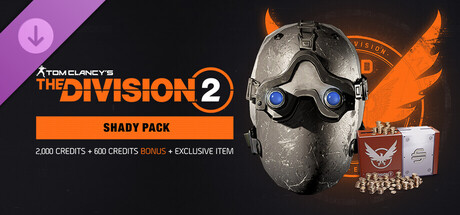
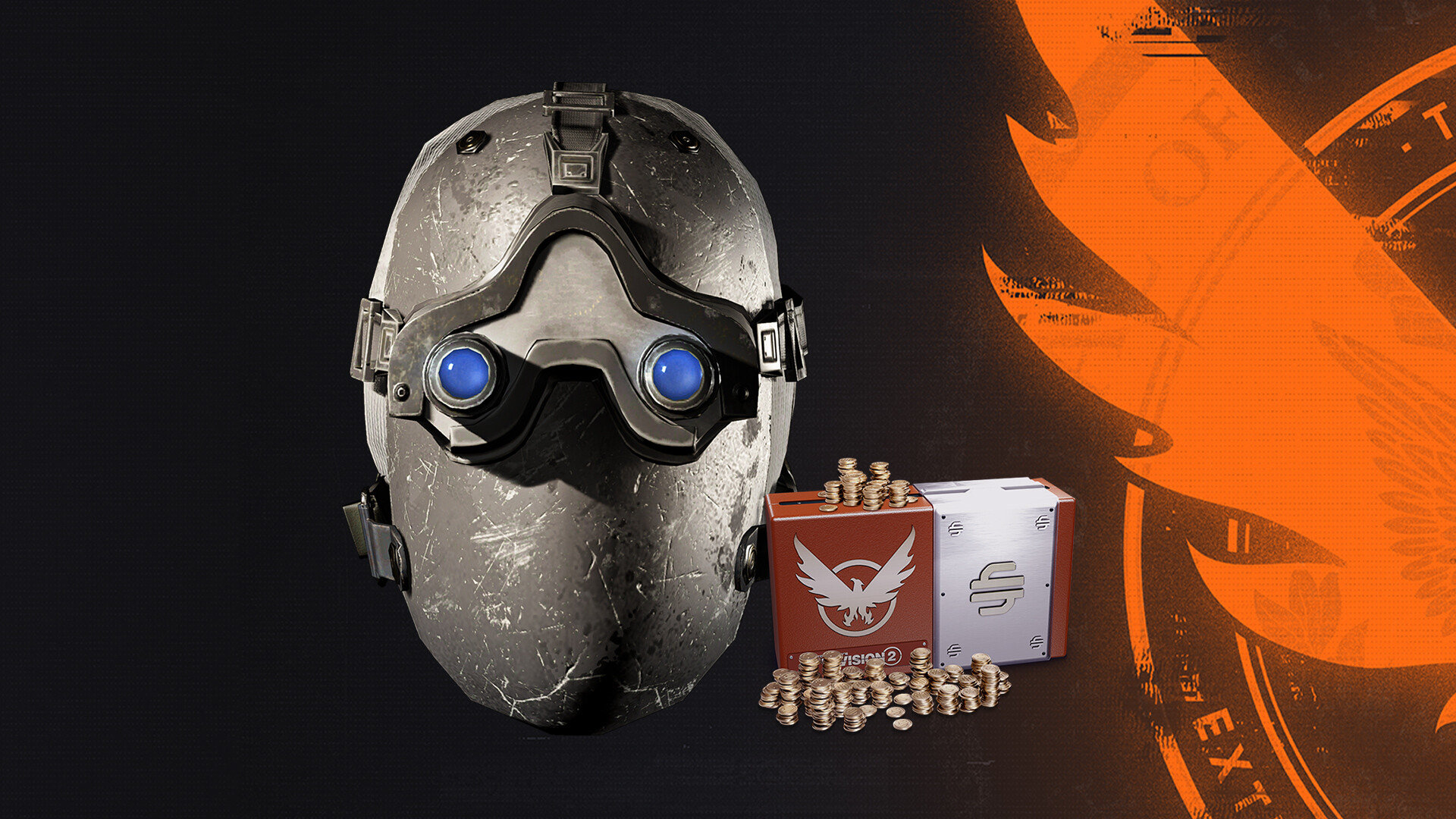
Get 2,600 Premium Credits and an exclusive cosmetic mask.
104 Total Reviews
63 Positive Reviews
41 Negative Reviews
Mixed Score
Tom Clancy’s The Division 2 – Shady Pack has garnered a total of 104 reviews, with 63 positive reviews and 41 negative reviews, resulting in a ‘Mixed’ overall score.
Reviews Chart
Chart above illustrates the trend of feedback for Tom Clancy’s The Division 2 – Shady Pack over time, showcasing the dynamic changes in player opinions as new updates and features have been introduced. This visual representation helps to understand the game's reception and how it has evolved.
Recent Steam Reviews
This section displays the 10 most recent Steam reviews for the game, showcasing a mix of player experiences and sentiments. Each review summary includes the total playtime along with the number of thumbs-up and thumbs-down reactions, clearly indicating the community's feedback
Playtime:
0 minutes
I logged out of the game, bought the pack on Steam, made sure that Steam had installed the pack, logged back into the game and immediately had my credits and mask. Bought the anniversary bundle in game and immediately got my 50 stash slots. I can't believe you goobers almost talked me out of 50 extra stash slots.
👍 : 3 |
😃 : 0
Positive
Playtime:
0 minutes
Ok so for people who thing they got scammed you did not first open your DLC page in your library and go and uncheck the shady pack and recheck it and then open the game
👍 : 1 |
😃 : 0
Positive
Playtime:
0 minutes
Hi from Thailand.
When I first bought It right after the big update on 03-03-2026 around 20:00, I did not receive the content (mask and credits) even though I relaunched the game,
But this morning 04-03-2026 at 06:30 I checked back in the game and its there.
I highly recommend to buy the Anniversary bundle in the game for the extra 50 storage and extra items.
👍 : 2 |
😃 : 0
Positive
Playtime:
0 minutes
KNOWN ISSUES
Below is a list of known issues currently being tracked by the team.
General
As the Stash is not available in Realism Mode, players who purchase the One Time Offer or Anniversary Bundle while using a Realism character will need to switch to a non-Realism character to access Vanity and gameplay rewards stored in the Stash. Items are not lost and remain accessible once switching characters.
In short, read the ♥♥♥♥♥♥♥ patch notes you fools.
👍 : 4 |
😃 : 0
Positive
Playtime:
0 minutes
Did not get my mask and currency.
Then open Ubi Connect, log it off and back in.
Start the game from Steam, saw the item and currency.
Perhaps it was by coincidence since I tried this around an hour after I purchased the pack through Steam.
Hope this helps.
👍 : 5 |
😃 : 0
Positive
Playtime:
0 minutes
I just rejoined the game and it worked, average Shooter Gamer IQ showing in these reviews. Holy crybabies.
👍 : 14 |
😃 : 2
Positive
Playtime:
0 minutes
SO! This has happened for the 3rd time. Everytime I buy credits for the Season pass, itll first take me to Ubisoft connect and then from Ubisoft Connect to steam. I make the purchase on Steam through a 3rd party window and for whatever reason Ubisoft and Steam have not figured out how to make the transfer unlock the items.
I contacted Ubisoft help and will update after my case is closed. At this stage it is an utter headache, last time this happened I had to give evidence of purchase even though my account is currently saying I own it and do all the other stuff that comes with redeeming what you brought.
They really need to sort out how the pay system works. Its very silly spent my evening just trying to sort this out.
👍 : 18 |
😃 : 8
Negative
Playtime:
0 minutes
Truly Shady indeed, Didnt get the mask or the credits. Even restarted the game and still nothing
👍 : 26 |
😃 : 14
Positive
Playtime:
0 minutes
Step one (close game)
Step 2 purchase Shady Pack
Step 3 launch game (log in)
Step 4 check storage for gifts
Step 5 check store section ingame for credits..
Enjoy!
👍 : 22 |
😃 : 1
Positive
Playtime:
0 minutes
Ubisheet* (Censor bypassing) hater here.
Credit where credit is due - I believe most the down votes are just user error.
Bought the pack via Steam (No duh), quit the game, see Steam has now "installed DLC contents".
Re-launched, check credit balance, it's there.
Check mask slot, no mask, slight freak out. But then went to check storage > Mailbox, and the mask is there.
I'll be the first to bring the shovel to bury Ubisheet, but let's not jump the gun when it's user error.
👍 : 97 |
😃 : 2
Positive
Packages
| ID |
|
Name |
Type |
Price |
| 1520833 |
|
Tom Clancy’s The Division 2 – Shady Pack |
Package |
19.99 $ |
There are 0 packages available for this game, each priced to provide players with a selection of in-game currency, exclusive items, or bundles that enhance gameplay. These packages are designed to offer players various options to customize and advance their game experience.
Tom Clancy’s The Division 2 – Shady Pack Minimum PC System Requirements
Minimum:- Requires a 64-bit processor and operating system
Tom Clancy’s The Division 2 – Shady Pack Recommended PC System Requirements
Recommended:- Requires a 64-bit processor and operating system
Tom Clancy’s The Division 2 – Shady Pack has specific system requirements to ensure smooth gameplay. The minimum settings provide basic performance, while the recommended settings are designed to deliver the best gaming experience. Check the detailed requirements to ensure your system is compatible before making a purchase.


 Store
Store