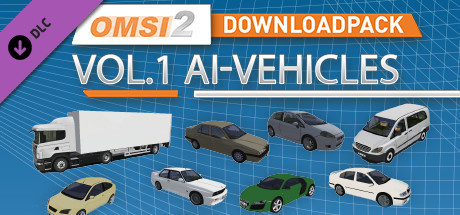
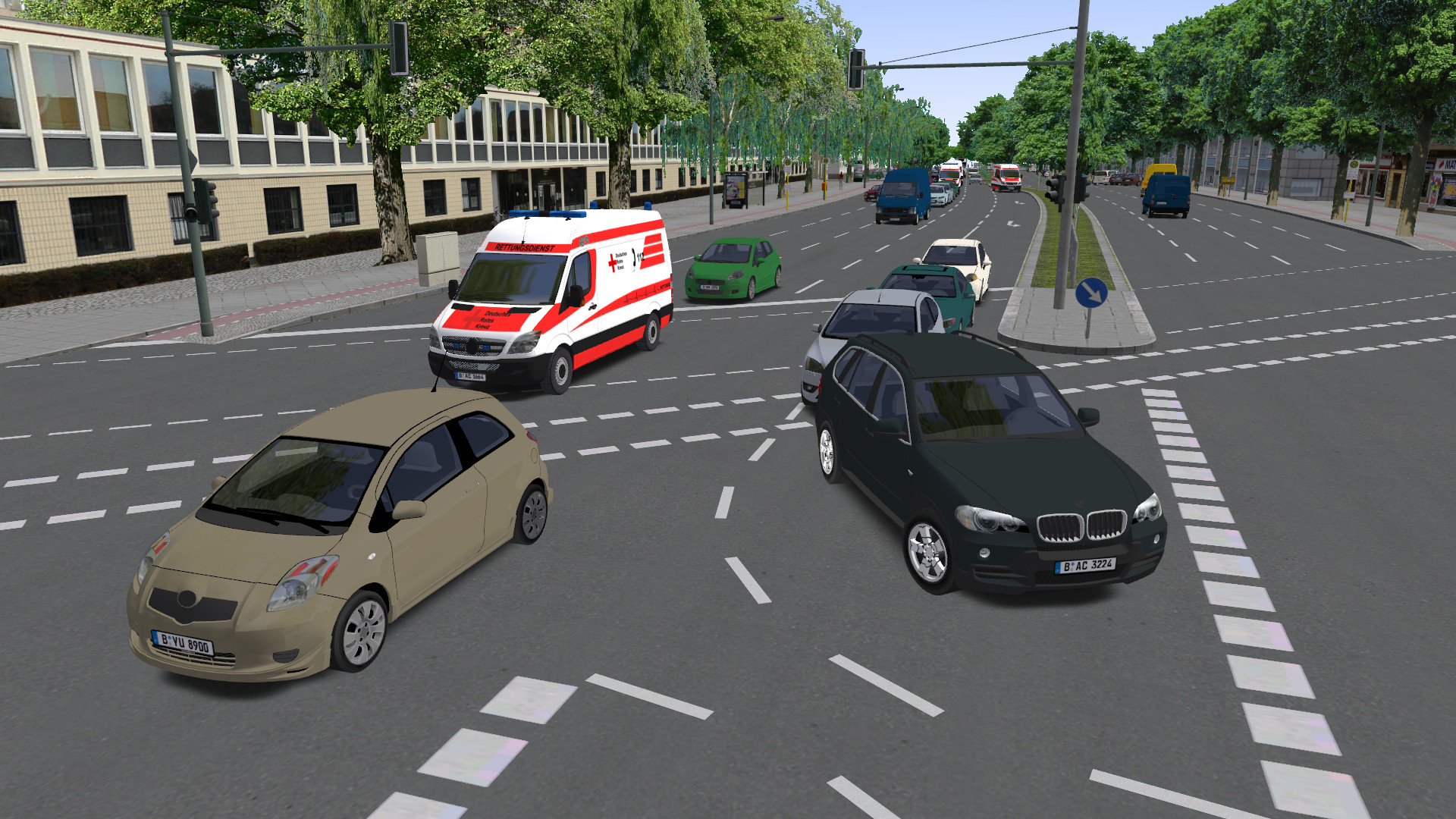
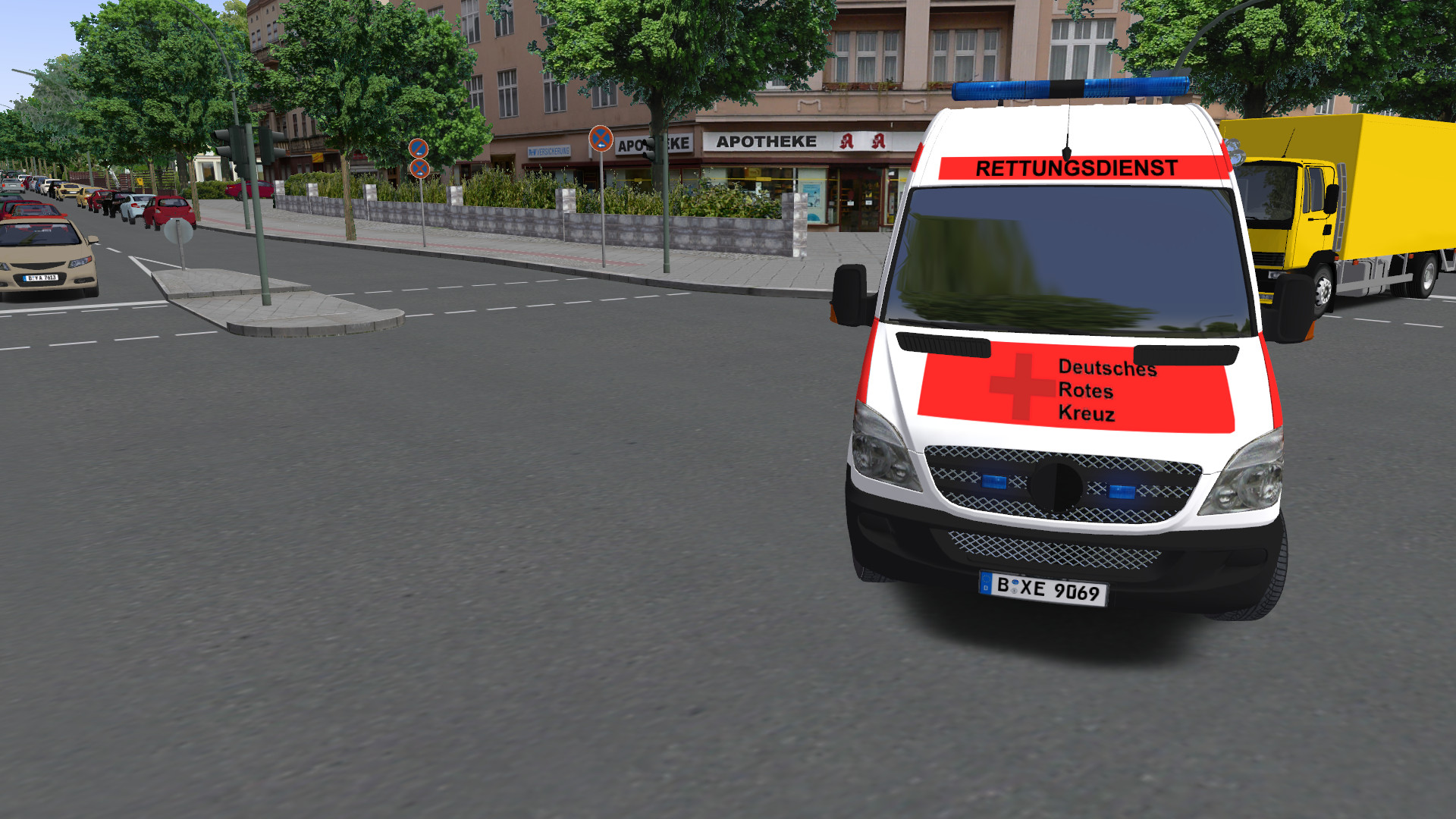
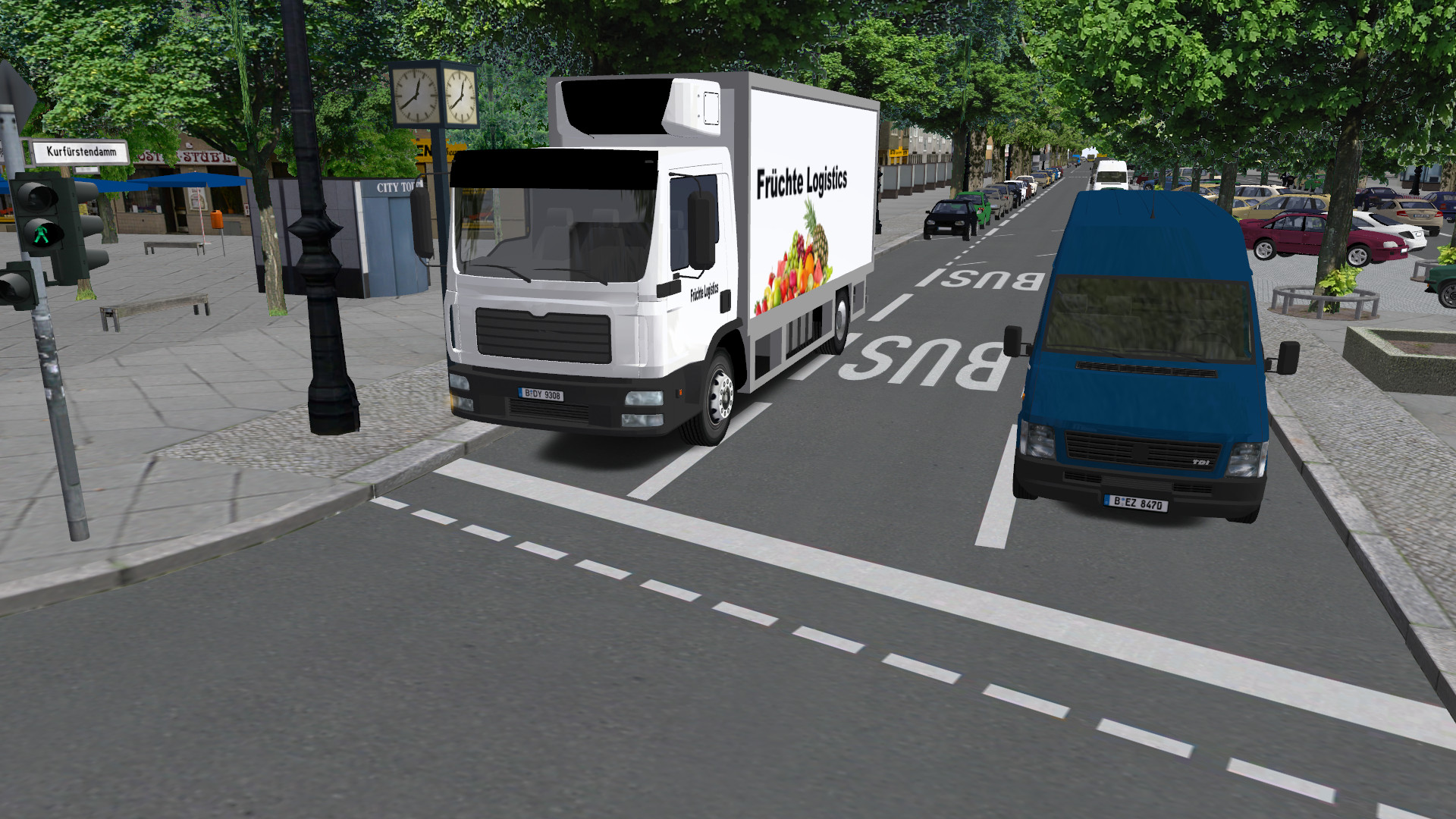
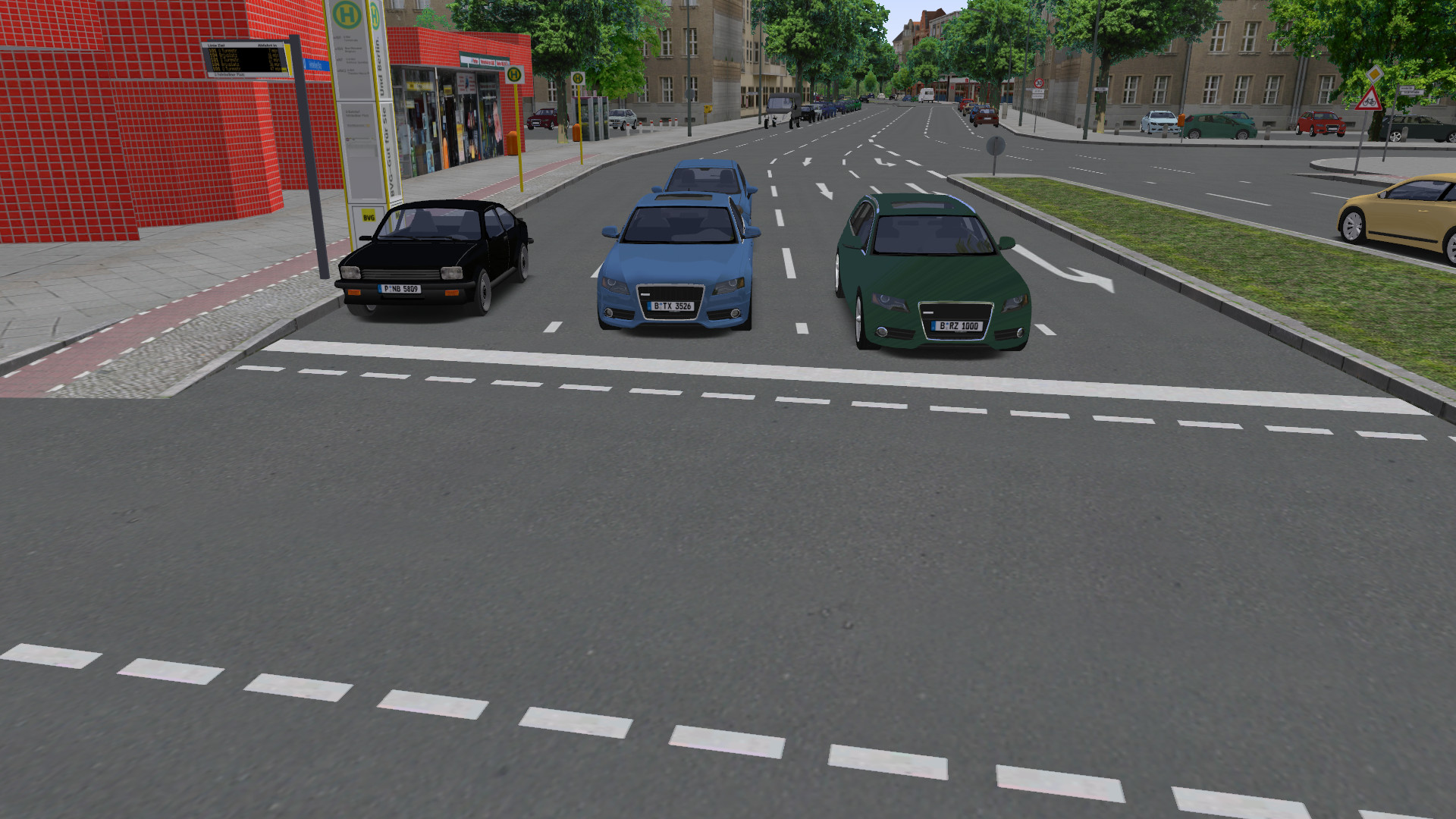
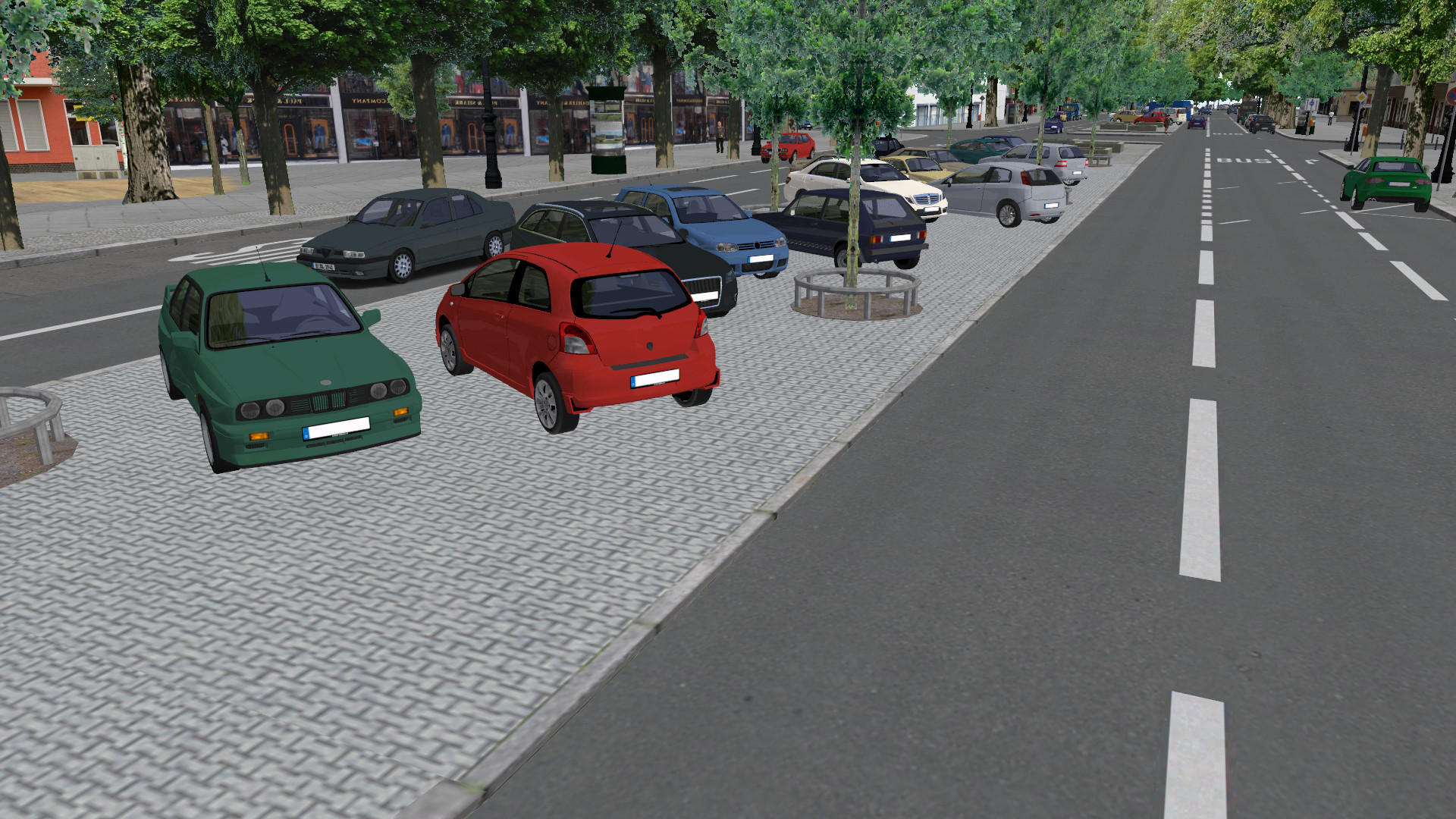
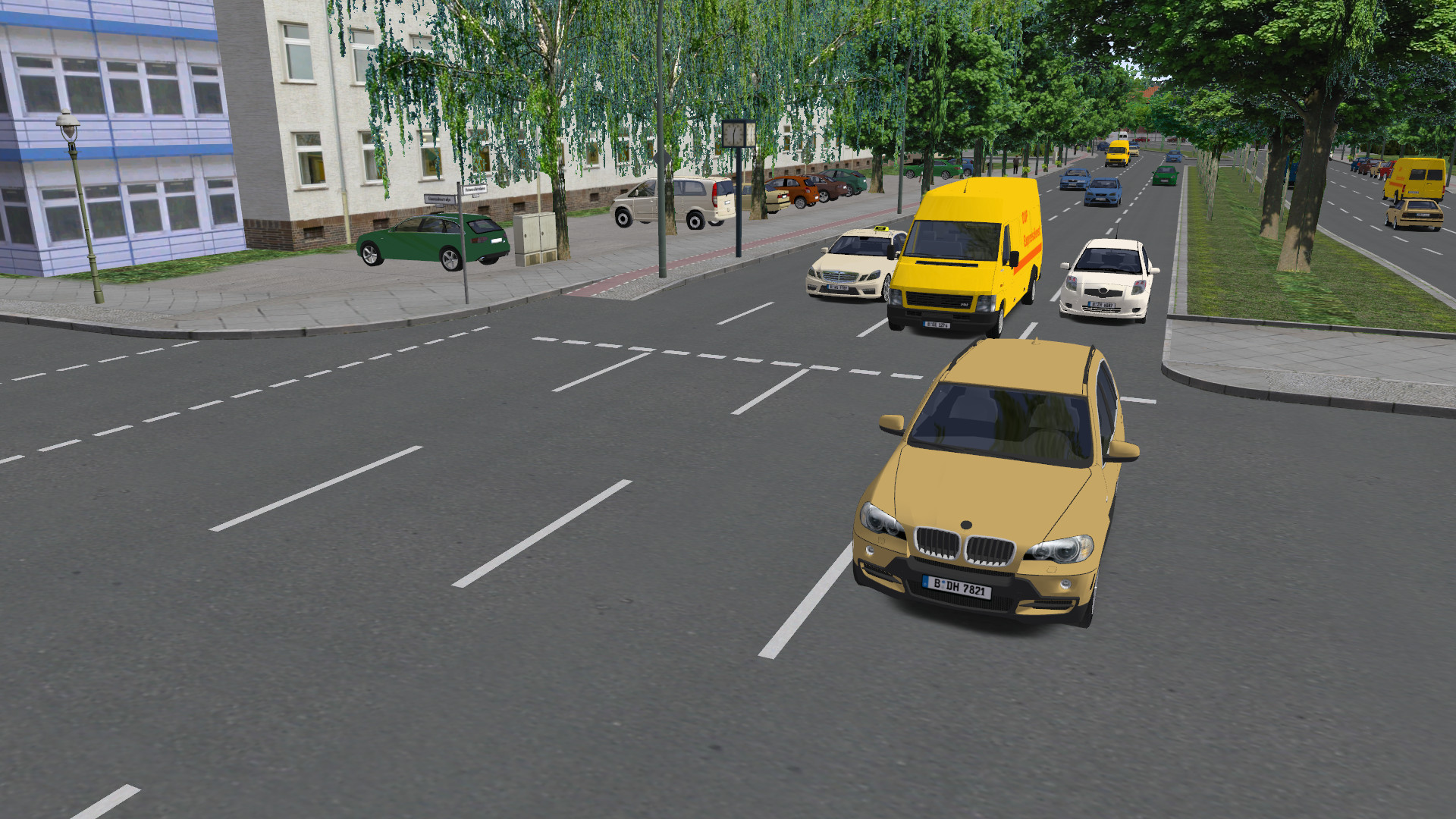
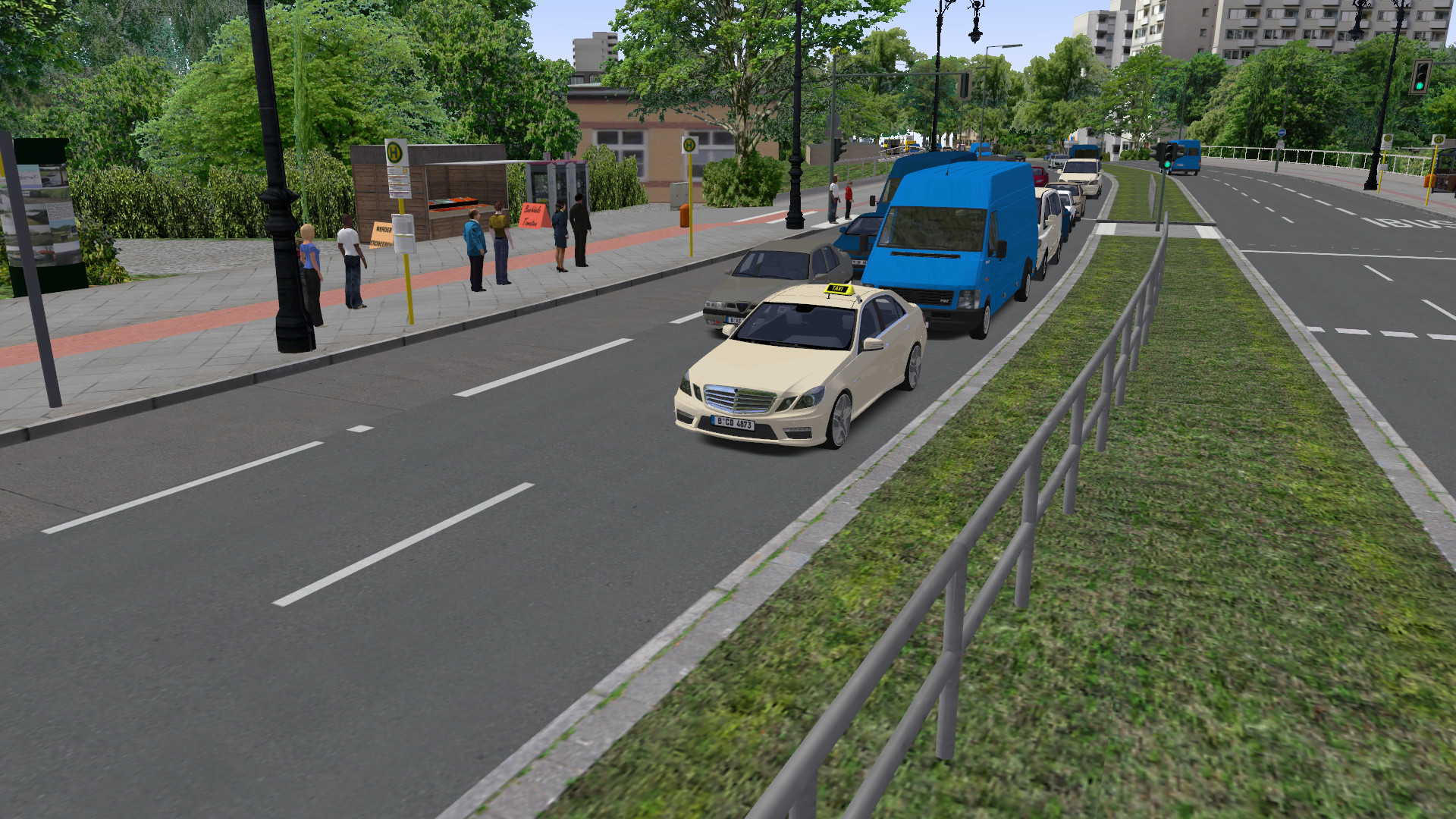
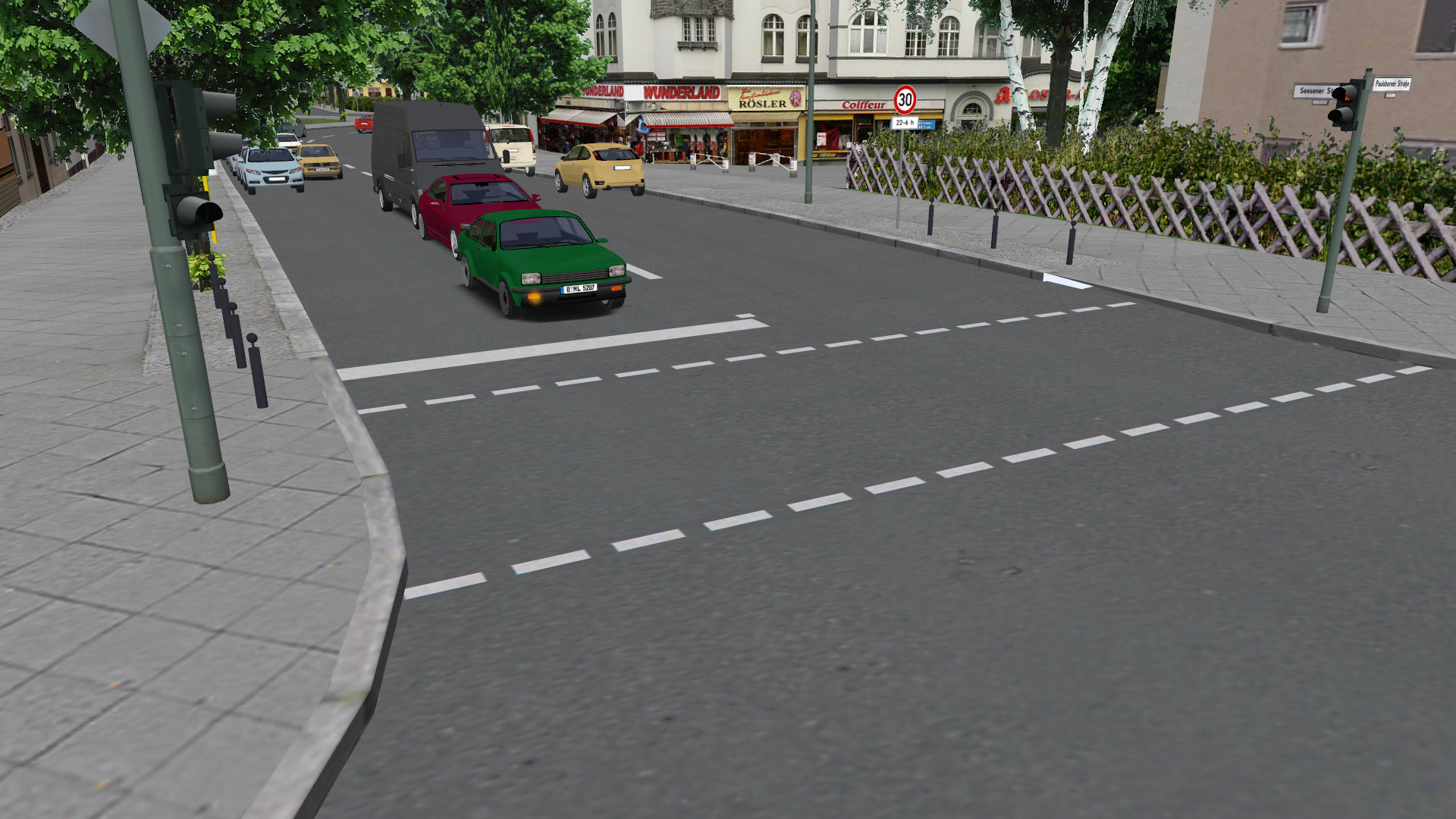
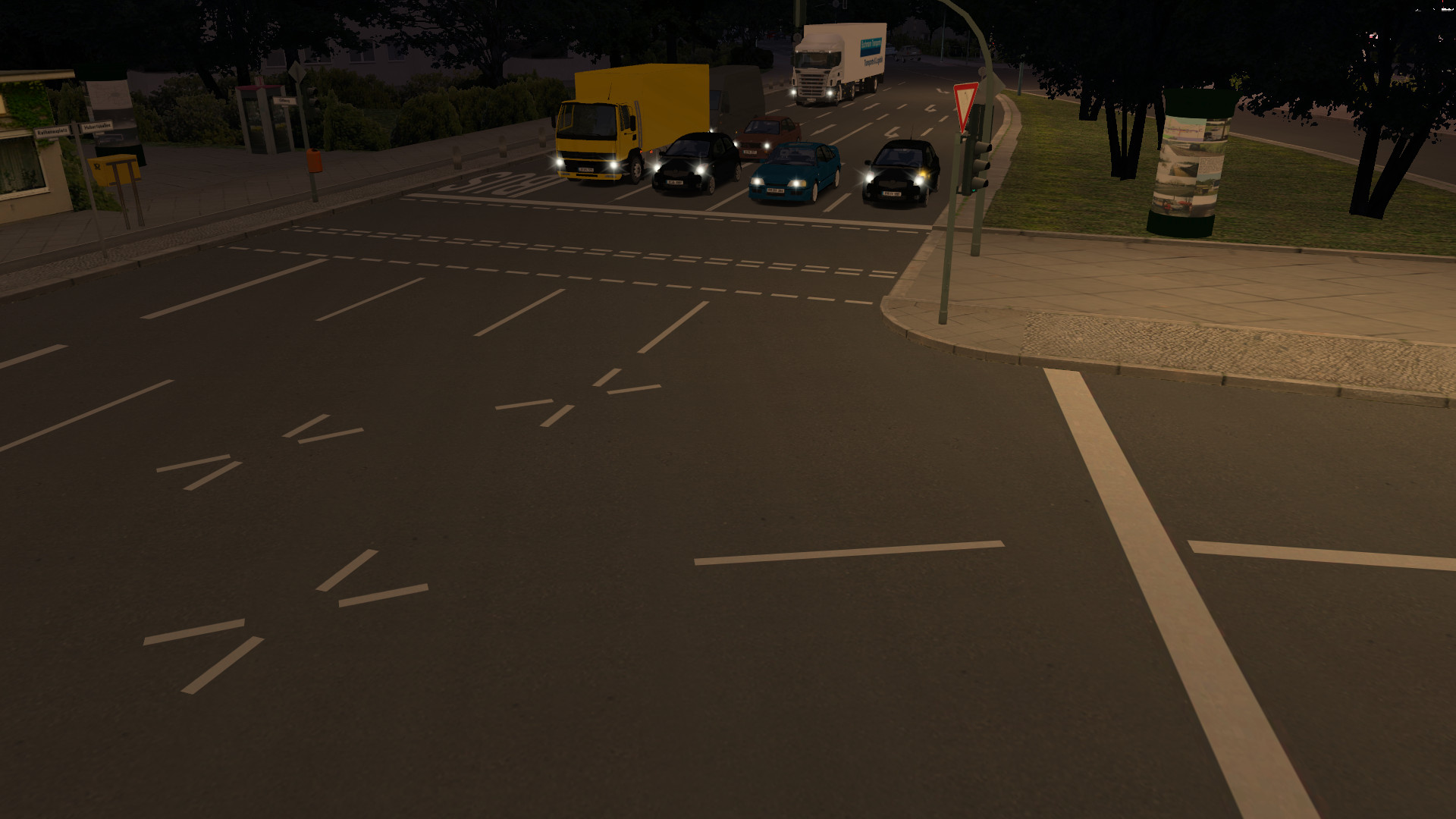
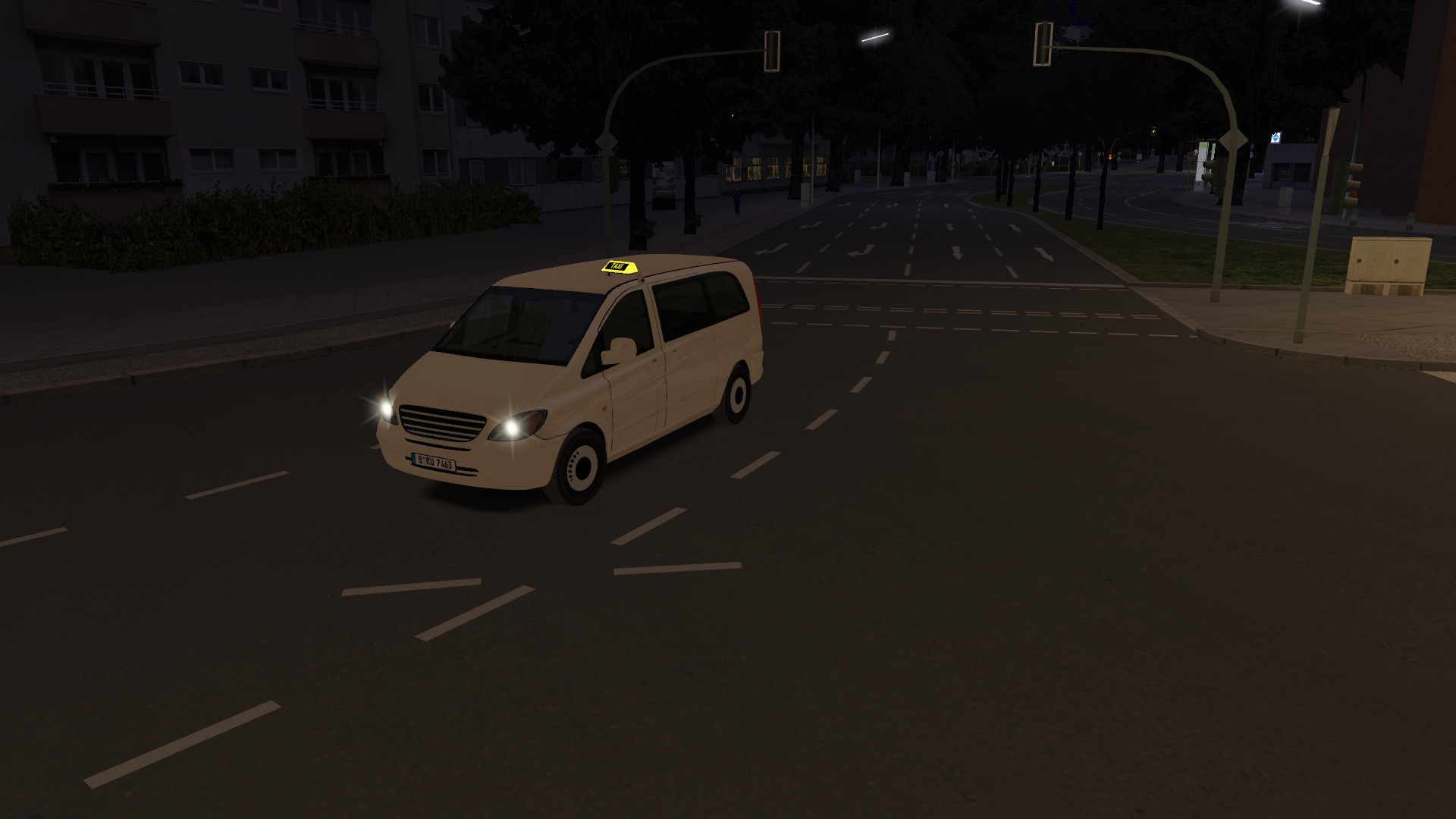
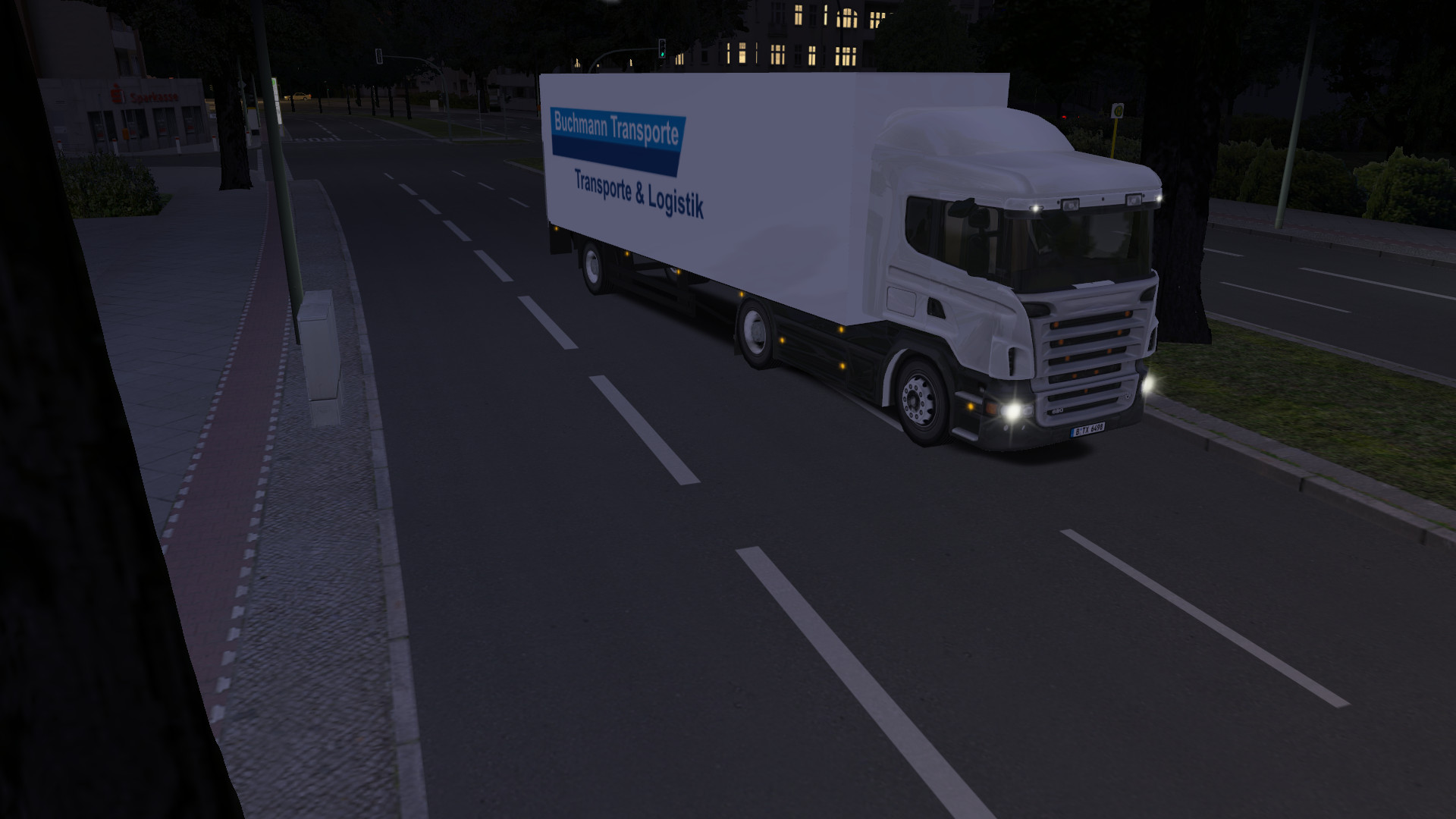
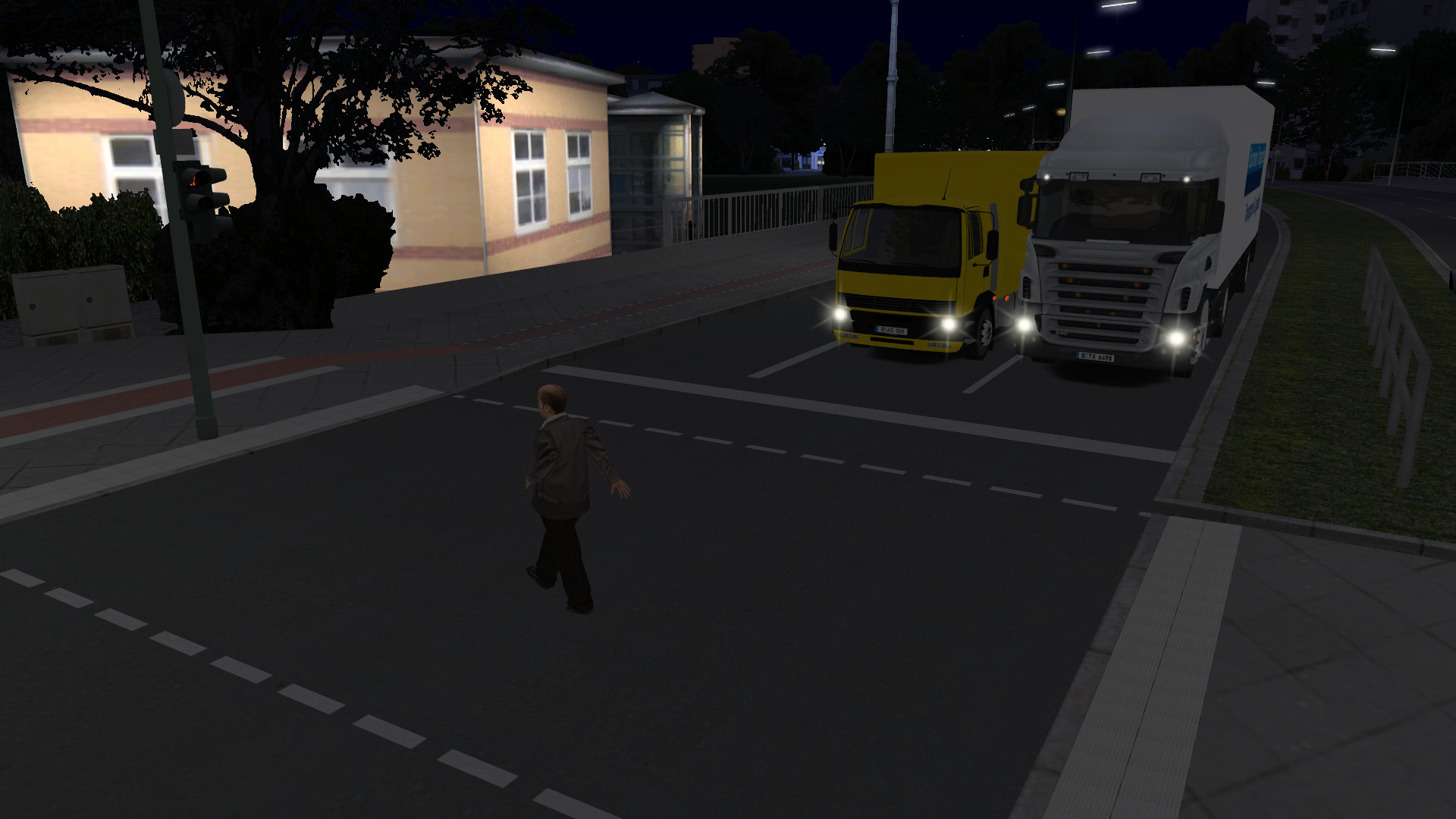
With the new product series OMSI 2 - Download Pack, Halycon Media starts a new series of add-ons for the popular OMSI 2 - Omnibus-Simulator. In the first part, we provide you with more than 30 different AI vehicles for the existing OMSI maps.
40 Total Reviews
17 Positive Reviews
23 Negative Reviews
Mixed Score
OMSI 2 Add-on Downloadpack Vol. 1 - KI-Fahrzeuge has garnered a total of 40 reviews, with 17 positive reviews and 23 negative reviews, resulting in a ‘Mixed’ overall score.
Reviews Chart
Chart above illustrates the trend of feedback for OMSI 2 Add-on Downloadpack Vol. 1 - KI-Fahrzeuge over time, showcasing the dynamic changes in player opinions as new updates and features have been introduced. This visual representation helps to understand the game's reception and how it has evolved.
Recent Steam Reviews
This section displays the 10 most recent Steam reviews for the game, showcasing a mix of player experiences and sentiments. Each review summary includes the total playtime along with the number of thumbs-up and thumbs-down reactions, clearly indicating the community's feedback
Playtime:
0 minutes
2026 REVIEW:
For this review, I take a look at the OMSI 2 Downlaod Pack Vol. 1 - AI Vehicles.
If you are looking for a pack that is bang for your buck and you are wanting more AI vehicles, then definitely check this pack out.
IMPORTANT THINGS TO KNOW:
It's important to note that this pack is not included in any Halycon Media vehicle bundle pack and the reason why is it's because it contains so many vehicles.
It's also important to note that this vehicle pack was released back in 2016, so there is a graphics difference between their vehicle packs in 2016 and the ones in the 2020's.
And most importantly, ALL HALYCON MEDIA AI VEHICLE or HUMAN PACKS are not install and it's ready to go. You need to make adjustment to files in order to get these vehicles to show up on a map.
HOW TO GET THINGS RUNNING:
Halycon Media's human and vehicle packs are not "install completed it's ready to go". No, you need to tweak the files first. If you are not a tech savvy person, there are YT videos you can check out to learn.
For the human packs, you will want to go to your OMSI 2 directory and under each map, you will see a humans.txt file and a drivers.txt file. You will need to add the pack to these maps.
For the vehicle packs, the most important are ailits.cfg and parklist_p.txt.
So, what I do is I keep four files kept outside of my OMSI 2 directory, so I can copy and paste whatever I need to a maps file. The four files that you will deal with are:
Ailists.cfg (vehicles)
parklist_p (parked vehicles)
humans.txt (people walking around the map and hanging out at the bus stop)
drivers.txt (people who are driving the bus, sorry there is no humans driving vehicles)
The two folders inside the OMSI 2 directory are all you need to know:
Addons Folder - PDF MANUAL iS LOCATED HERE: The second thing to know is that there is a manual that I highly recommend you check out. Go to your OMSI 2 directory and you will find the folder, Addons. You can find the manual there in English and German. [NOTE: The folder is called KI Traffic Addon Pack 1]
MAPS - This is where all the map files are located including human.txt and drivers.txt to add which humans can be on this map. If you have many maps, that means you will need to adjust each one. So, be prepared to cut and paste.
The Add Ons folder already has the beispiel ailists.cfg and beispiel parklist_p.txt, so you can easily copy and paste to a maps ailists.cfg and parklist_p.txt
So, on your ailists.cfg for map you will see something like this with vehicles ending with *.ovh
[aigroup_2]
NormalCars
So you would copy the vehicles you want to appear on this map, along with the other vehicles on there. You can easily select/remove vehicles.
Vehicles\TA_Alfa_Romeo_155\TA_Alfa_Romeo_155.ovh 1
Now on these vehicles,, right after the *.ovh file, you will notice when you open up the file you will see 1, 2, 3, 4, 5, 10, 30, etc. This is the frequency you want the vehicles to appear on the map.
And trucks are the same way... These end with *.bus
[aigroup_2]
Trucks
Vehicles\TA_DAF_Kasten1\TA_DAF_Kasten1.bus
Parked Vehicles, like a humans.txt file, you will just add the vehicles .sco file like this:
vehicles\TA_Alfa_Romeo_155\TA_parked_Alfa_Romeo_155.sco
IMPORTANT!
On the OMSI 2 options, depending on your computer and how you like your settings, you can increase the humber of vehicles on your map. Choose better performance and less vehicles and people or if you have the computer than does get bogged down with any lag, tweak and add more vehicles along the way. I recommend checking out the performance guide on OMSI 2 STEAM GUIDES. Otherwise, tweak the amount of people and figure out which is more tolerable for you during your gameplay.
TROUBLESHOOTING:
I recommend either.... OMSI 2 Power Tool KIt or the Busbetrieb-Simulator. Both can check your maps and see if you added things correctly and to make sure nothing is missing or misspelled. But I highly recommend these two software if you plan to add humans or vehicles, so it can pre-check things before you start playing.
JUDGMENT CALL:
If you are tired of the same vehicles over and over on your map and many maps that feature vehicles are more towards the 70s-80s and 90s, if you want modern vehicles, then these packs are worth it.
Again, this pack is not in a bundle but you get so much for your money for under $8US (when on sale).
Again, this is an older pack from 2016. I wish Halycon Media would revisit it and use their modern graphic style that are being used in current vehicle packs. But if anything, this is possibly the most cost-efficient pack to have in your OMSI 2 AI vehicle collection. Also, less graphic intensive for those who have potato computers.
More bang for the buck! This download pack vol. 1 definitely delivers in number of vehicles plus cost (again, get this on sale!!!).
HIGHLY RECOMMENDED!
👍 : 1 |
😃 : 0
Positive
OMSI 2 Add-on Downloadpack Vol. 1 - KI-Fahrzeuge DLC
OMSI 2 Add-on Downloadpack Vol. 1 - KI-Fahrzeuge offers 1 downloadable content (DLC) packs, each adding unique elements and extending the core gameplay experience. These packs may include new missions, characters, maps, or cosmetic items, enriching the player's engagement with the game.
Packages
| ID |
|
Name |
Type |
Price |
| 90507 |
|
OMSI 2 Add-on Downloadpack Vol. 1 - KI-Fahrzeuge |
Package |
9.09 $ |
There are 1 packages available for this game, each priced to provide players with a selection of in-game currency, exclusive items, or bundles that enhance gameplay. These packages are designed to offer players various options to customize and advance their game experience.
OMSI 2 Add-on Downloadpack Vol. 1 - KI-Fahrzeuge Minimum PC System Requirements
Minimum:- OS *: Windows Win 7
- Processor: Dual-Core respectively Core i5 with 2,8 GHz or similar
- Memory: 4 GB RAM
- Graphics: 3D graphic card with at least 1.024 MB
- DirectX: Version 9.0c
- Storage: 1 GB available space
- Sound Card: Yes
OMSI 2 Add-on Downloadpack Vol. 1 - KI-Fahrzeuge Recommended PC System Requirements
Recommended:- OS *: Win 8.1 / 64bit
- Processor: Quad-Core with 3,0 Ghz
- Memory: 8 GB RAM
- Graphics: 3D graphic card with at least 2.048 MB
- DirectX: Version 9.0c
- Storage: 1 GB available space
- Sound Card: Yes
OMSI 2 Add-on Downloadpack Vol. 1 - KI-Fahrzeuge has specific system requirements to ensure smooth gameplay. The minimum settings provide basic performance, while the recommended settings are designed to deliver the best gaming experience. Check the detailed requirements to ensure your system is compatible before making a purchase.


 Store
Store