

 Store
StoreMurino Adventures Steam Charts & Stats
Survive the fog-filled ruins of Murino. Play as Drun and Ch, uncover Mellstroy’s experiments, and escape—or destroy—the creeping Fog before it consumes everything.
| App ID | 4115900 |
| App Type | GAME |
| Developers | EasyBridges |
| Publishers | EasyBridges |
| Categories | Single-player, Steam Achievements, Steam Cloud, In-App Purchases, Stats, Steam Workshop, Commentary available, Includes level editor, Captions available, HDR available, Steam Turn Notifications, Steam Workshop, Includes Source SDK, Family Sharing, Steam Timeline |
| Genres | Action, Adventure |
| Release Date | Q1 2026 |
| Platforms | Windows |
| Supported Languages | English |

0 Total Reviews
0 Positive Reviews
0 Negative Reviews
Negative Score
Murino Adventures has garnered a total of 0 reviews, with 0 positive reviews and 0 negative reviews, resulting in a ‘Negative’ overall score.
Murino Adventures Screenshots
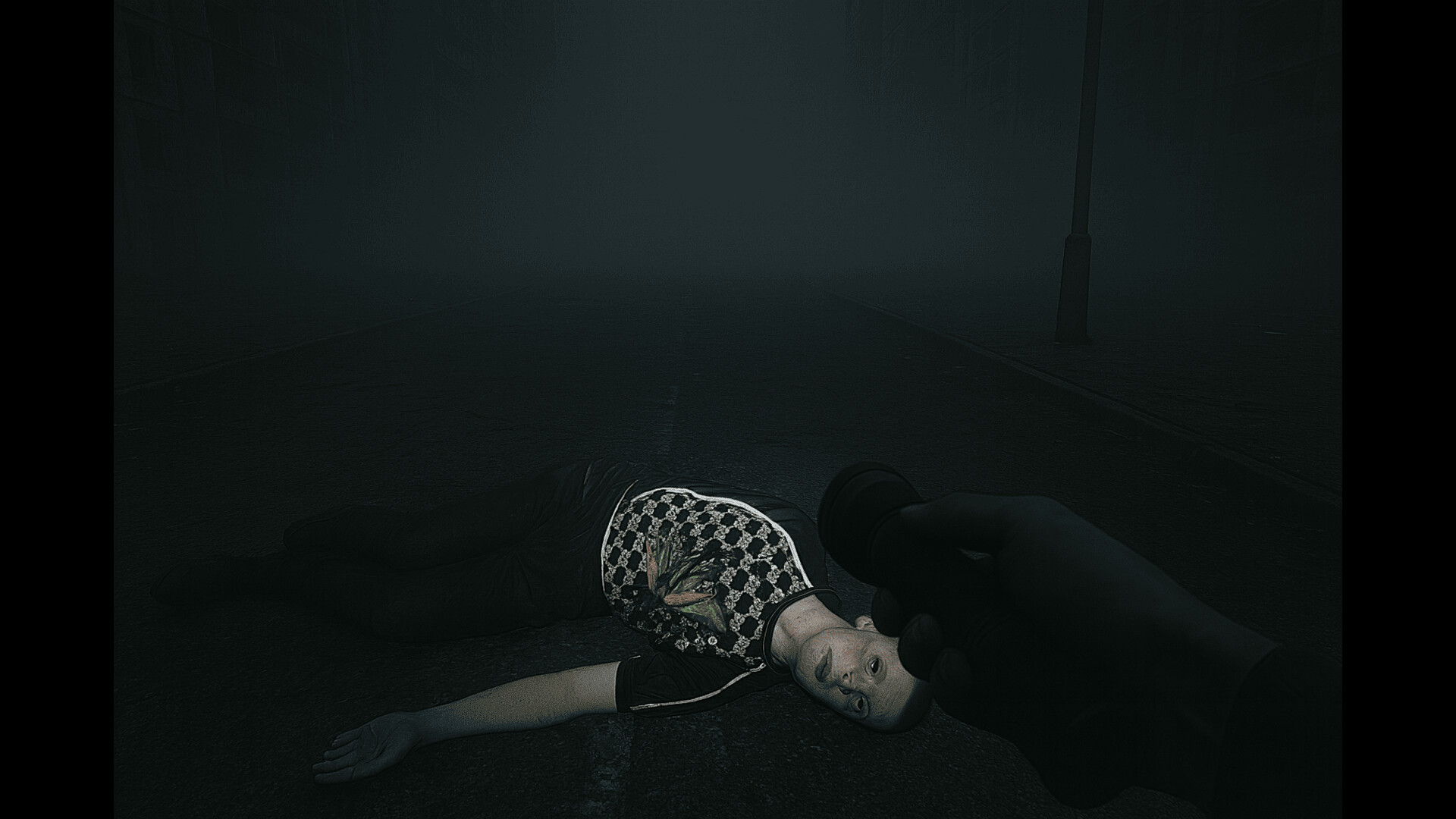
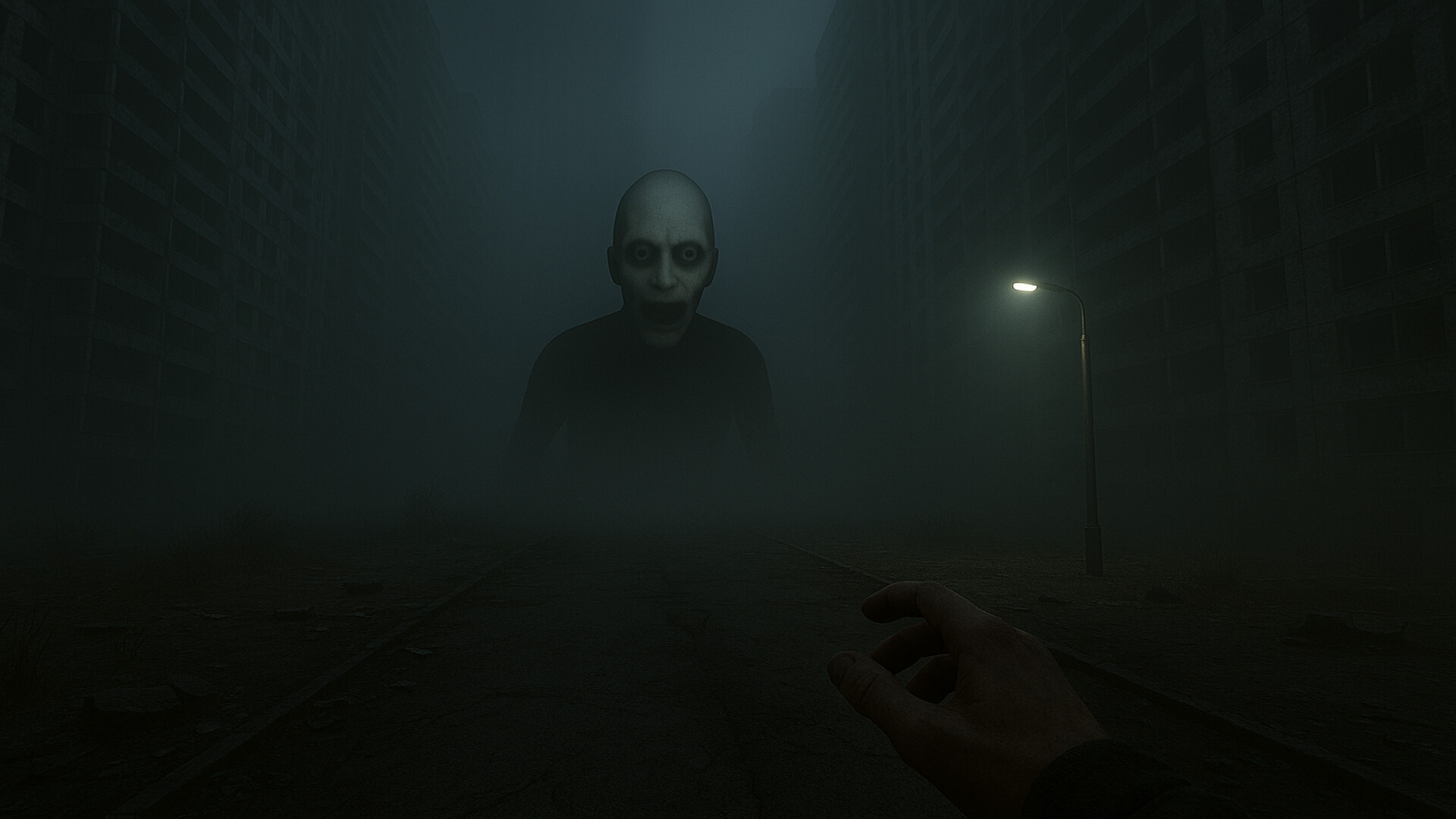
View the gallery of screenshots from Murino Adventures. These images showcase key moments and graphics of the game.



Murino Adventures Minimum PC System Requirements
Minimum:- OS: Windows 10 (or newer, if your PC survived 2020)
- Processor: Anything that doesn’t catch fire when hearing the word “shader”
- Memory: 4 MB RAM
- Graphics: A card from Monopoly
- Storage: 500 MB available space
- Sound Card: Any, as long as it doesn’t scream
- VR Support: Works if you wear a cooking pot on your head
- Additional Notes: Runs faster if you offer your PC a cup of coffee ☕
Murino Adventures Recommended PC System Requirements
Recommended:- OS: Windows 11 Pro (Battle-Hardened Edition)
- Processor: Intel Core i9-9000K or better — check NASA’s warehouse
- Memory: 128 GB RAM
- Graphics: RTX 5090 Titan Unicorn Edition
- Storage: 120 GB available space
- Sound Card: Dolby Atmos integrated directly into your brain
- VR Support: Only if you’re ready to lose touch with reality
- Additional Notes: Boosts FPS when you shout “LET’S GOOOO” in CAPS LOCK
Murino Adventures has specific system requirements to ensure smooth gameplay. The minimum settings provide basic performance, while the recommended settings are designed to deliver the best gaming experience. Check the detailed requirements to ensure your system is compatible before making a purchase.