

 Store
Store
Snap & Print Steam Charts & Stats
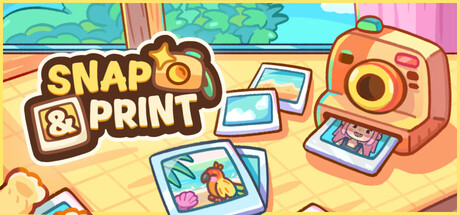
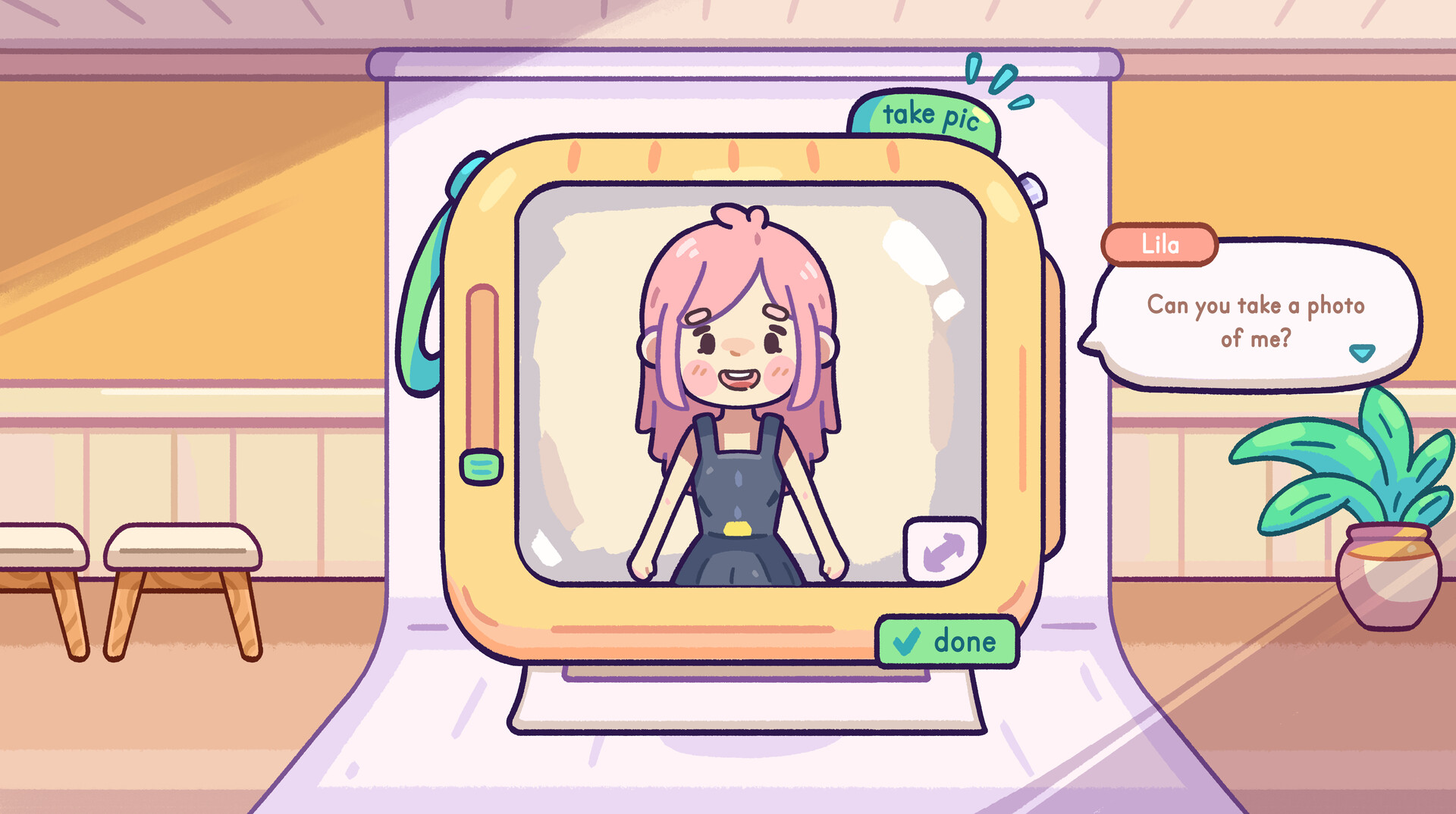
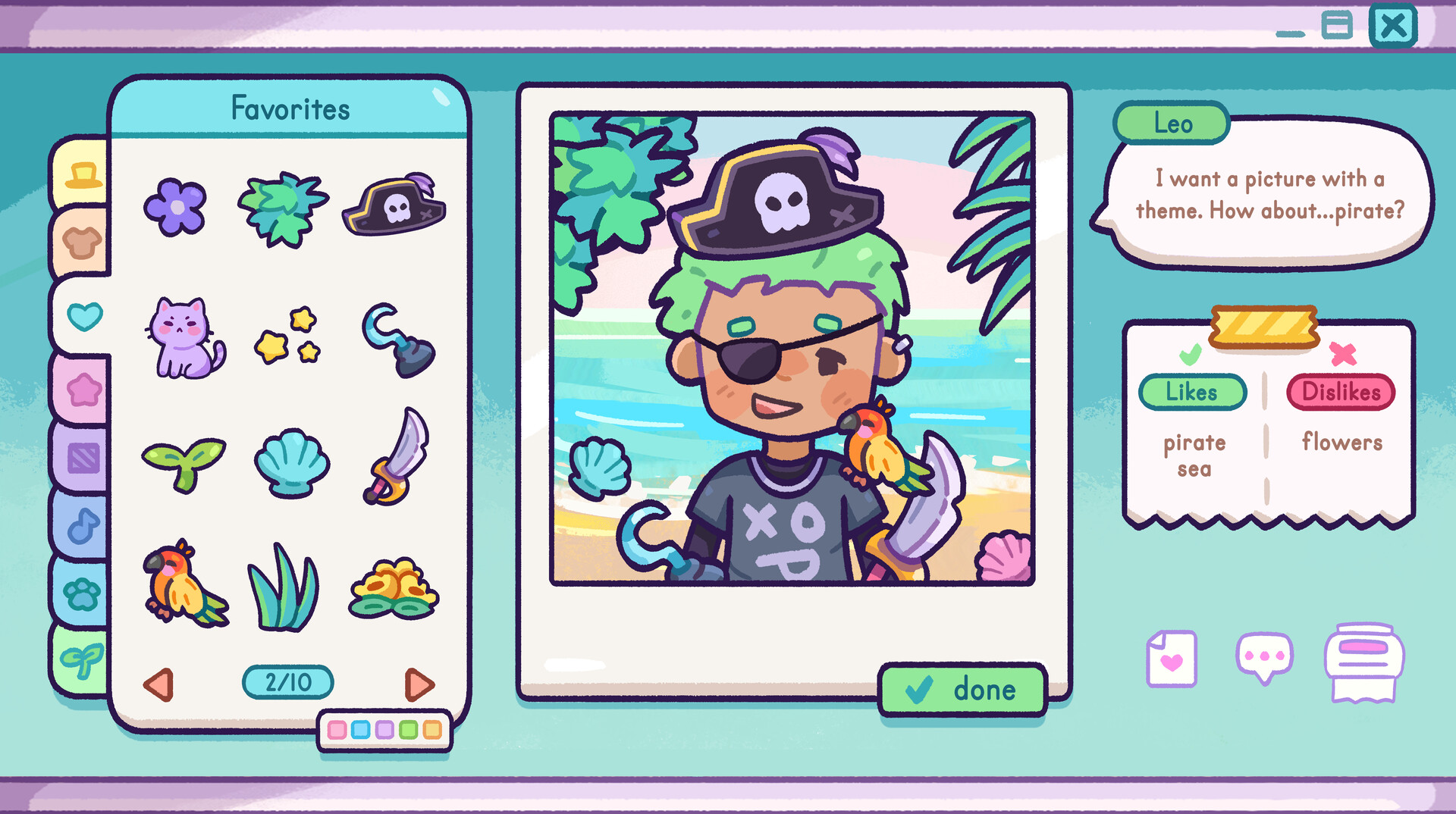
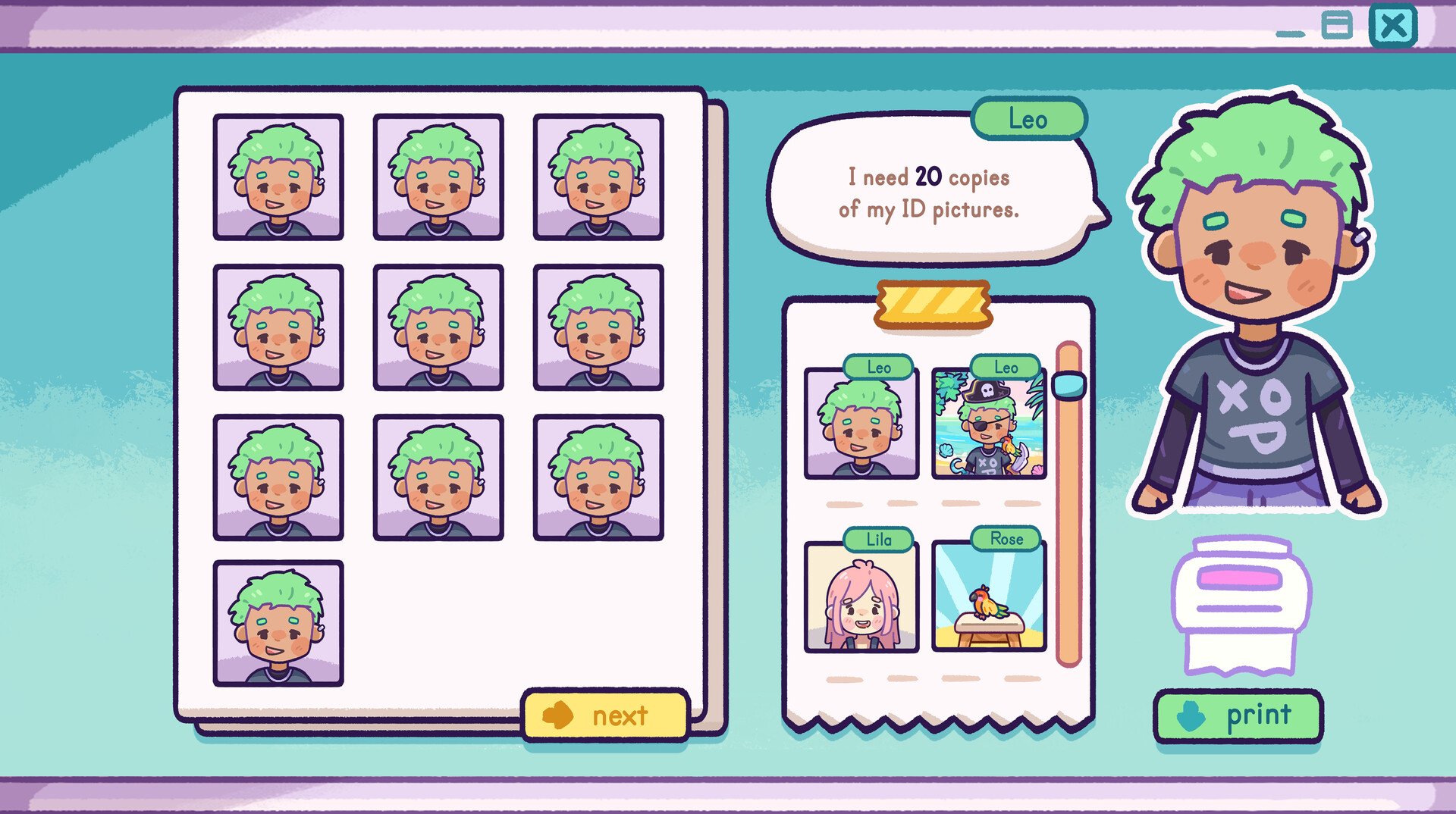
Run the cutest little photo & print shop in town! 📸 Snap & Print is a cozy job simulator, where you take portraits, edit and restore pictures, and decorate shots with hats, flowers, stickers, and more. Upgrade your studio, unlock new props, and make every customer smile.
| App ID | 3946330 |
| App Type | GAME |
| Developers | Rogue Duck Interactive |
| Publishers | Rogue Duck Interactive |
| Categories | Single-player, Steam Achievements, Steam Cloud, Remote Play Together, Steam Leaderboards, Family Sharing |
| Genres | Casual, Indie, Strategy, Simulation |
| Release Date | Coming soon |
| Platforms | Windows, Mac, Linux |
| Supported Languages | English, Japanese, Simplified Chinese, French, German, Spanish - Spain, Korean, Polish, Portuguese - Portugal, Portuguese - Brazil, Russian, Spanish - Latin America, Traditional Chinese, Turkish |
0 Total Reviews
0 Positive Reviews
0 Negative Reviews
Negative Score
Snap & Print has garnered a total of 0 reviews, with 0 positive reviews and 0 negative reviews, resulting in a ‘Negative’ overall score.
Snap & Print Screenshots
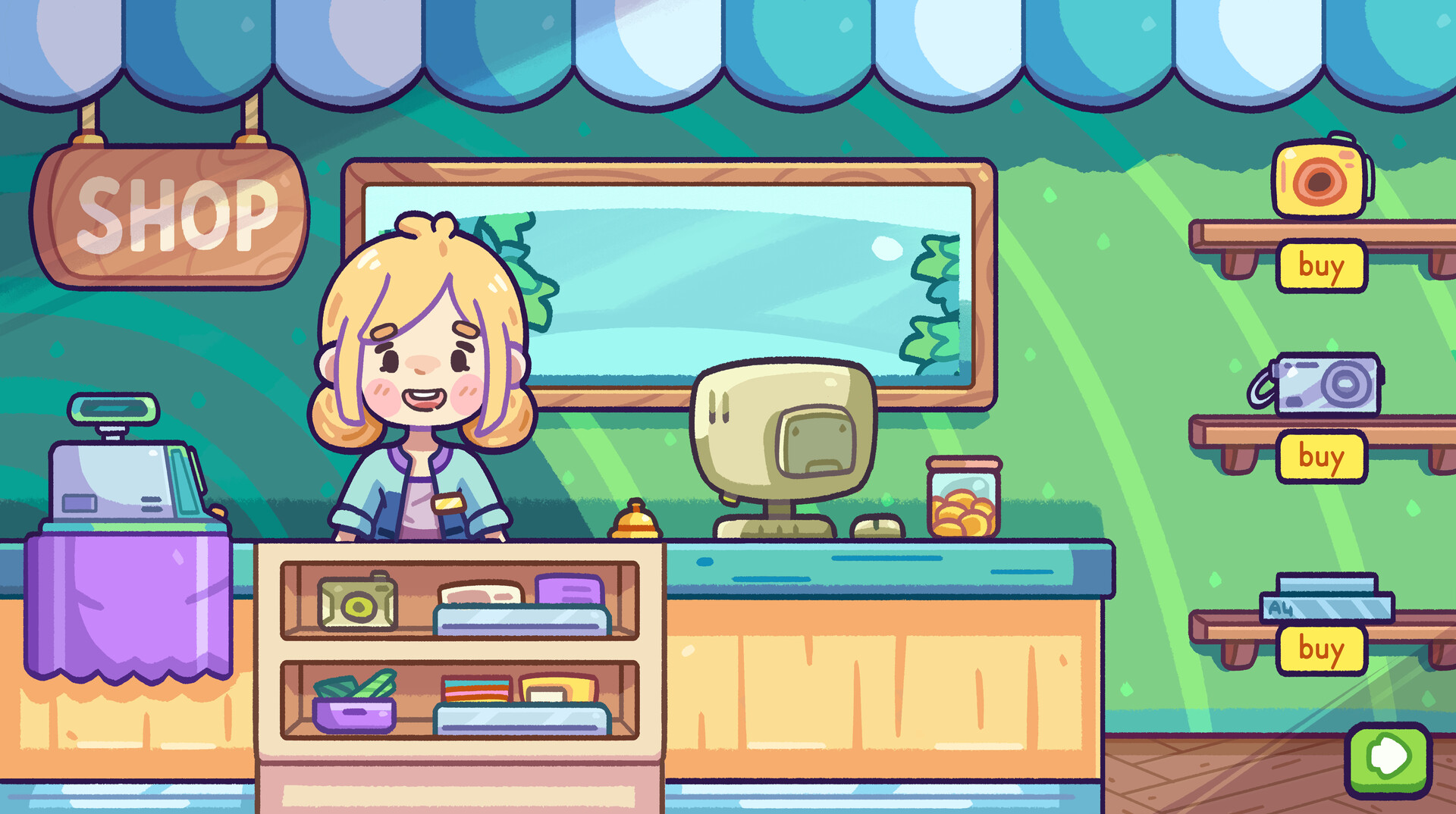
View the gallery of screenshots from Snap & Print. These images showcase key moments and graphics of the game.

Snap & Print Minimum PC System Requirements
Minimum:- Requires a 64-bit processor and operating system
- OS *: Windows 7 or later
- Processor: Intel Pentium CPU G860
- Memory: 1 GB RAM
- Graphics: NVIDIA GeForce 840M
- Storage: 1 GB available space
- Additional Notes: 64 Bit Only
Snap & Print Recommended PC System Requirements
Recommended:- Requires a 64-bit processor and operating system
Snap & Print Minimum MAC System Requirements
Minimum:- OS: Mac OS X 10.6 or above
- Processor: Apple Silicon M1 (M2 and M3) or Intel Core M
- Memory: 1 GB RAM
- Graphics: 1280x720 minimum resolution, OpenGL 2.0 Support, and recommended dedicated graphics card with 128 MB of RAM
- Storage: 1 GB available space
- Sound Card: OpenAL Compatible Sound Card
- Additional Notes: M1, M2, M3 Silicon Mac & ARM Supported
Snap & Print has specific system requirements to ensure smooth gameplay. The minimum settings provide basic performance, while the recommended settings are designed to deliver the best gaming experience. Check the detailed requirements to ensure your system is compatible before making a purchase.