

 Store
Store
Watchstander: Surface Warfare Officer Training Simulator Steam Charts & Stats
| App ID | 3891180 |
| App Type | GAME |
| Developers | Enclave Gaming |
| Publishers | Enclave Gaming |
| Categories | Single-player, Family Sharing, |
| Genres | Strategy, Simulation, Early Access |
| Release Date | January 2027 |
| Platforms | Windows |
| Supported Languages | English |
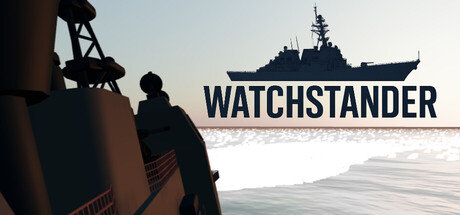
Watchstander: Surface Warfare Officer Training Simulator has garnered a total of 4 reviews, with 4 positive reviews and 0 negative reviews, resulting in a ‘’ overall score.
Reviews Chart
Chart above illustrates the trend of feedback for Watchstander: Surface Warfare Officer Training Simulator over time, showcasing the dynamic changes in player opinions as new updates and features have been introduced. This visual representation helps to understand the game's reception and how it has evolved.
Recent Steam Reviews
This section displays the 10 most recent Steam reviews for the game, showcasing a mix of player experiences and sentiments. Each review summary includes the total playtime along with the number of thumbs-up and thumbs-down reactions, clearly indicating the community's feedback
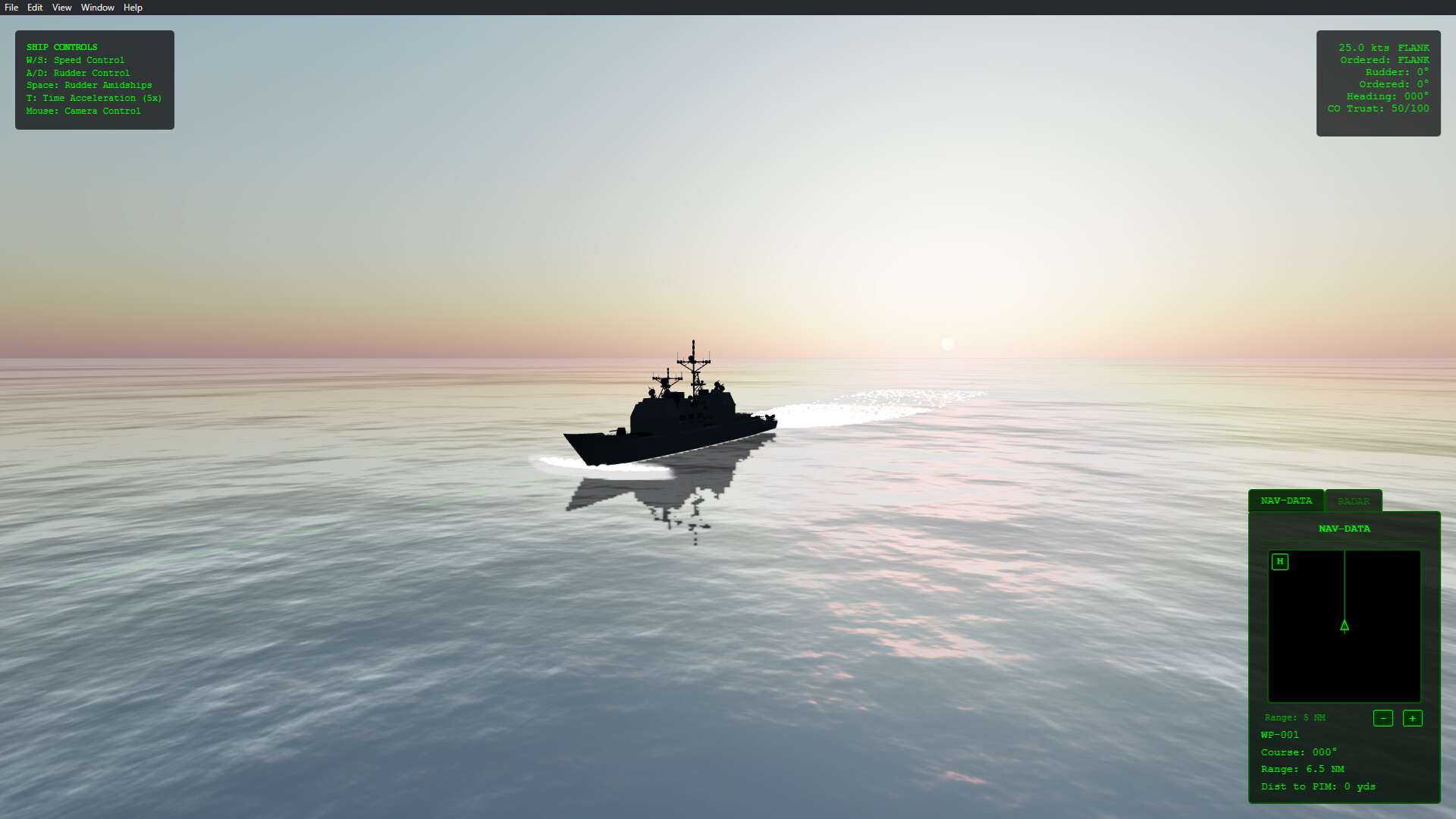
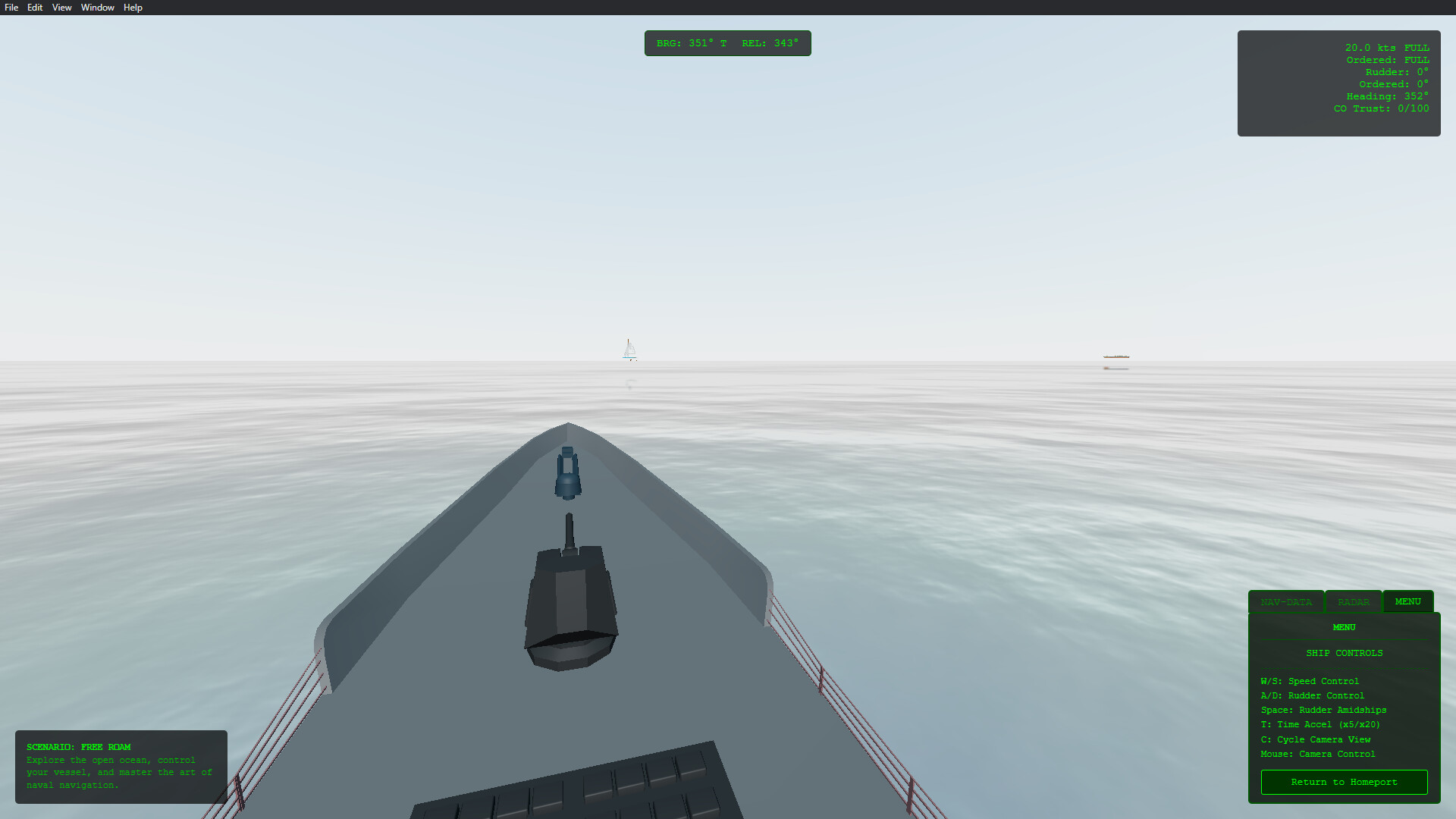
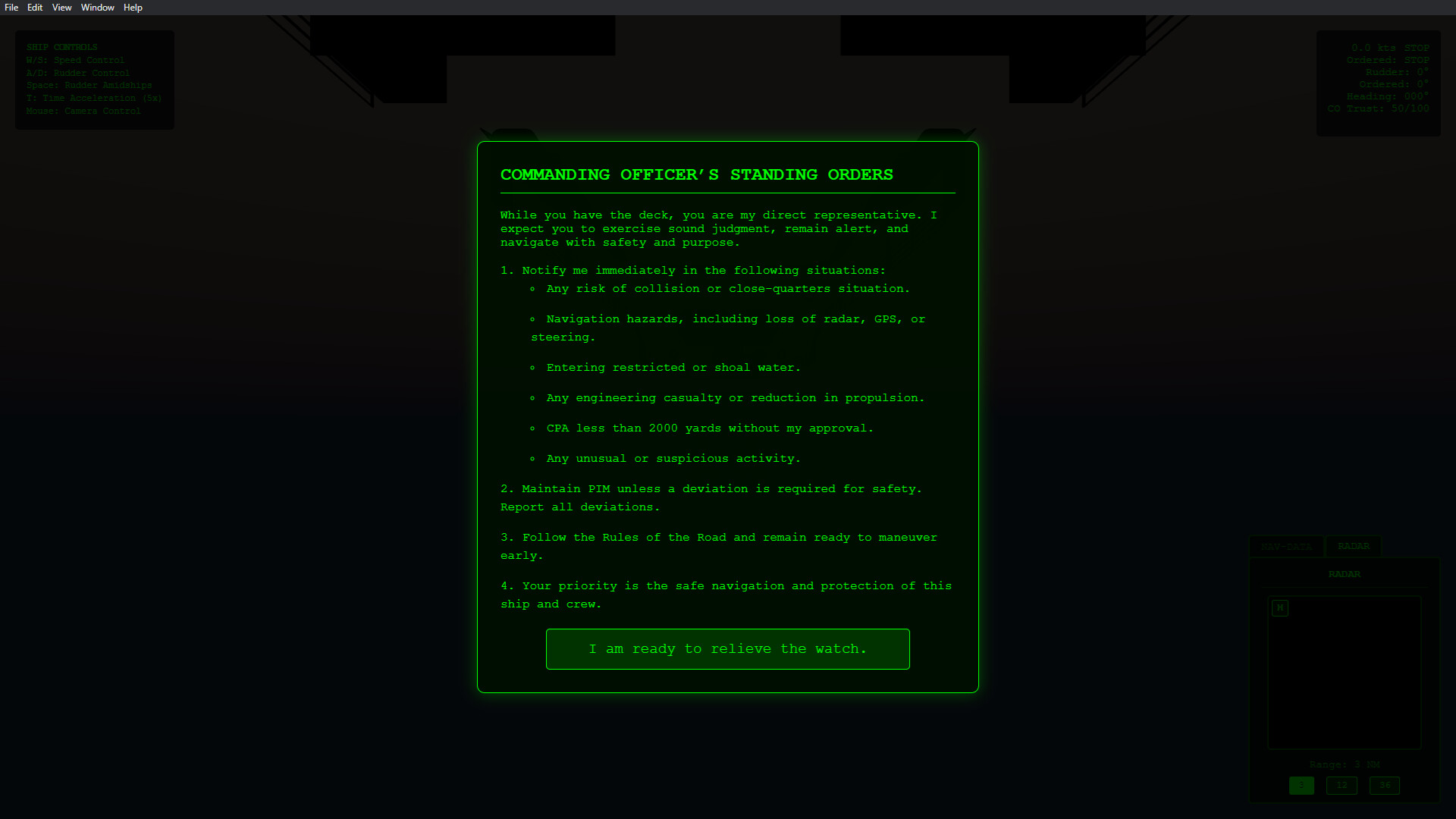
Watchstander: Surface Warfare Officer Training Simulator Screenshots
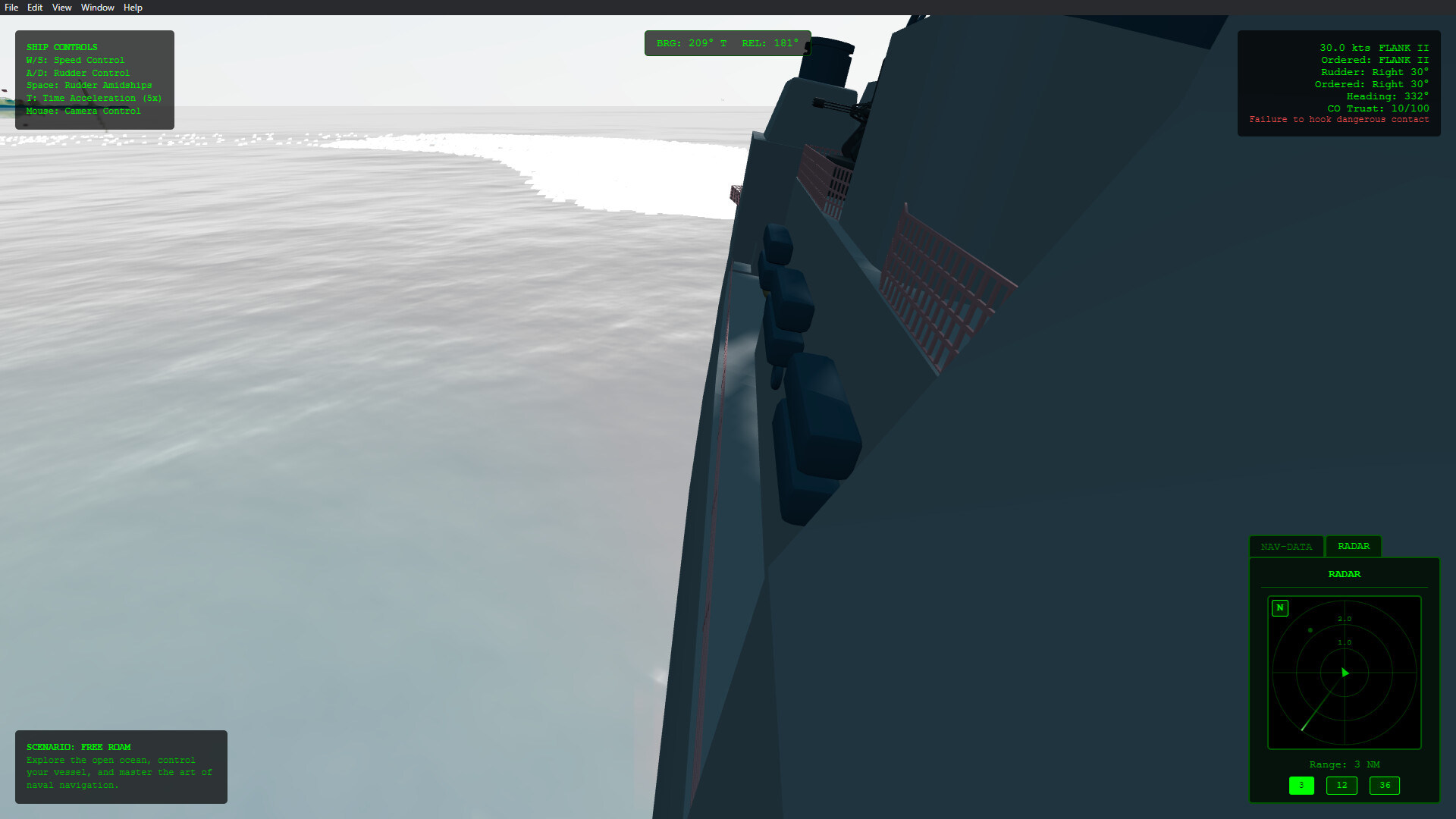
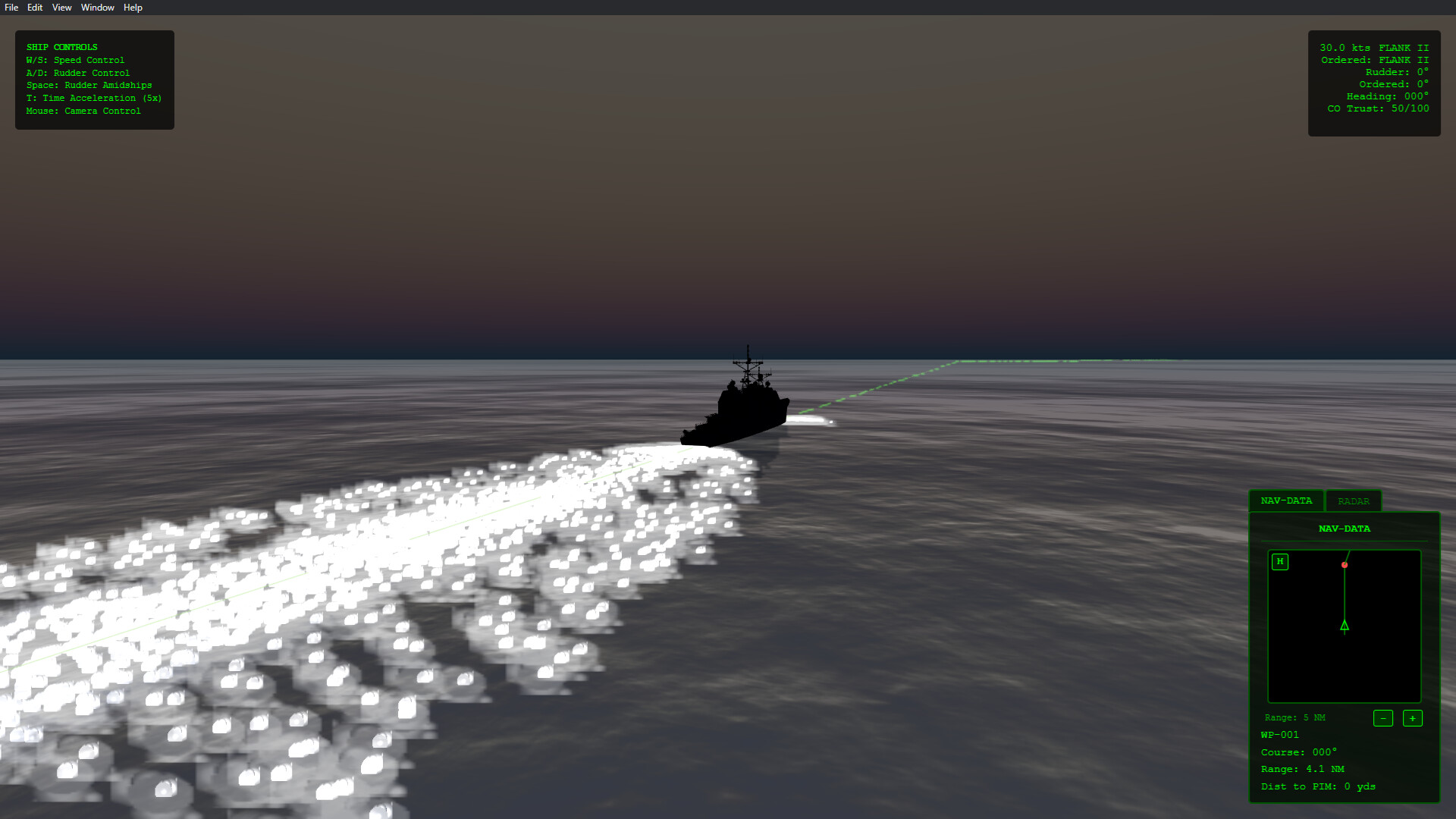
View the gallery of screenshots from Watchstander: Surface Warfare Officer Training Simulator. These images showcase key moments and graphics of the game.
Watchstander: Surface Warfare Officer Training Simulator Minimum PC System Requirements
Minimum:- OS: Windows 10
- Processor: Intel Core i3 (or equivalent AMD)
- Memory: 4000 MB RAM
- Graphics: Integrated graphics (Intel HD 4000 or better)
- DirectX: Version 11
- Storage: 1000 MB available space
- Sound Card: Any Windows-compatible sound device
- VR Support: Not Yet
- Additional Notes: Designed to run on low-spec laptops and offline environments — no GPU required.
Watchstander: Surface Warfare Officer Training Simulator Recommended PC System Requirements
Recommended:- OS: Windows 10 or 11 (64-bit)
- Processor: Intel Core i5 or newer
- Memory: 8000 MB RAM
- Graphics: Dedicated GPU (GTX 1050 or better) for smoother visuals and higher frame rates
- DirectX: Version 11
- Storage: 1000 MB available space
- Sound Card: Standard onboard sound
- VR Support: Not yet
- Additional Notes: Runs best with a mouse + keyboard or controller. Controller support is optional.
Watchstander: Surface Warfare Officer Training Simulator has specific system requirements to ensure smooth gameplay. The minimum settings provide basic performance, while the recommended settings are designed to deliver the best gaming experience. Check the detailed requirements to ensure your system is compatible before making a purchase.