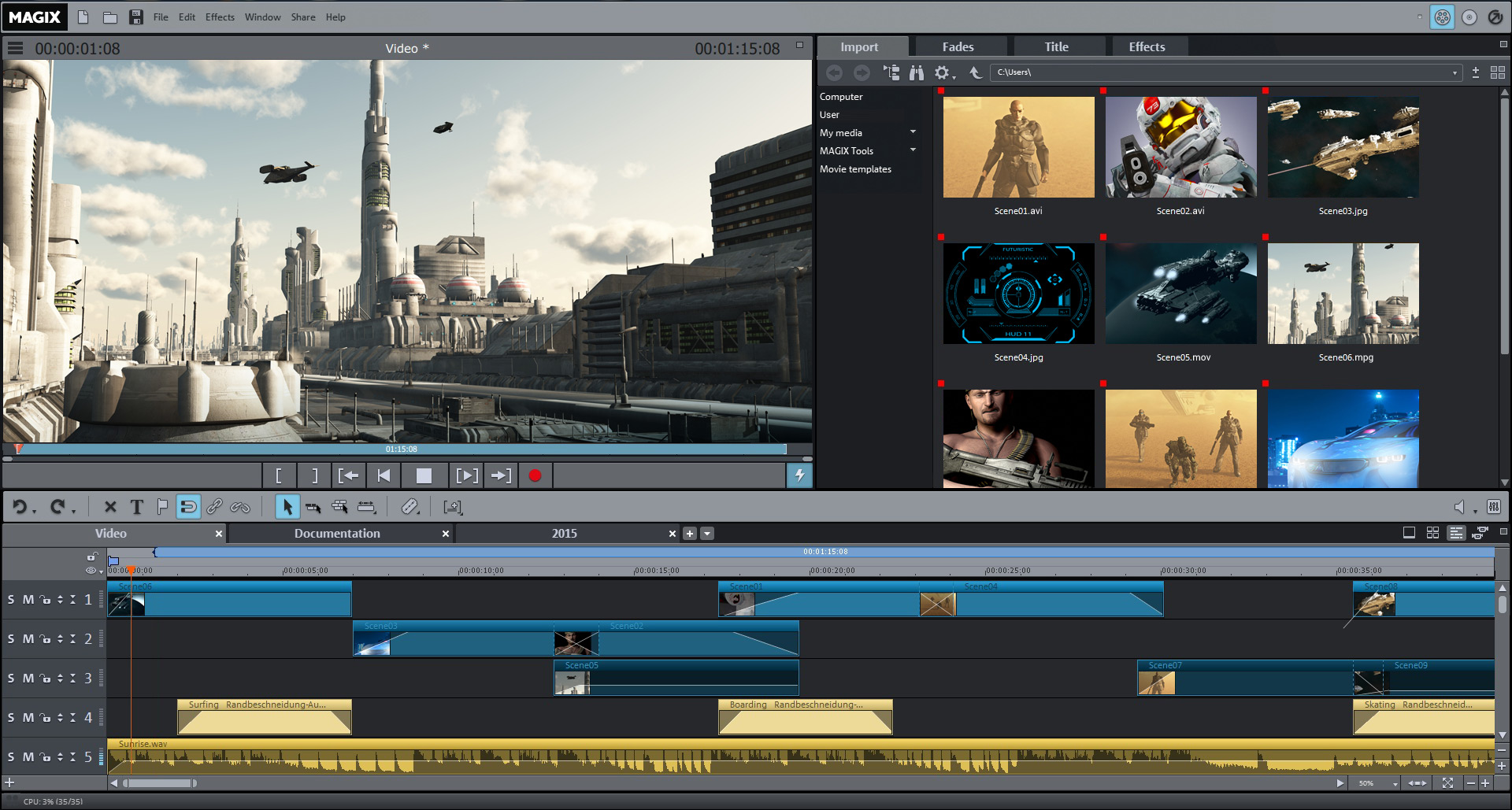
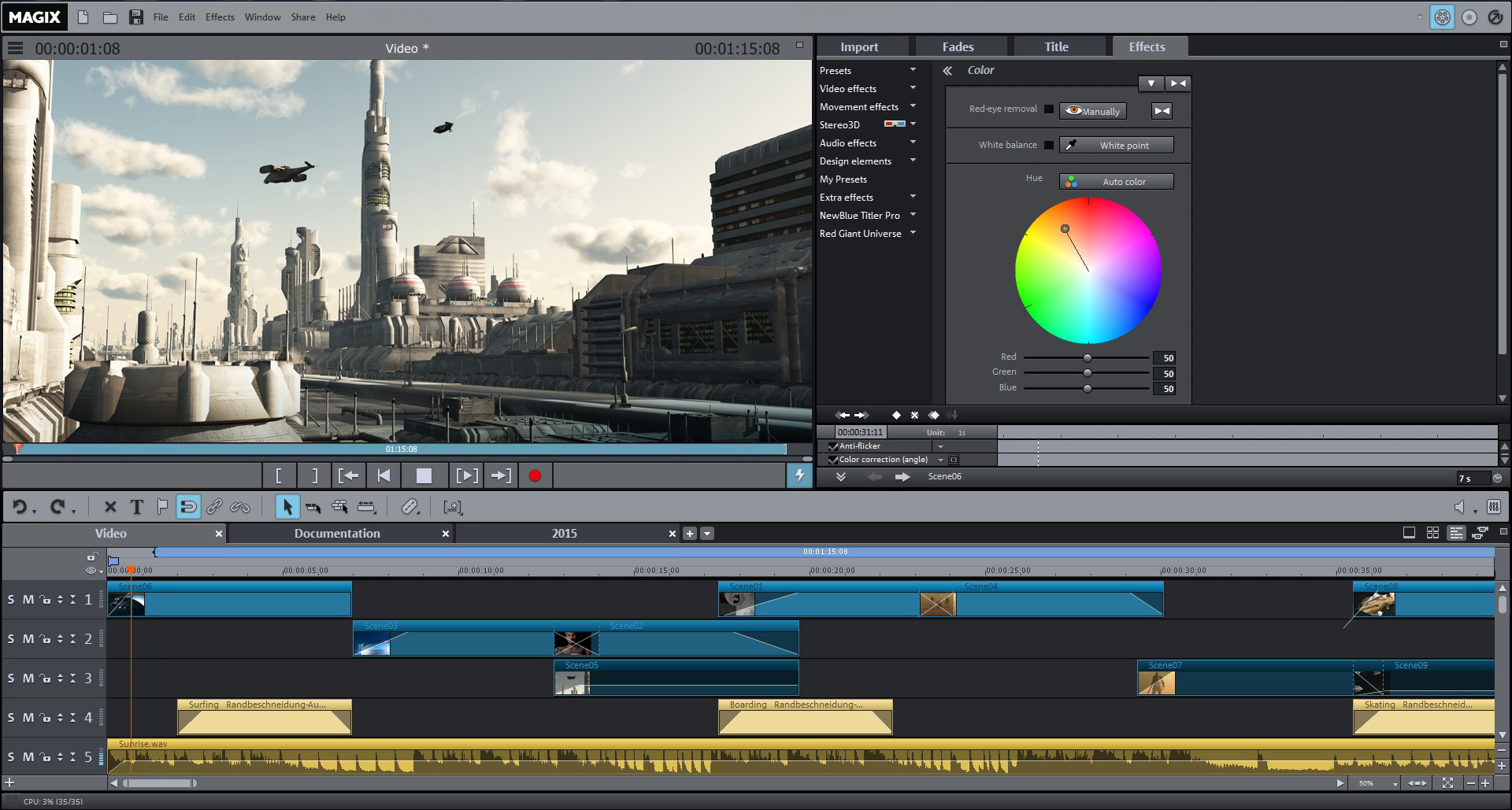
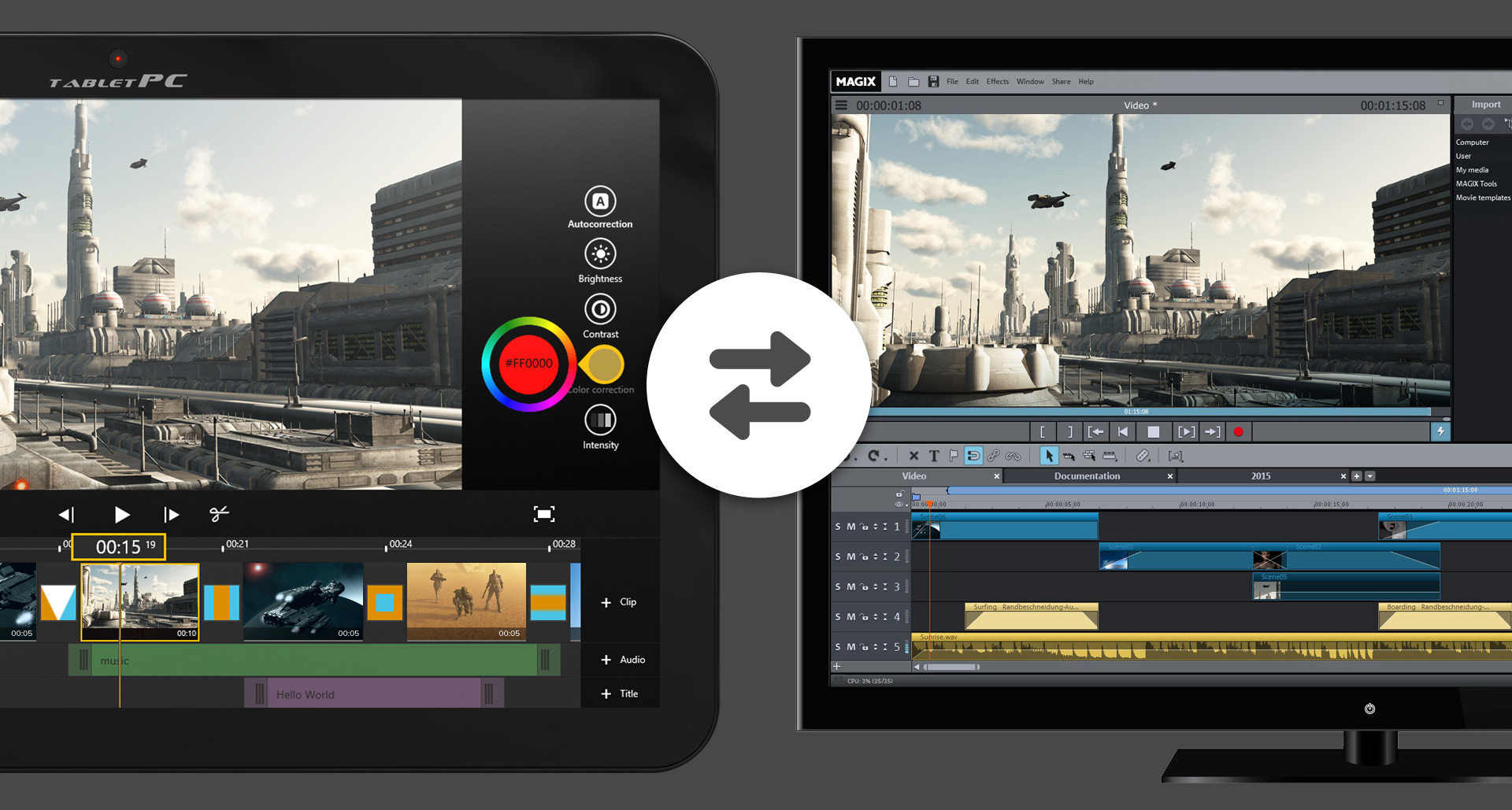
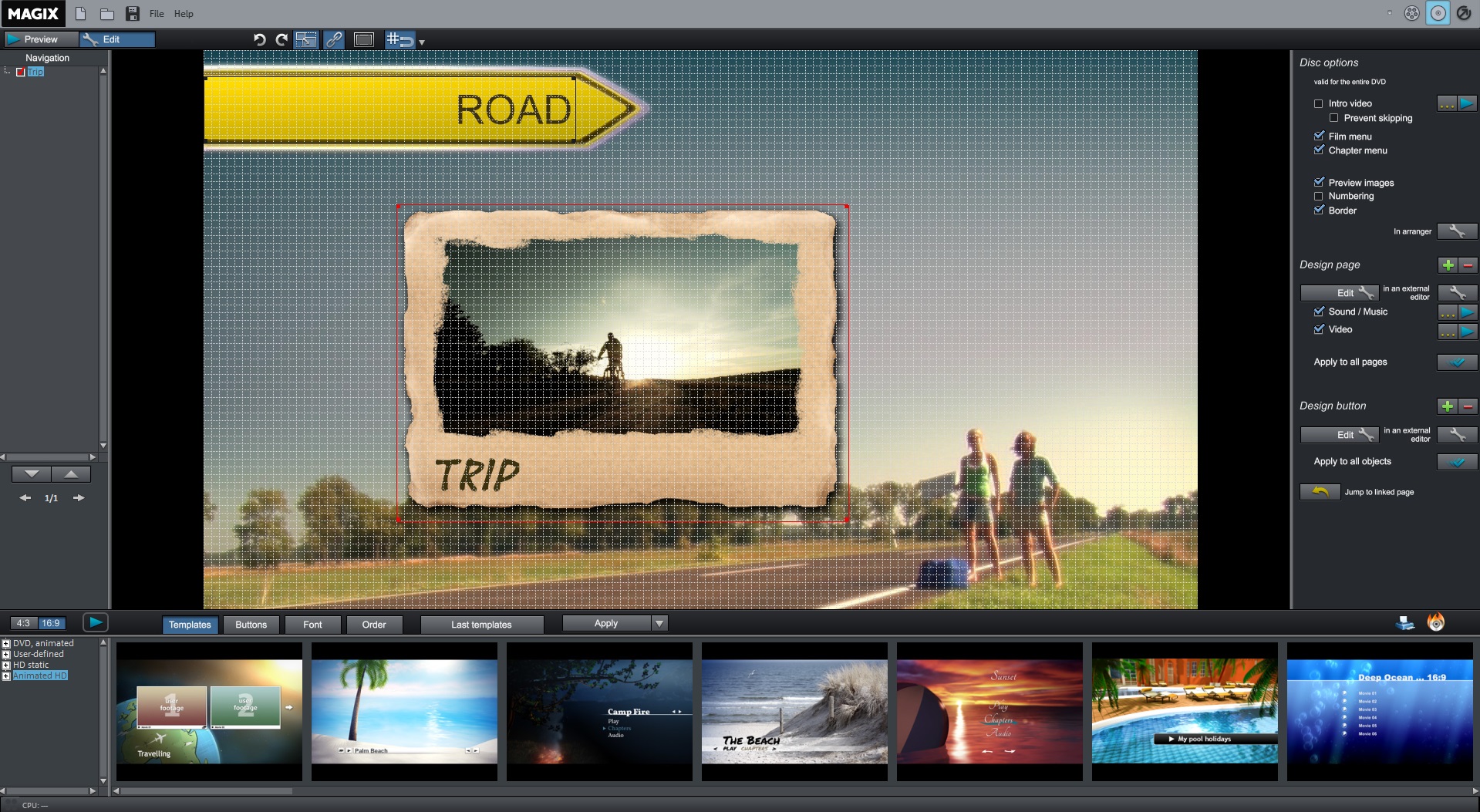
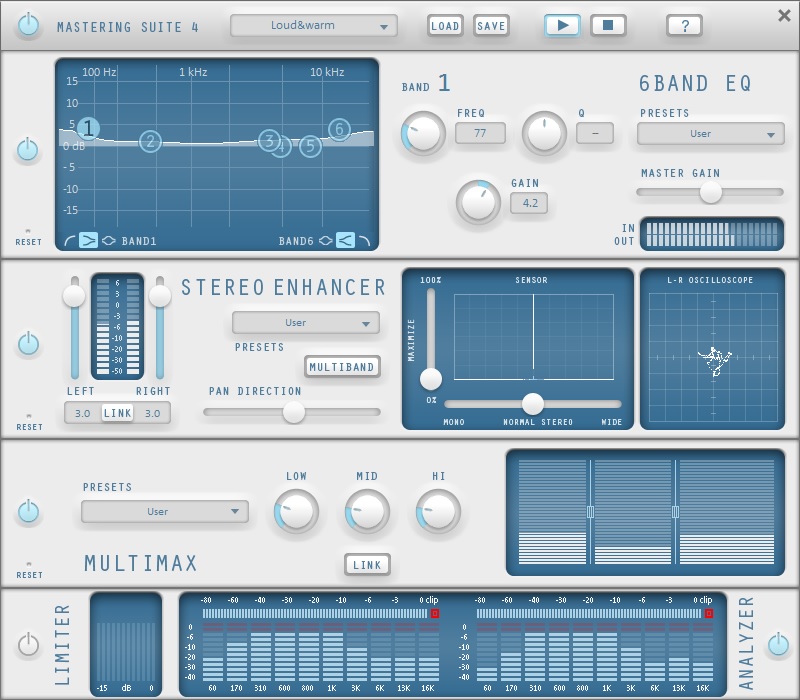
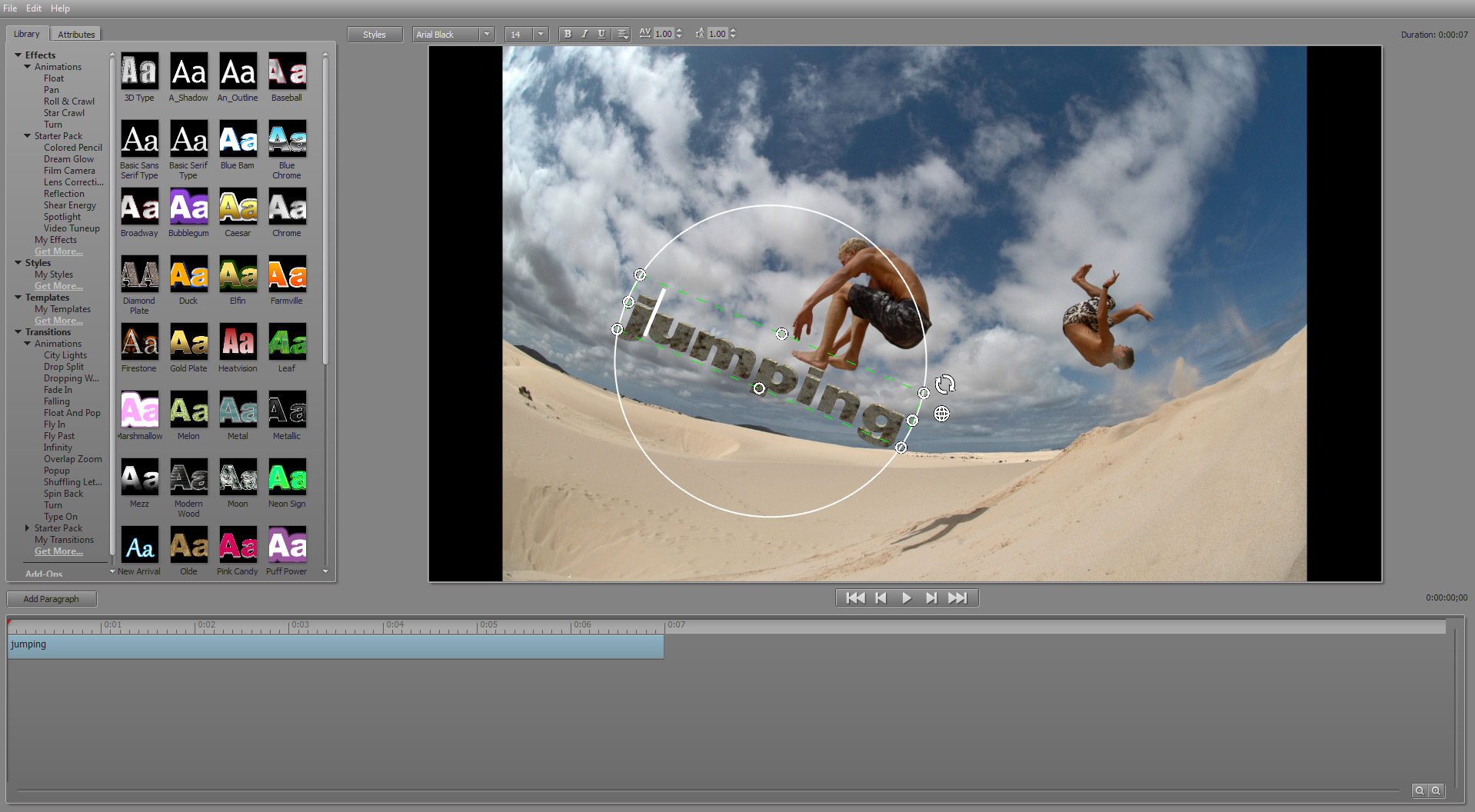
Show the world your best gaming experiences. MAGIX Movie Edit Pro 2015 Plus offers all the functions and tools you need for your video projects. Edit your walkthroughs frame by frame on up to 99 tracks or capture exciting moments of triumph on Let's Play.
33 Total Reviews
22 Positive Reviews
11 Negative Reviews
Mixed Score
MAGIX Movie Edit Pro 2015 Plus has garnered a total of 33 reviews, with 22 positive reviews and 11 negative reviews, resulting in a ‘Mixed’ overall score.
Reviews Chart
Chart above illustrates the trend of feedback for MAGIX Movie Edit Pro 2015 Plus over time, showcasing the dynamic changes in player opinions as new updates and features have been introduced. This visual representation helps to understand the game's reception and how it has evolved.
Recent Steam Reviews
This section displays the 10 most recent Steam reviews for the game, showcasing a mix of player experiences and sentiments. Each review summary includes the total playtime along with the number of thumbs-up and thumbs-down reactions, clearly indicating the community's feedback
Playtime:
126139 minutes
I have returned to using this program because it can edit OBS Studio MP4 files, which Magix Video deluxe 2021 plus has been unable to do.
👍 : 0 |
😃 : 0
Positive
Playtime:
878 minutes
Has to be the best video editing software i have used in a long time. No video loss of quality, very clear playback. All in all 10/10.
👍 : 2 |
😃 : 0
Positive
Playtime:
8246 minutes
This is really a good editing software. It does have a few bugs but other than that it really works well this any of my videos. It took what I thought it would be and raised it times 10. I loved it and other than the few bugs that will get fixed later in the year. I recommend this to any editor! 9.8/10
👍 : 2 |
😃 : 0
Positive
Playtime:
84778 minutes
It doesn't have all the crazy features and effects of Sony Vegas or Premiere Pro, but it's not extremely basic either. The stability is something I'll praise though. I've used it for years and maybe had 3 crashes. Sony Vegas, however, I've used for 10 minutes and had more crashes in that span of time than Magix has ever given me.
👍 : 0 |
😃 : 0
Positive
Playtime:
44989 minutes
Pretty similar to the previous versions. With the exception of giving you NewBlue Titler EX...not pro. Pro is way better. Don't waste your money on this if you have any of the previous versions.
👍 : 24 |
😃 : 1
Negative
Playtime:
120 minutes
Pretty similar to the previous Editor, Has a little old style to it this time & some things added. So far I am not liking it for the reason My auido is not working under the .ts file type which is from My capture card recordings, I am unable to use the program to edit my gameplay recordings. For now I do not like it. Hopefully updates will be made soon.
👍 : 47 |
😃 : 1
Negative
Playtime:
110358 minutes
Always opens up and gets in the way, doesn't shut down properly and sometimes opens up again because it want happy the way it shut don lat time getting in the way. Takes ages to do either and when you save a project and open it again it just opens a ghost mode so you can't edit your project anymore. Waste of money I want a refund. There's better free software out there. Oh and its picky about file format. Like sometimes it accepts MP4, sometimes just audio or any other format. So hit and miss. Mostly miss.
👍 : 0 |
😃 : 0
Negative
Playtime:
34367 minutes
I had the 14 plus (purchased in '09) previously and I really loved it, moving over PCs I wasn't able to keep it since it worked for vista and I am very happy that steam has the 2015 plus. Really enjoying the new design and how much simpler it has gotten and very user friendly. I tried out a few other products before going through with my purchase and I'm really glad to have a good movie editing software again because wmm was getting very annoying and frustrating. I'm still figuring out everything, but I am so far very happy with my purchase. I highly recommend this software if you want something very straight-forward and user friendly.
👍 : 6 |
😃 : 0
Positive
Playtime:
2562 minutes
I used the trial version (you can download from Magix website a 30-day-trial) for some days, then i saw Movie Edit at Holiday Sale & bought it right away. And, i am very happy with it. It is a very good video editor, with a nice and intuitive user interface, many effects & presets and a very good documentation (read it, ♥♥♥♥♥♥♥♥♥!!! you don't learn a complex software like this in an afternoon!). I don't have problems with stability, like some people here. The editor runs smoothly on my Asus laptop without crashing one time. Just keep your machine clean people, install always the newest drivers and you are good to go! I don't understand people crying and blaming, just test the software before you buy! And, video editing is a thing, where not always everything runs perfect, because of all the different video & audio codecs you need to install and work with. For example, I tried Sony Vegas Pro before: it did not read my mp4 files from Action! correctly, Magix Movie Edit does!
Anyway, i like this software a lot. Editing with it is nice & easy & fun!
👍 : 23 |
😃 : 6
Positive
Playtime:
1367 minutes
I've been using this software for several months now as my 'primary video editor' for my job (YouTube) for the better part of a month now, and it has been misery the entire way. Yes the software has some amazing features and capabilities but those become entirely useless when I can't even get it to consistently read / import the raw videos I need it to use.
Problem #1
MAGIX Movie Edit Pro 2015 Plus has zero clue what its primary 'preferred' video or audio file format is. If you email technical support for MAGIX and ask them what the preferred or recommended format for video / audio files are, they'll email you back in semi-broken English telling you that they don't understand the question. After 3 days of exchanging emails with them over this I finally gave up and just tried to figure it out for myself.
At present I am using MP4 files because it would crash trying to read AVI files created from multiple sources, but even with this MP4 format I've been running into massive issues.
Problem #2
The MAGIX Technical Support Team does not use the Steam version of MAGIX Movie Edit Pro 2015 Plus for their testing. They use the DIRECT DOWNLOAD version sold through their own website. Yes this might seem like a small detail to nit pick over but when Technical Support starts instructing you on how to adjust configurations in the program .. and the areas they direct you to don't exist in your version... things start to get real frustrated. Multiple times they've pointed me towards settings menus in places that do not exist in my Steam version of the software.
To make matters worse if you go through their online support documentation via their own website, numerous screens / menus look entirely different from the version they have up for sale on Steam. They have tutorials on their website that are literally useless to me because of this same kind of problem.
Problem #3
This is the big killer for me. Currently both my installs of MAGIX Movie Edit Pro 2015 Plus have this random issue where they'll decide to not show the last 30 to 120 seconds of a recorded MP4.. the file will just 'cut off' short of it's actual full run time.
I've double checked these files in VideoLAN's VLC video player, they work fine. I've checked them with 4 different "Corrupt MP4 File Checkers" and every time they come back as "No issues detected with target file" (i.e. there is no problem to fix in the MP4). I've even tried the files in the video editing software I was using prior to buying this one (Serif Movie Plus X6) and they work and render just FINE in that software.
I've emailed MAGIX Technical Support about this issue numerous times, sending them download links for the same files. Each time they respond back with "It works just fine in our install of Movie Edit Pro, we don't see a problem?".
I highly advise that you steer clear of buying Magix Movie Edit Pro 2015 Plus via Steam. It's obviously still being figured out and patched / tested via this platform, so don't waste your money like I have.
I am now trying to get the company to swap out my Steam version for a stand alone install from their website, but I hold no hopes of success.
👍 : 36 |
😃 : 3
Negative
MAGIX Movie Edit Pro 2015 Plus DLC
MAGIX Movie Edit Pro 2015 Plus offers 1 downloadable content (DLC) packs, each adding unique elements and extending the core gameplay experience. These packs may include new missions, characters, maps, or cosmetic items, enriching the player's engagement with the game.
MAGIX Movie Edit Pro 2015 Plus Minimum PC System Requirements
Minimum:- OS *: Windows 7 (64-bit)
- Processor: Dual core processor with 2.0 GHz
- Memory: 2 GB RAM
- Graphics: Onboard, minimum resolution 1024 x 768
- Storage: 7200 MB available space
- Sound Card: Internal sound card
- Additional Notes: Supported import formats - Video: (DV-)AVI, MPEG-1/2/4, M(2)TS, MXV, MJPEG, MOV, WMV(HD), MKV, VOB - Audio: WAV, MP3, OGG, WMA, MIDI, Surround Sound/5.1 - Image: JPEG, BMP, GIF, TIF, TGA | Supported export formats - Disc: DVD, Blu-ray disc, AVCHD disc - Video: (DV-)AVI, MJPEG, MXV, MPEG-1/2/4, MOV, WMV(HD) - Audio: WAV, MP3, Surround-Sound/5.1 - Image: JPEG, BMP | Note: MP3 export requires installation of Windows Media Player version 10 or higher. | NewBlue Titler Pro requires an OpenGL 2.1 compatible graphics card with at least 256 MB VRAM, Intel HD not supported.
MAGIX Movie Edit Pro 2015 Plus Recommended PC System Requirements
Recommended:- OS *: Windows 7 | 8 | 8.1 (64-bit)
- Processor: Quad-core processor with 2.8 GHz or better
- Memory: 4 GB RAM
- Graphics: Dedicated, at least 512 MB VRAM
- Storage: 9 GB available space
- Sound Card: Multi-channel sound card recommended for surround sound editing
- Additional Notes: Some advanced program functions demand more of your computer's processing power. To get the most from these functions, your system should at least meet the recommended requirements. Check your operating system’s control panel for technical information about your computer.
MAGIX Movie Edit Pro 2015 Plus has specific system requirements to ensure smooth gameplay. The minimum settings provide basic performance, while the recommended settings are designed to deliver the best gaming experience. Check the detailed requirements to ensure your system is compatible before making a purchase.


 Store
Store