

 Store
StoreMultiplicity 4 System Requirements
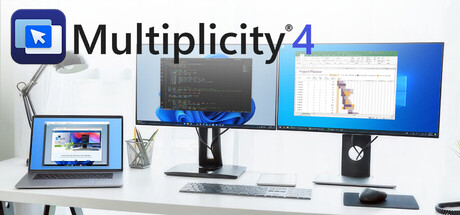
Connect and control multiple PCs with one keyboard and mouse. Share files, audio, and clipboard content, switch between devices securely, and even use PCs as extra monitors. Multiplicity 4 streamlines your multi-device workflow, perfect for work, gaming, and creative projects.
| App ID | 3195040 |
| App Type | GAME |
| Developers | Stardock |
| Publishers | Stardock |
| Genres | Utilities, Game Development, Animation & Modeling, Video Production, Web Publishing, Design & Illustration, Education, Software Training, Audio Production, Photo Editing, Accounting |
| Release Date | 16 Sep, 2025 |
| Platforms | Windows |
| Supported Languages | English, Portuguese - Brazil, French, German, Simplified Chinese, Traditional Chinese, Japanese, Russian, Korean, Spanish - Latin America |
Multiplicity 4 Minimum PC System Requirements
Minimum:- Requires a 64-bit processor and operating system
- OS: Windows 10 / 11
- Processor: Dual-core or better processor
- Memory: 256 MB RAM
- Graphics: Intel/AMD Integrated or better
- Storage: 100 MB available space
Multiplicity 4 Recommended PC System Requirements
Recommended:- Requires a 64-bit processor and operating system
Multiplicity 4 has specific system requirements to ensure smooth gameplay. The minimum settings provide basic performance, while the recommended settings are designed to deliver the best gaming experience. Check the detailed requirements to ensure your system is compatible before making a purchase.