

 Store
Store
Pixel Game Maker MV Demo Steam Charts & Stats
| App ID | 1162550 |
| App Type | DEMO |
| Developers | Gotcha Gotcha Games, KADOKAWA |
| Publishers | PLAYISM |
| Categories | Game demo |
| Genres | Utilities, Game Development, Web Publishing, Design & Illustration, Education, Audio Production |
| Release Date | 19 Sep, 2019 |
| Platforms | Windows |
| Supported Languages | English, Simplified Chinese, Japanese |

Pixel Game Maker MV Demo has garnered a total of 5 reviews, with 3 positive reviews and 2 negative reviews, resulting in a ‘Mixed’ overall score.
Reviews Chart
Chart above illustrates the trend of feedback for Pixel Game Maker MV Demo over time, showcasing the dynamic changes in player opinions as new updates and features have been introduced. This visual representation helps to understand the game's reception and how it has evolved.
Pixel Game Maker MV Demo Screenshots
View the gallery of screenshots from Pixel Game Maker MV Demo. These images showcase key moments and graphics of the game.
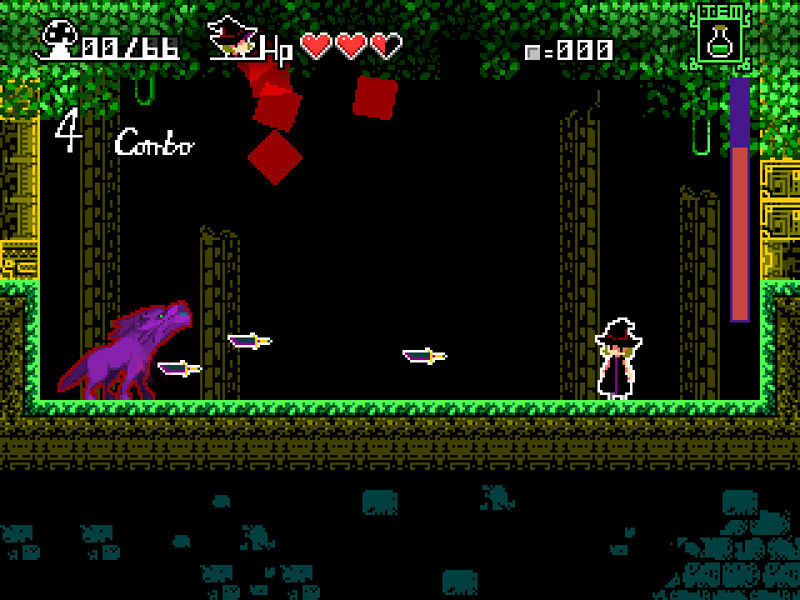
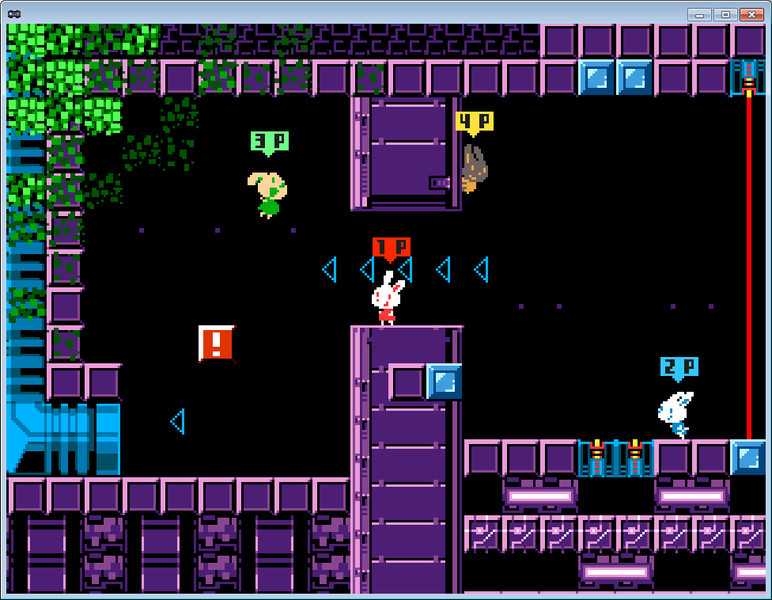
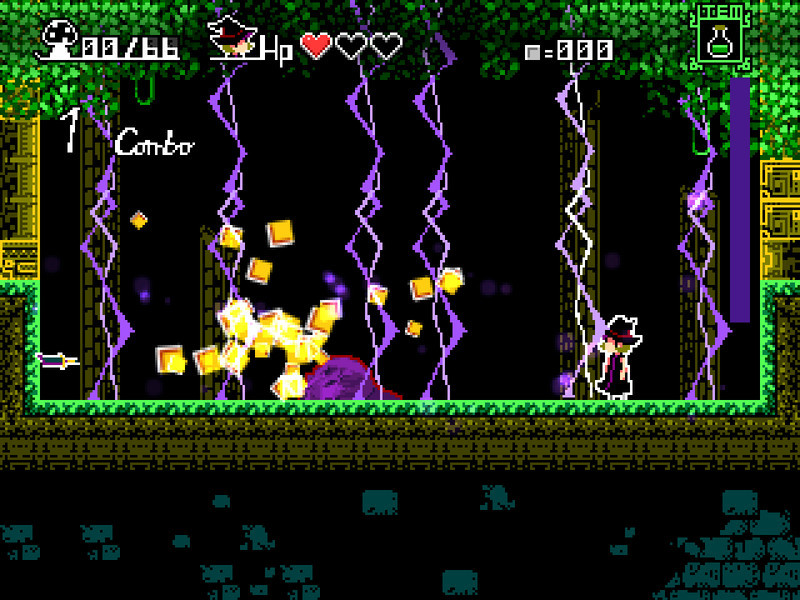
Pixel Game Maker MV Demo Minimum PC System Requirements
Minimum:- Requires a 64-bit processor and operating system
- OS *: Windows 7/8/8.1/10 (32bit/64bit)
- Processor: Intel Core2 Duo and 2.0GHz or better
- Memory: 4 GB RAM
- Graphics: DirectX 9/OpenGL 4.1 capable GPU
- Storage: 1 GB available space
Pixel Game Maker MV Demo Recommended PC System Requirements
Recommended:- Requires a 64-bit processor and operating system
- OS *: WindowsR 7/8/8.1/10 (32bit/64bit)
- Processor: Intel Core2 Duo and 3.0GHz or better
- Memory: 8 GB RAM
- Graphics: DirectX 9/OpenGL 4.1 capable GPU / NVIDIA GeForce GTX750 or better
- Storage: 1 GB available space
Pixel Game Maker MV Demo has specific system requirements to ensure smooth gameplay. The minimum settings provide basic performance, while the recommended settings are designed to deliver the best gaming experience. Check the detailed requirements to ensure your system is compatible before making a purchase.